
 Account

Maxon One Fall 2026 Release: What's New in Cinema 4D, ZBrush, Redshift and More?
POSTED 16th OF Oct, 2026, Posted by Summer Magdaraog

POSTED 16th OF Oct, 2026, Posted by Summer Magdaraog

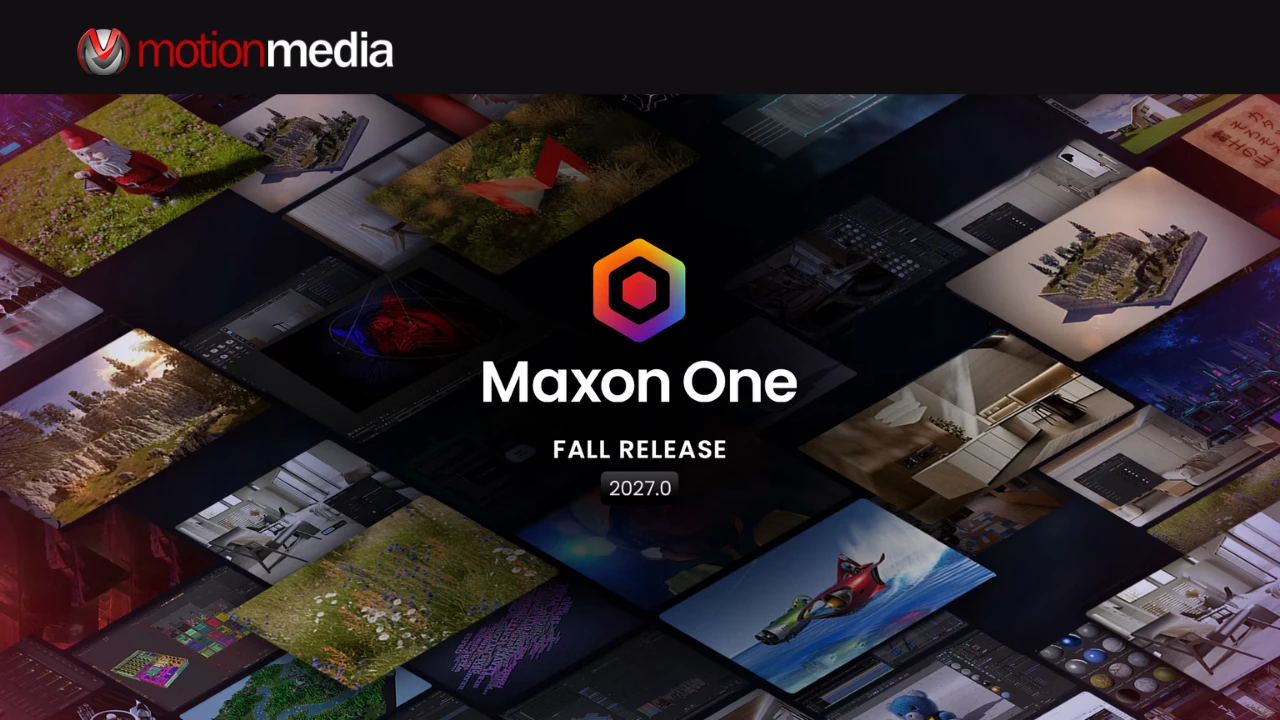
Maxon's Fall 2026 software release is here, bringing the 2027.0 updates to Cinema 4D, ZBrush, Redshift, Red Giant, and Autograph. Announced on October 14, 2026, the release introduces a new procedural scattering system, more detailed liquid simulations, integrated UV editing, faster rendering feedback, AI-powered relighting, and new ways to connect creative applications.
For 3D artists, motion designers, sculptors, and visual effects professionals, the updates address practical challenges throughout production. Cinema 4D makes it easier to populate complex environments. ZBrush brings more asset-preparation tools into the sculpting workflow. Redshift improves interactive rendering, while Red Giant and Autograph expand the possibilities for effects, compositing, and AI-assisted work.
Rather than focusing on a single headline feature, this release improves several parts of the creative process at once.
Here's what's new in the Maxon 2027.0 releases and what the changes mean for your workflow.
Maxon's Fall 2026 release covers five major applications, each with updates aimed at a different stage of creative production.
| Application | Major new features | What they mean for artists |
| Cinema 4D 2027.0 | Scatter System and Liquid FX | Populate detailed 3D environments and add foam, spray, and bubbles to liquid simulations. |
| ZBrush 2027.0 | UV Editor, Selection Sets, Spotlight, and 3D Layers | Manage UVs and sculpting variations more directly within desktop and iPad workflows. |
| Redshift 2027.0 | Improved GPU memory management, faster interactive rendering, Redshift Live enhancements, and procedural Fur | Get more responsive look development and create detailed fur, fibers, and textile materials at render time. |
| Red Giant 2027.0 | Scene Light, Maxon Noise for Universe, and Real Lens Flares enhancements | Relight footage, build procedural effects, and customize lens artifacts. |
| Autograph 2027.0 | MCP Server and Cinema 4D copy-and-paste support | Connect compatible AI assistants to application tools and transfer supported 3D elements into compositing. |
Cinema 4D 2027.0 introduces two particularly notable features for artists creating complex environments and simulation-based effects: the new Scatter System and Liquid FX.
Populating a large scene with vegetation, rocks, debris, or other repeated objects can take considerable setup. Cinema 4D's new Scatter System provides a procedural way to distribute assets across surfaces while maintaining control over their arrangement.
The Scatter Generator and Scatter Tag support distribution, filtering, clustering, and transformation controls. Artists can also use Cinema 4D's familiar MoGraph Fields and Effectors to influence the placement and animation of scattered objects.
Because the system is integrated into MoGraph, artists can work with existing tools rather than building every distribution pattern manually or relying on a separate scattering workflow.
For environment artists and motion designers, this opens up more flexible ways to create forests, landscapes, debris fields, and other detailed scenes. Changes to the distribution can be made procedurally, making it easier to explore different layouts during production.
Liquid FX expands Cinema 4D's unified simulation system with automatically generated secondary effects that respond to the motion of a liquid simulation.
The system adds foam, spray, and bubbles, helping artists build more convincing pours, splashes, swirls, and waterfalls without having to construct separate complex simulations for every detail.
This is particularly relevant to product animation and visual effects, where the small details of moving liquids can make a shot feel more convincing. A beverage pour, for example, can benefit from bubbles and foam that follow the underlying liquid motion rather than appearing as unrelated elements.
Cinema 4D 2027.0 also includes additional workflow refinements and improvements to ACES 2.0 alignment between Cinema 4D and Redshift, helping keep scene creation and rendering more closely connected.
ZBrush 2027.0 brings a dedicated UV Editor to desktop ZBrush while adding new reference and non-destructive sculpting capabilities to ZBrush for iPad.
The common theme is flexibility: artists can manage more of their asset-creation work inside ZBrush instead of repeatedly switching applications or reconstructing sculpting states.
UV mapping prepares a 3D model's surface for texturing. Until now, artists using ZBrush often needed to move to another application for parts of this process.
The new UV Editor allows artists to create, unwrap, edit, and pack UVs directly inside ZBrush. Built using Maxon's Cinema 4D UV technology, it includes support for UDIM workflows and texel density controls.
For character artists, digital sculptors, and other 3D professionals, this creates a more direct path from sculpting to asset preparation. Artists can refine UVs within the same application while a model is still being developed.
Selection Sets address another common challenge in complex sculpting projects: keeping track of different configurations while exploring alternatives.
Artists can save and recall configurations that include Polygroups, masks, Polypaint, morph targets, and UV setups. Instead of repeatedly rebuilding these states by hand, they can return to a saved configuration when needed.
This can be useful when comparing character details, exploring different surface treatments, or working through revisions on an existing model. It also makes it easier to revisit earlier decisions without interrupting the sculpting process.
ZBrush for iPad receives two important additions.
Spotlight brings image-based sculpting, painting, mesh creation, and reference workflows into the iPad viewport. Artists can work from images to create geometry and develop custom details within their sculpting environment.
The new 3D Layers provide a non-destructive way to work with sculpting changes, Polypaint, and masking. Artists can experiment with details, blend changes, and maintain separate layers before deciding which results to bake into the model.
For artists who prefer working on a tablet during early exploration or detail work, these features offer more flexibility without immediately committing to every change.
Redshift 2027.0 focuses on rendering responsiveness, more efficient GPU memory use, and additional material-creation options. These changes matter during look development, when artists need to assess the effects of lighting, shaders, and scene adjustments before committing to a final render.
The release introduces a revised GPU memory architecture with more efficient allocation, improved resource sharing, and better unified-memory support. On multi-GPU systems, scenes can also load in parallel across GPUs rather than loading one at a time.
For studios working with complex scenes, these improvements are intended to help make better use of available hardware resources.
The practical benefit depends on the scene and system configuration, but the changes are aimed at supporting increasingly demanding rendering workloads without requiring artists to rethink their existing scene setups.
Redshift's interaction with Cinema 4D has also received significant improvements, particularly in viewport interactive rendering.
When an artist adjusts a light, material, or scene element, the time between making a change and evaluating the result can influence the pace of look development. Faster feedback makes it easier to compare lighting setups, refine materials, and make visual decisions without repeatedly waiting for the preview to catch up.
Redshift Live also receives enhancements, including faster shader compilation and support for refraction, transparent shadows, area light spread, and ray-traced depth of field. These additions improve the information available during look development, bringing more advanced lighting and material behavior into the preview process.
Redshift 2027.0 makes several material-creation tasks more direct within Cinema 4D. Artists can use triplanar mapping and hex tiling, access additional material settings, find HDRI environments through the Dome Light's integrated Browse tab, and work with vertex map and vertex color tags directly in materials.
These refinements reduce setup steps for common shading tasks and help artists keep more of their material work within the existing Cinema 4D workflow.
The new procedural Fur system generates surface detail at render time rather than requiring artists to manage dedicated geometry assets for every variation.
It supports creating fur, fibers, woven textiles, and knitted materials on meshes. Production-oriented features include motion blur, instancing, and UV controls.
For product visualization and industrial design, the system is particularly relevant to projects involving upholstery, footwear, fabrics, and other materials where fine surface detail affects the final appearance. Artists can explore material variations without having to build a separate geometry-heavy asset pipeline for every result.
Redshift 2027.0 also adds support for NVIDIA RTX Spark, extending the range of supported hardware environments for Redshift workflows.
Red Giant 2027.0 introduces new ways to work with footage lighting, procedural textures, and lens flares. The updates are particularly relevant to motion designers and visual effects artists who need to integrate effects into existing shots while retaining creative control.
Scene Light is a new AI-powered, depth-aware relighting tool for Adobe After Effects. It allows artists to place lights into existing live-action footage and CG imagery, with the lighting remaining adjustable during compositing.
For example, a VFX artist adding an explosion or muzzle flash may need the surrounding scene to reflect the new light source. Scene Light is designed to help introduce that lighting interaction without relying entirely on extensive manual masking and color adjustments.
The same tool can support broader lighting treatments, including day-for-night work. Its depth-aware approach helps the lighting respond to the scene, while artists retain control over the result.
Rather than replacing compositing judgment, Scene Light gives artists another way to shape how lighting contributes to a shot.
Maxon Noise Comes to Universe
Maxon Noise brings the procedural noise patterns used in Cinema 4D and Redshift into Universe.
The GPU-accelerated tools provide customizable patterns for creating textures, animated maps, transitions, particle drivers, and abstract visual effects within supported video and compositing workflows.
For motion designers, this means additional procedural options for developing distinctive visual treatments without having to build every pattern from scratch.
Real Lens Flares now supports Custom Schmutz, allowing artists to use still or animated textures to create lens grime, dust, water drops, splashes, and other optical imperfections.
The update also expands the available light source types beyond sunlight. Artists can create flares suited to sources such as tungsten, fluorescent, LED, HMI, sodium vapor, fire, and arc welders.
These controls help match lens artifacts to the lighting in a scene rather than applying the same flare treatment to every source.
Additional ecosystem updates include Chromatic Displacement in Autograph and custom UI support for Red Giant controls inside Maxon Studio Capsules, including color wheels, curves, gradients, and text controls.
Autograph 2027.0 introduces two important workflow changes: an MCP Server for AI-assisted interaction and direct copy-and-paste support for transferring compatible 3D elements from Cinema 4D.
These additions connect application tools and scene elements more closely, helping artists move between 3D creation and compositing with fewer manual steps.
MCP stands for Model Context Protocol. In Autograph 2027.0, the built-in MCP Server can be enabled to let compatible AI assistants interact with Autograph's native tools.
Through natural-language prompts, supported assistants can help artists navigate the application, answer questions about its tools, and automate portions of a creative workflow.
The key distinction is that the assistant can work through supported application tools while artists continue to direct and review the creative process. MCP is an integration mechanism for connecting an AI assistant with software functionality, not a guarantee that a complete creative project can be produced correctly without supervision.
For teams exploring AI-assisted workflows, the update offers another way to interact with Autograph while keeping creative decisions within the application.
Autograph's new direct connection with Cinema 4D lets artists copy and paste supported 3D elements between the applications.
This includes animated elements, cameras, lights, nulls, and compatible primitives. These elements can be brought into Autograph's 3D workspace alongside a Redshift render and Autograph's compositing tools.
The benefit is straightforward: artists can transfer supported scene information without rebuilding every element manually. For motion graphics and compositing teams, this provides a more connected way to bring 3D scene components into a finishing workflow.
The 2027.0 updates cover several different production needs. The most relevant features will depend on the applications an artist uses and the type of work they produce.
The release does not depend on a single feature transforming an entire pipeline. Instead, it delivers targeted improvements across different stages of creative work, from building a 3D scene to refining materials and compositing the final image.
Earlier this fall, Motion Media covered the developments Maxon previewed at IBC 2026. This article focuses on the announced 2027.0 release and its available feature updates. Read our earlier Maxon IBC 2026 coverage.
Choosing the right Maxon license starts with understanding which applications you use and how they fit into your production process.
Maxon One is worth considering for artists and studios whose work spans multiple areas, such as 3D modeling, sculpting, rendering, motion graphics, and visual effects. Having access to a broader set of tools can be useful when projects move between disciplines or when creative requirements vary from one job to the next.
An individual product subscription may be more appropriate for someone whose primary work depends on a particular application. Comparing the available options helps you avoid choosing a bundle or individual license without first assessing your actual needs.
Before purchasing, consider which applications your workflow requires, how many users need access, and the current licensing terms for your intended use. Product availability and subscription options should always be confirmed at the time of purchase.
Ready to explore the latest Maxon tools for your next project?
Motion Media is an authorized Maxon reseller offering licensing options for creative professionals, studios, and production teams. Whether you're evaluating Cinema 4D, ZBrush, Redshift, Red Giant, Autograph, or a broader Maxon One subscription, choosing the right option starts with understanding your workflow and software requirements.
Explore Maxon software and licenses at Motion Media to review available products and licensing options. Contact Motion Media for help with product selection, licensing questions, and purchasing options.
Share: