
 Account

ProtoPie MCP Is Now Official: New Features, Frameworks, and Requirements
POSTED 15th OF Oct, 2026, Posted by Summer Magdaraog

POSTED 15th OF Oct, 2026, Posted by Summer Magdaraog

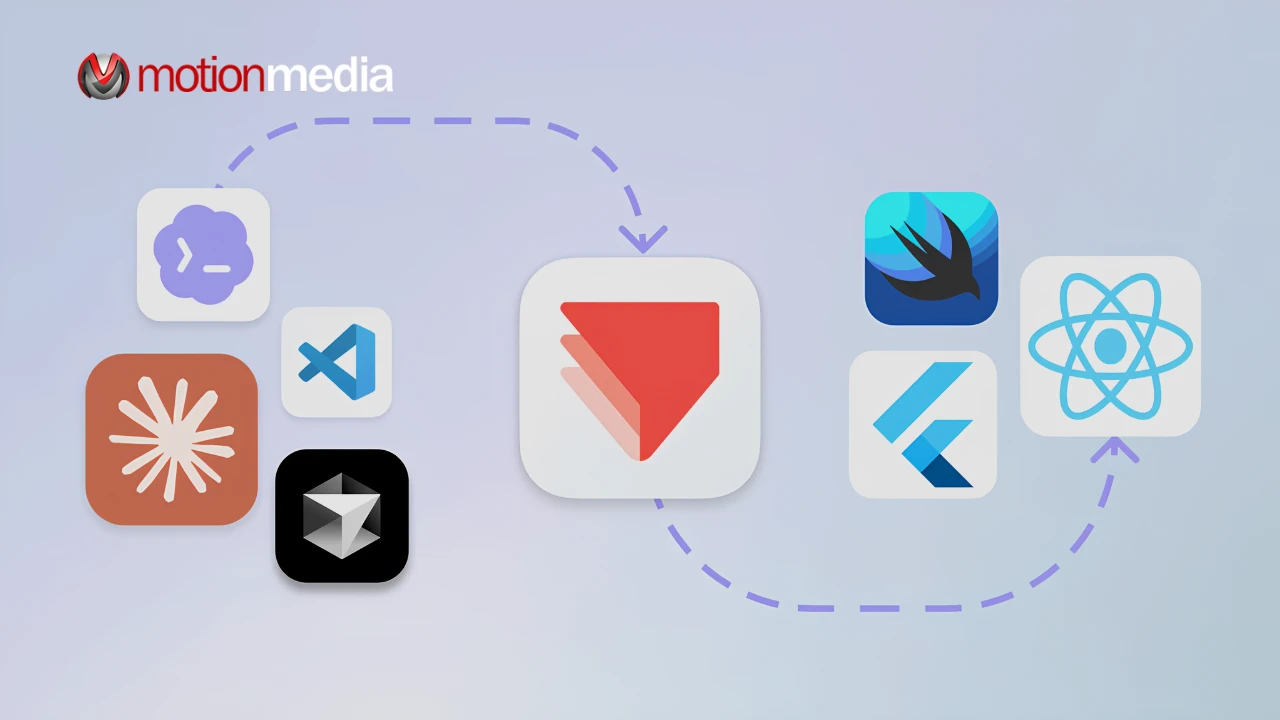
ProtoPie MCP is now officially released, expanding how AI agents can work with interactive prototypes and support the transition from design to development. Announced on October 7, 2026, the update introduces custom ProtoPie library access, ID-based element targeting, and React Native support for AI-assisted code generation.
For UX designers, product teams, and developers, these improvements provide more ways to reuse existing design components, refine complex interactions, and give AI coding tools structured information about prototype behavior.
Here's what changed in the official release, how the two MCP packages differ, and what you need to get started.
The official release introduces three key improvements:
Together, these enhancements extend ProtoPie's AI-assisted workflow from prototype creation and refinement to more context-aware developer handoff.
Design systems help teams maintain consistent components across screens and products. Recreating familiar elements for every new prototype can add unnecessary work and introduce inconsistencies.
With the official MCP update, Studio MCP can browse enabled ProtoPie libraries and insert their components as instances into a prototype. Designers can therefore bring existing assets and components into AI-assisted screen creation while retaining their established design conventions.
This is particularly useful for teams that need to explore new interfaces without abandoning the reusable components they already maintain.
Instead of treating AI-generated screens as isolated outputs, teams can incorporate library components into the prototyping workflow and refine the result in ProtoPie Studio.
Learn more in the ProtoPie Studio MCP documentation .
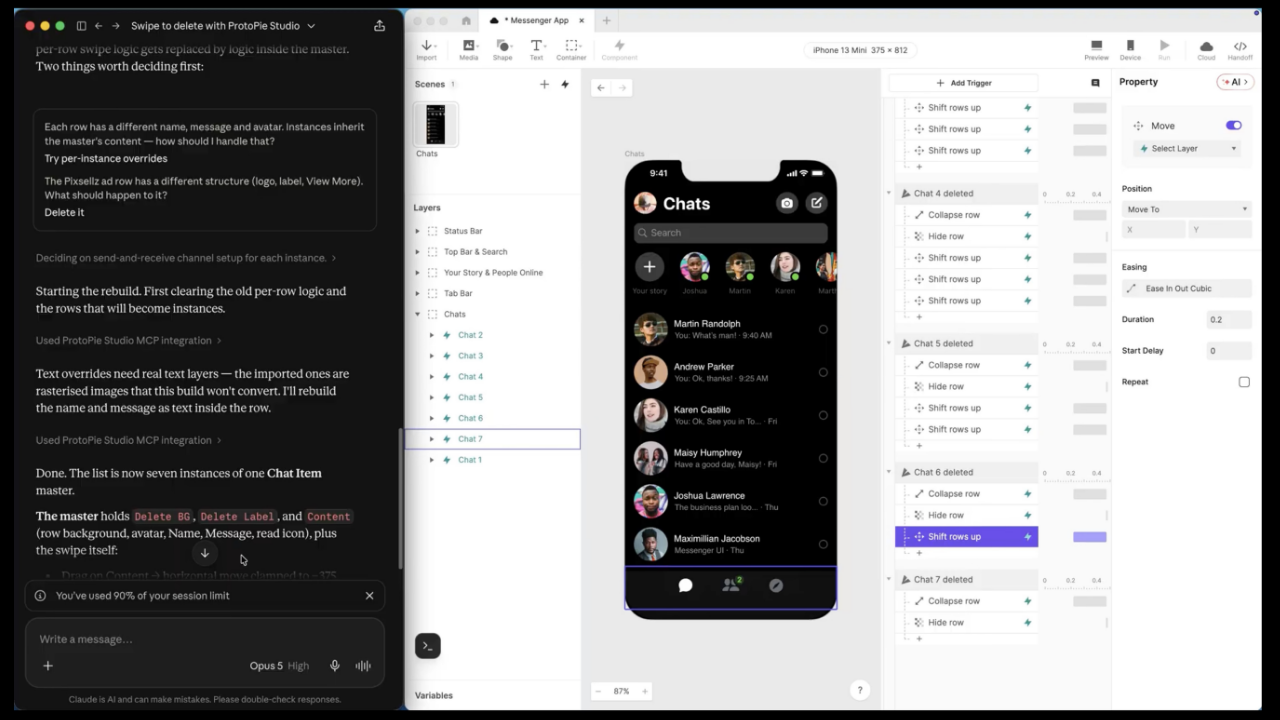
AI-assisted editing can become less precise when a prototype contains numerous layers, scenes, variables, and interactions. Describing an element in a prompt may leave room for ambiguity, particularly when multiple elements have similar names or appearances.
ProtoPie MCP addresses this with ID-based element targeting. Users can copy the ID of a supported element and include it in their prompt, giving the AI agent a more explicit reference.
Supported elements include:
For example, a designer can provide the ID of a particular interaction element when asking an AI agent to modify its behavior. This gives the agent a specific target instead of relying exclusively on a written description.
ID-based targeting can make edits easier to direct in complex prototypes, although the results should still be reviewed to ensure the intended interaction remains intact.
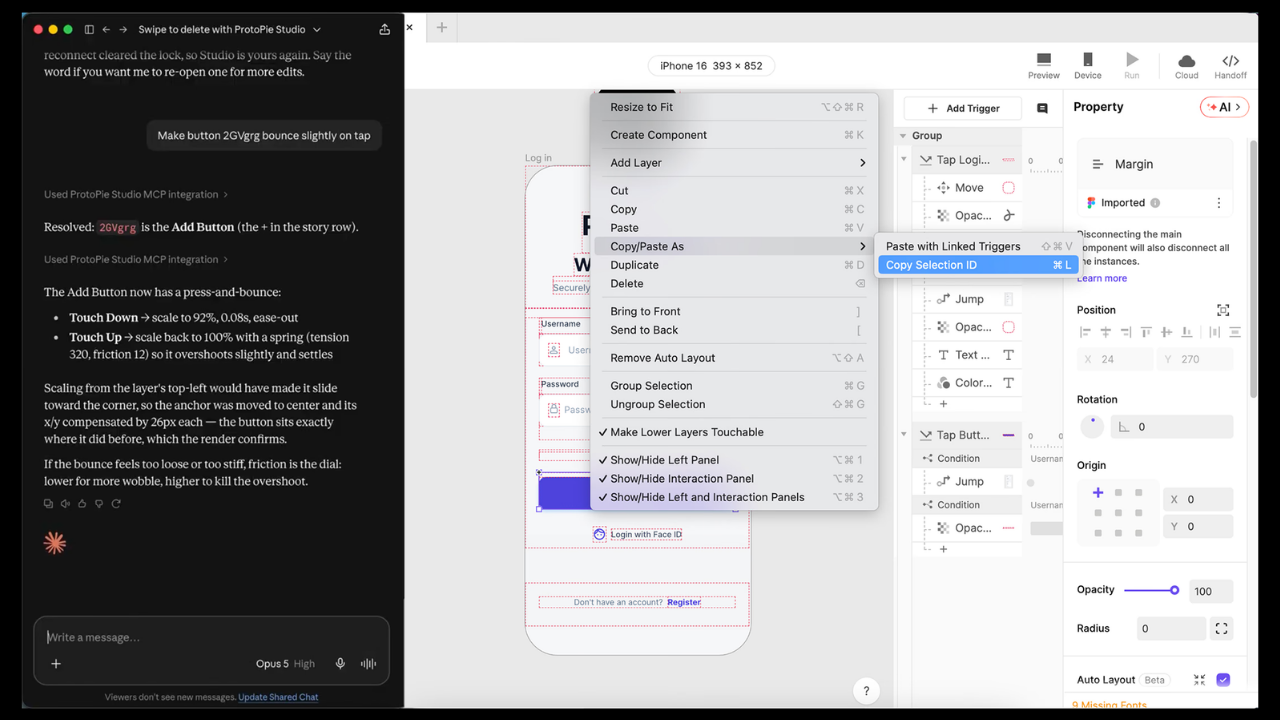
The official release adds React Native to Code MCP's supported frameworks, broadening the options available to teams using AI coding agents to implement interactive designs.
Code MCP officially supports these seven frameworks:
Code MCP gives a compatible AI coding agent access to structured information from a ProtoPie prototype, including its scenes, layers, components, variables, and trigger-response interactions.
Developers can use a ProtoPie Cloud link to provide context for an entire prototype or a more specific part, such as an individual scene, component, or layer. The AI agent can then use this information when generating code for a supported framework.
This provides a more structured basis for AI-assisted implementation than relying on screenshots or written descriptions alone. Generated code still requires engineering review and testing before it is incorporated into an application.
For technical details, visit the ProtoPie Code MCP documentation .
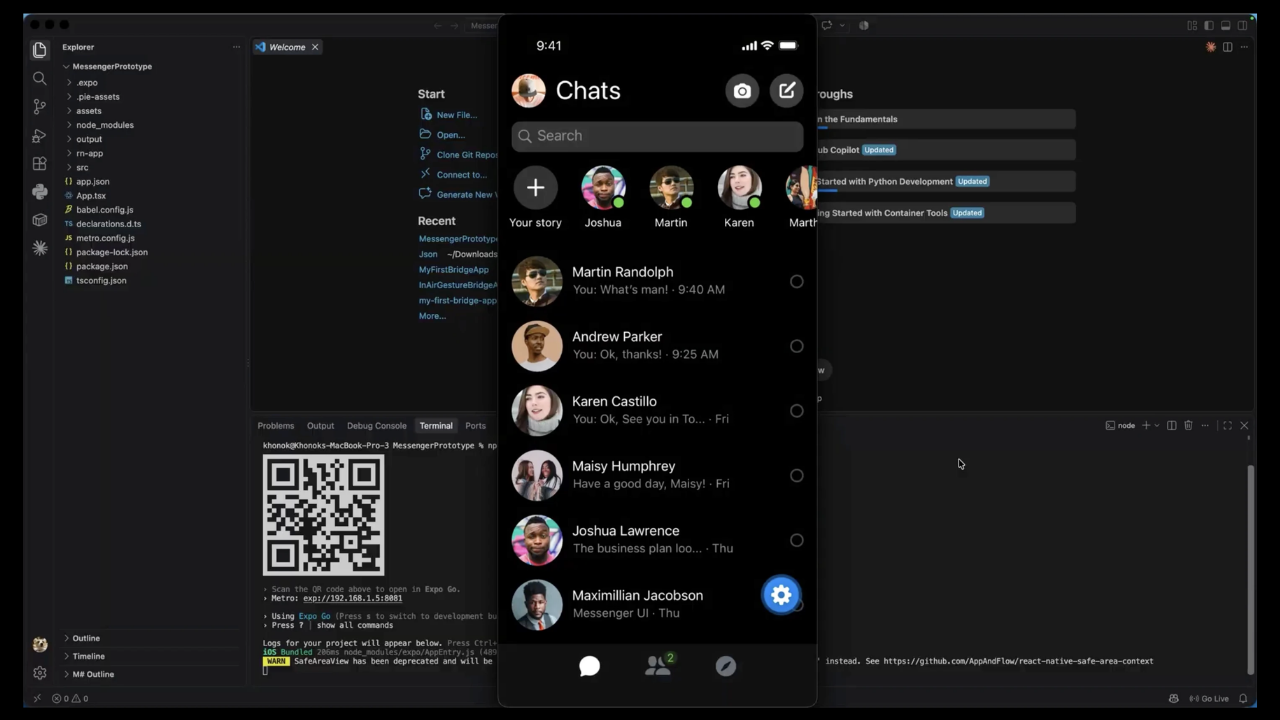
ProtoPie offers two MCP packages for different stages of the product development workflow.
| Package | Included capabilities | Plan |
| MCP Core | Studio MCP for AI-assisted prototype creation and refinement | Pro |
| MCP Enterprise | Studio MCP, Code MCP, and Dev View | Enterprise |
MCP Core is intended for teams that want to create and refine interactive prototypes using their own AI tools within ProtoPie Studio.
MCP Enterprise extends the workflow into development with Code MCP and Dev View, allowing AI coding agents to use structured prototype information during implementation.
The distinction is important when evaluating which package fits your team's workflow. If your main priority is AI-assisted prototyping, MCP Core provides the Studio MCP capabilities. If you also need the code-generation and developer-handoff workflow, MCP Enterprise includes the additional tools.
Review the official ProtoPie MCP feature page for the latest package information.
Before setting up ProtoPie MCP, check that your software, AI client, and subscription meet the requirements for the features you intend to use.
According to ProtoPie's documentation, Studio MCP requires:
Studio MCP runs locally inside ProtoPie Studio, allowing a compatible AI client to read and edit the open prototype through prompts.
Code MCP has additional requirements:
Code MCP runs locally as a read-only MCP server and uses a ProtoPie Cloud link to access the specified prototype and revision, subject to your account permissions.
Important limitation: Code MCP provides prototype information to an AI coding agent for code generation; it does not convert generated code back into a ProtoPie prototype. The quality of the resulting code depends on the AI agent and prompts used. Review, refine, and test generated code before using it in a production application.
For setup instructions and the latest technical requirements, consult the Studio MCP documentation and Code MCP documentation .
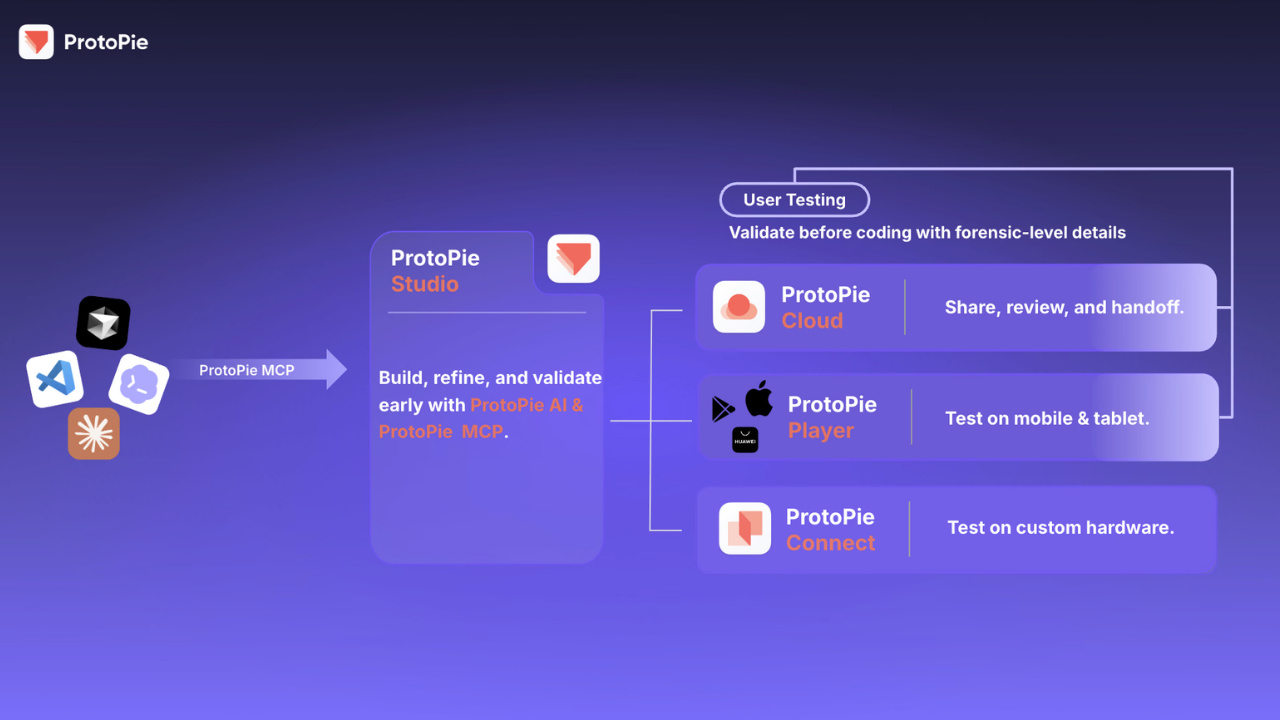
ProtoPie MCP connects several stages of the product development workflow:
Prompt → Prototype → Validate → Code
Here's how the process works:
This workflow helps connect interactive design with implementation while keeping testing, review, and refinement within the process. Instead of relying solely on static design references, teams can give AI coding agents more information about how an experience is structured and intended to behave.
Motion Media is an authorized ProtoPie reseller, helping organizations explore ProtoPie software and licensing options for interactive design and prototyping workflows.
Whether your team is evaluating AI-assisted prototype creation or looking to connect interactive design with developer handoff, explore the available ProtoPie solutions through Motion Media.
Share: