
 Account

ProtoPie MCP Beta: AI-Powered Design-to-Code Workflow
POSTED 21st OF Jul, 2026, Posted by Summer Magdaraog

POSTED 21st OF Jul, 2026, Posted by Summer Magdaraog

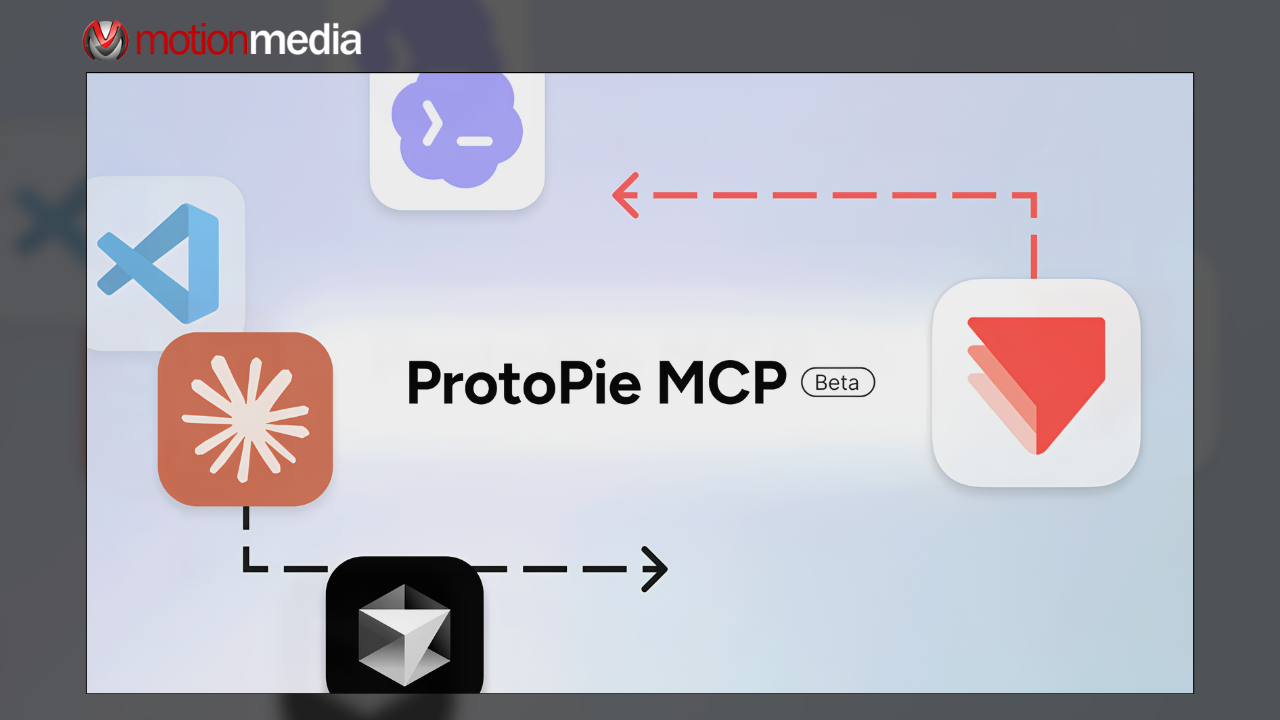
ProtoPie has introduced native Model Context Protocol (MCP) support in beta, enabling AI assistants to understand interactive prototypes beyond static screenshots, videos, and written documentation. Available at no additional cost for ProtoPie Pro and Enterprise users, the update introduces two new capabilities: Studio MCP and Dev View & Code MCP.
Together, these features help designers and developers streamline interaction design, improve AI-assisted implementation, and maintain design intent throughout the product development process.
Model Context Protocol (MCP) is an open standard that allows AI assistants to connect directly to external applications and structured data sources.
For interactive design, this means AI is no longer limited to interpreting visual references. Instead, it can access structured prototype information such as interaction logic, variables, states, formulas, components, and scenes to better understand how an experience is intended to work.
By giving AI access to this richer context, teams can reduce manual documentation, improve design handoff, and generate more accurate implementation suggestions.
ProtoPie's MCP implementation introduces two complementary workflows that support different stages of product development:
Rather than introducing a standalone AI assistant, ProtoPie integrates with MCP-compatible AI tools that many teams already use, allowing the platform to fit naturally into existing design and development workflows.
Studio MCP connects ProtoPie Studio with MCP-compatible AI assistants, allowing designers to create and edit interactions using natural language.
Instead of manually configuring every trigger, response, or formula, designers can describe the interaction they want to build. AI can assist with repetitive setup tasks, while every generated interaction remains fully editable inside ProtoPie Studio.
Common use cases include:
Studio MCP helps accelerate interaction design without removing creative control, allowing designers to refine and validate every detail before sharing prototypes with stakeholders or development teams.
After a prototype is complete, Dev View & Code MCP helps bridge the gap between design and development.
Instead of relying on screenshots or recorded demonstrations, AI coding assistants can reference structured prototype information, including:
Providing this structured context allows AI to generate implementation suggestions that more closely reflect the intended user experience while reducing ambiguity during developer handoff.
Although both capabilities are powered by Model Context Protocol, they serve different purposes within the product development lifecycle.
| Studio MCP | Dev View & Code MCP |
| Helps designers create interactions | Helps developers understand interactions |
| Uses natural language to build or modify prototypes | Provides structured prototype context for AI coding |
| Works inside ProtoPie Studio | Works through ProtoPie Dev View |
| Focuses on interaction creation | Focuses on implementation and handoff |
Together, they create a more connected workflow from interactive design to production.
ProtoPie MCP is designed to complement the AI tools that design and engineering teams already use.
A typical workflow looks like this:
Rather than replacing existing workflows, ProtoPie becomes the source of interaction data that AI can use throughout the implementation process.
ProtoPie MCP is compatible with MCP-enabled AI clients, including:
ProtoPie also supports a Bring Your Own Model (BYOM) approach, allowing organizations to continue using the AI providers and enterprise models already adopted by their teams.
As AI becomes more integrated into software development, one of the biggest challenges is ensuring implementation accurately reflects the intended user experience.
ProtoPie MCP addresses this by allowing AI assistants to work directly with structured interaction data instead of relying solely on static design references. This helps reduce repetitive setup, improve communication between design and engineering teams, and preserve interaction logic throughout the development process.
For organizations already using AI coding assistants, ProtoPie MCP provides a more structured foundation for AI-assisted design-to-code workflows while keeping designers and developers in control of the final product.
ProtoPie MCP is currently available in beta at no additional cost for ProtoPie Pro and Enterprise users.
As an authorized ProtoPie reseller, Motion Media helps businesses, product teams, and UX professionals find the right ProtoPie licensing for their workflow.
Whether you're evaluating interactive prototyping tools or exploring AI-assisted design and development, our team can help you choose the best ProtoPie solution for your organization.
Contact Motion Media to learn more about ProtoPie and the new MCP-powered workflow.
Share: