
 Account

Serato DJ Pro 5.1.0 Adds DJM-A7 and macOS 27 Support
POSTED 12th OF Nov, 2026, Posted by Summer Magdaraog

POSTED 12th OF Nov, 2026, Posted by Summer Magdaraog
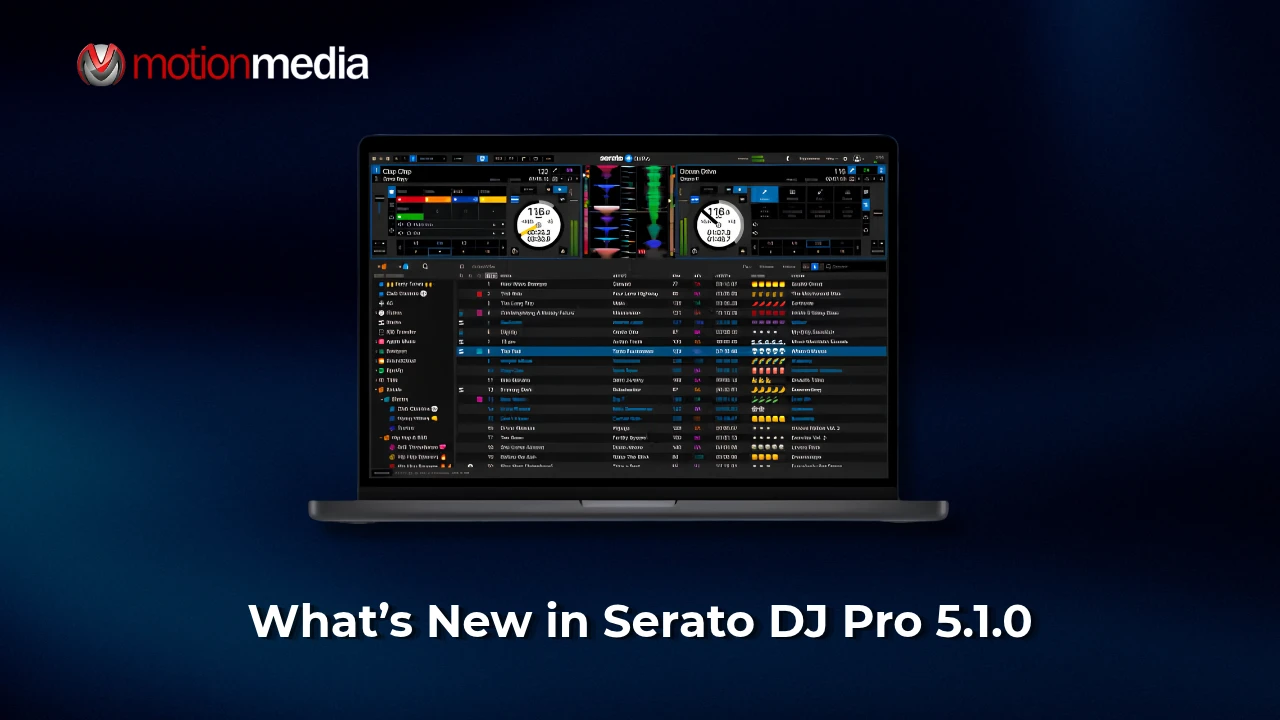
Serato DJ Pro 5.1.0 introduces support for the AlphaTheta DJM-A7 four-channel mixer and compatibility with macOS 27 Golden Gate. The update also includes updated Windows 11 drivers for selected DJ hardware and fixes several issues affecting playback, library management, and hardware controls.
For DJs using the DJM-A7 or planning to upgrade their Mac operating system, here's a breakdown of what's new in Serato DJ Pro 5.1.0, including hardware requirements, licensing information, and other improvements.
Serato DJ Pro 5.1.0 adds support for the AlphaTheta DJM-A7, a four-channel mixer inspired by the flagship DJM-A9.
The integration brings Serato DJ Pro compatibility to the DJM-A7's hardware mixing features, including Beat FX, Sound Color FX, and the new Split Filter. Its dual USB-C connections also allow two DJs to connect separate devices and switch between them for back-to-back sessions.
Other DJM-A7 hardware features include:
The DJM-A7 is a hardware-mixed device, meaning its effects, cueing, fader curves, and Master Texture are processed by the mixer itself.
The AlphaTheta DJM-A7 requires Serato DJ Pro 5.1.0 or later.
Serato specifies the following licensing requirements depending on how the mixer will be used:
Serato DJ Suite includes Serato DJ Pro, DVS, and the other DJ Pro expansion packs. Licenses must be activated by signing in to a Serato account within Serato DJ Pro.
The setup process differs between Windows and Mac:
Serato also recommends installing the latest DJM-A7 firmware before use.
For additional setup instructions, refer to the official AlphaTheta DJM-A7 Quickstart Guide for Serato DJ Pro.
Serato DJ Pro 5.1.0 adds compatibility with Apple's macOS 27 Golden Gate. Serato DJ Lite 5.1.0 also supports the new operating system.
However, software compatibility does not automatically mean every connected DJ controller, mixer, or accessory is supported.
Serato's hardware compatibility list identifies supported devices, hardware still undergoing testing, and products that are currently unsupported. The AlphaTheta DJM-A7 is specifically listed as supported with Serato DJ Pro and Lite 5.1.0 or later on macOS 27.
Before upgrading, Mac users should check the following:
Check Serato's macOS 27 Golden Gate hardware compatibility list before updating your operating system.
Serato DJ Pro 5.1.0 also includes updated Windows 11 drivers for five DJ hardware products. These drivers are now bundled directly with the software.
The supported hardware includes:
The Serato DJ Pro application icon has also been updated on macOS.
The update addresses several issues involving software stability, library displays, playback, and hardware controls.
Windows Stability
Hardware and Playback Fixes
Library and Interface Fixes
Alongside the 5.1.0 release, Serato highlights features and hardware support introduced in its other recent updates.
Serato DJ Pro 5.0.0 introduced several workflow improvements:
Other recently highlighted hardware additions include the Hercules DJControl T10, AlphaTheta XDJ-AN, Numark Party Mix III, Numark MixTrack Go, and AlphaTheta CDJ-1500X.
These are separate from the new features introduced specifically in Serato DJ Pro 5.1.0.
Serato DJ Pro 5.1.0 expands hardware compatibility with the AlphaTheta DJM-A7, adds macOS 27 Golden Gate support, and addresses several software and hardware-related issues.
Looking to get started with Serato or upgrade your existing license?
Motion Media is an authorized Serato reseller offering genuine DJ software licenses.
Explore your options:
Choose the Serato license that matches your hardware requirements and performance workflow. Shop Serato DJ licenses at Motion Media.
Share: