
 Account

V-Ray 7 Update 5: New AI Tools, Rendering Features, and Workflow Improvements
POSTED 6th OF Nov, 2026, Posted by Summer Magdaraog

POSTED 6th OF Nov, 2026, Posted by Summer Magdaraog
Chaos released V-Ray 7, Update 5 on November 5, 2026, introducing new AI-powered tools, improved rendering capabilities, and expanded integrations across its visualization software ecosystem.
One of the biggest additions is the integration of AI into everyday 3D workflows. Users can now access an AI Assistant directly in V-Ray, find or generate 3D assets through Chaos Cosmos, and connect compatible AI agents to supported applications using Model Context Protocol (MCP).
The update also brings improvements to lighting, volumetric rendering, material editing, and GPU compatibility, alongside new capabilities in Chaos Vantage, Anima, Veras, and Arena.
Here's a closer look at what's new in V-Ray 7 Update 5 and how these improvements can support different creative workflows.
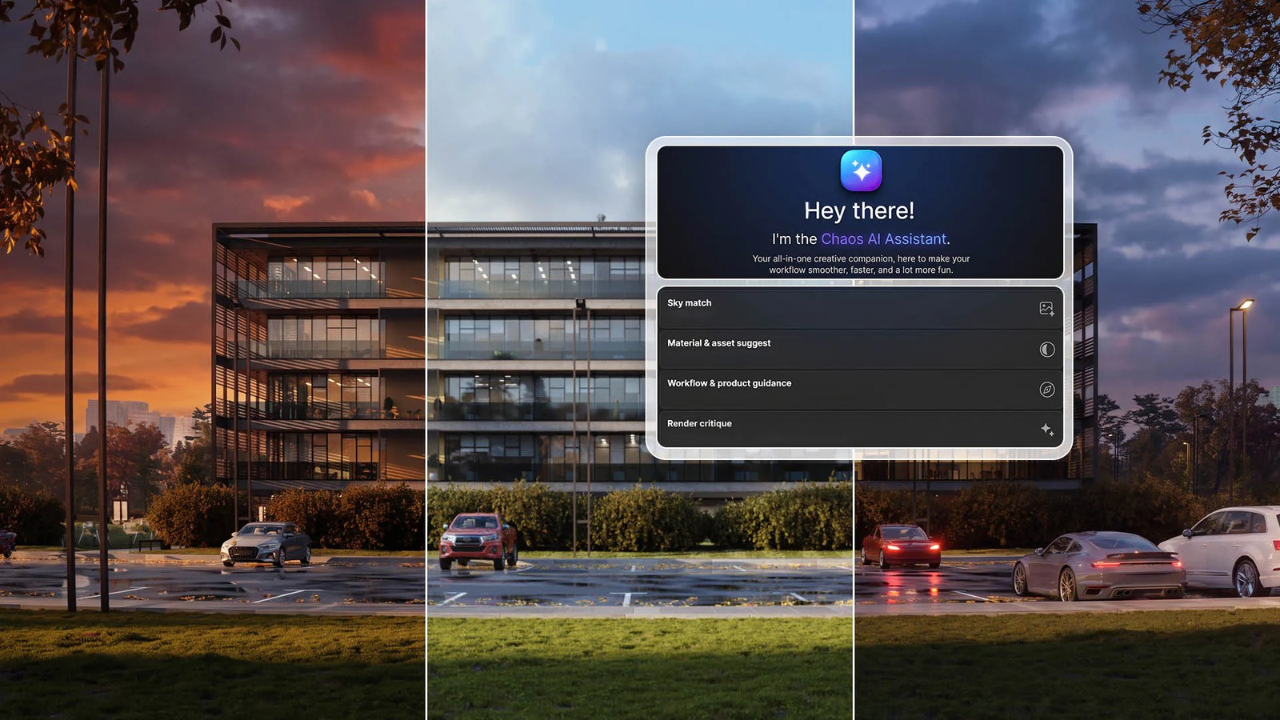
V-Ray now features an integrated AI Assistant that provides guidance and recommendations without requiring users to leave their working environment.
Its capabilities include Sky Match, which helps match a scene's lighting and atmosphere to a reference image, and Chaos Cosmos asset recommendations based on what users need for their projects. The assistant also introduces Render Critique, providing actionable feedback on rendered images to help artists identify areas for improvement.
These tools can help beginners navigate V-Ray more easily while allowing experienced artists to explore lighting ideas, find assets, and refine their scenes with less manual work.
Available in: V-Ray for 3ds Max, SketchUp, and Rhino.
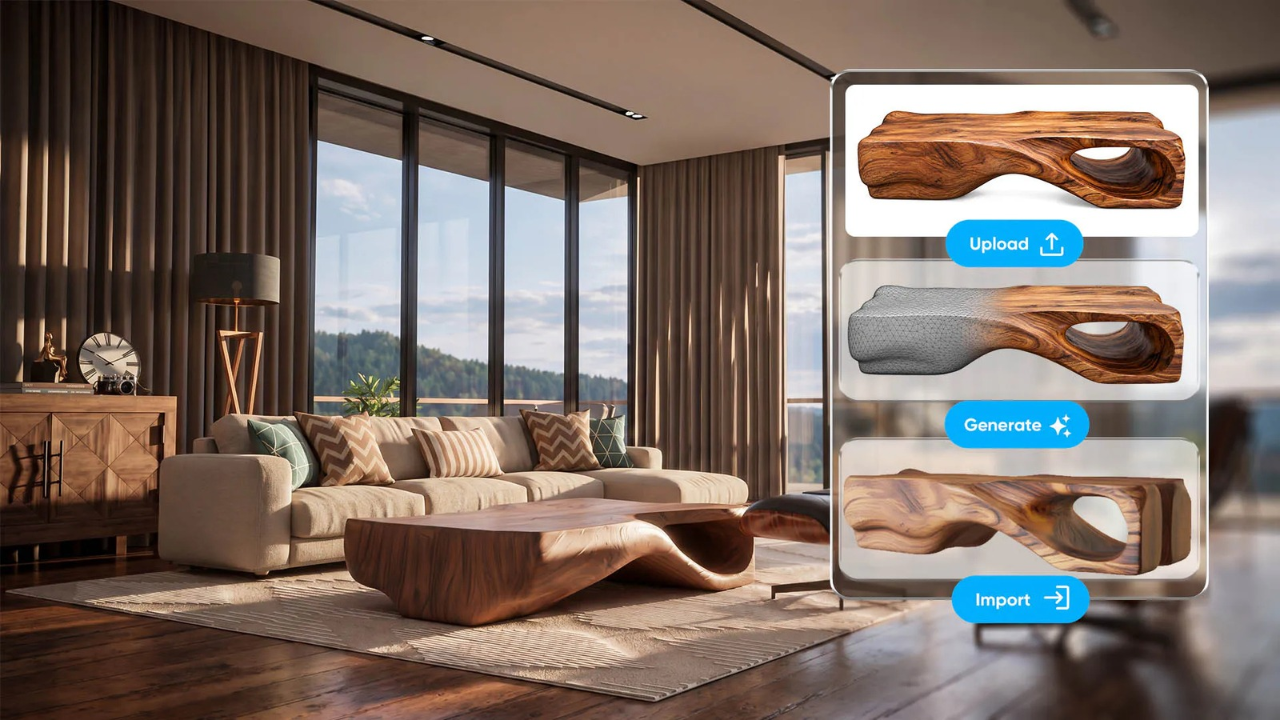
Chaos Cosmos introduces two AI-powered features for finding and creating 3D assets.
Together, these features provide more options for sourcing scene content and reducing the time spent searching for or creating assets.
Available in: Chaos Cosmos integration with V-Ray for 3ds Max, SketchUp, and Rhino.
V-Ray 7 Update 5 adds support for Model Context Protocol (MCP), an open standard that allows compatible AI applications to connect with external tools and data.
Through MCP, AI agents such as ChatGPT and Claude can interact with supported Chaos applications. Depending on the connected integration, they can inspect scene information, access lights, materials, cameras, and rendering settings, find and place Cosmos assets, and perform supported adjustments or repetitive tasks.
This brings conversational AI closer to actual 3D production workflows, with fewer manual steps between instructions and scene operations.
Availability: The dedicated V-Ray MCP server supports SketchUp and Rhino. Third-party MCP integrations are compatible with V-Ray for 3ds Max. MCP connections also extend to Cosmos and Anima, while a dedicated Vantage MCP server is planned.
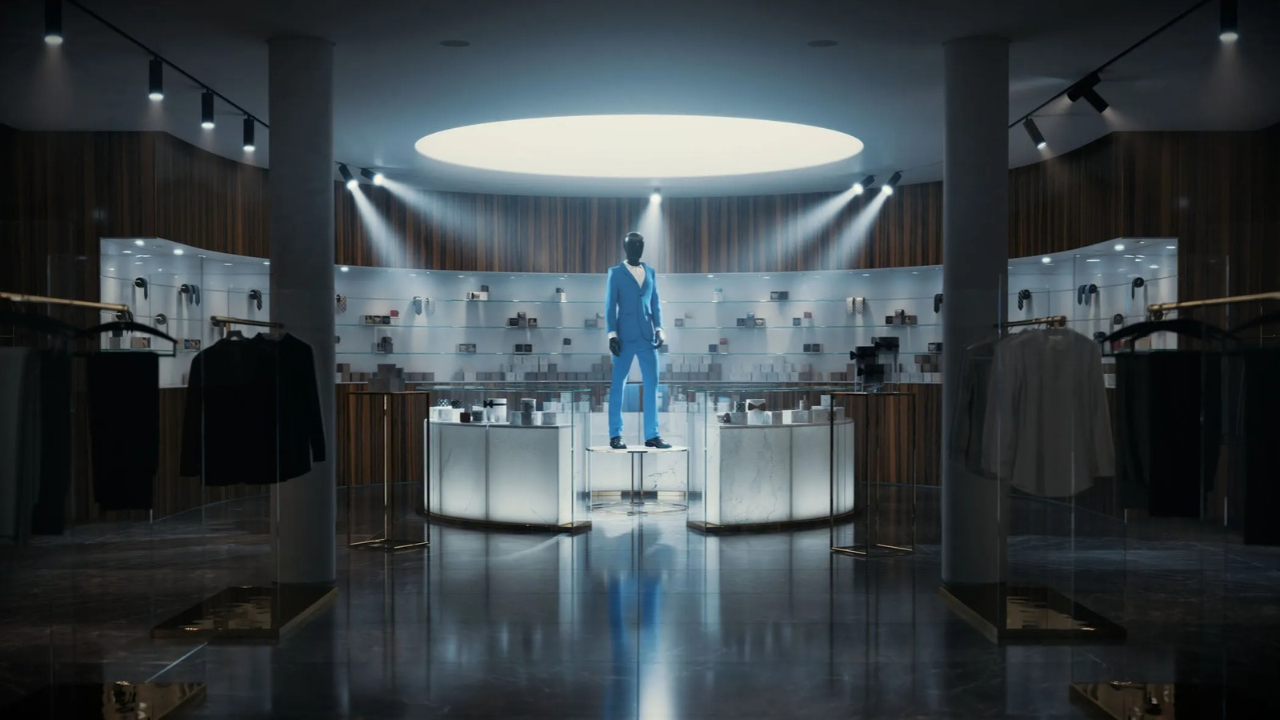
V-Ray for 3ds Max introduces a native V-Ray Spotlight, providing more precise control over directional lighting and light projection through volumetric environments.
V-Ray for SketchUp and Rhino also receives improved Spotlight controls with integrated barn doors. These adjustable controls restrict the edges of a light beam, allowing artists to shape its coverage and create more defined lighting effects.
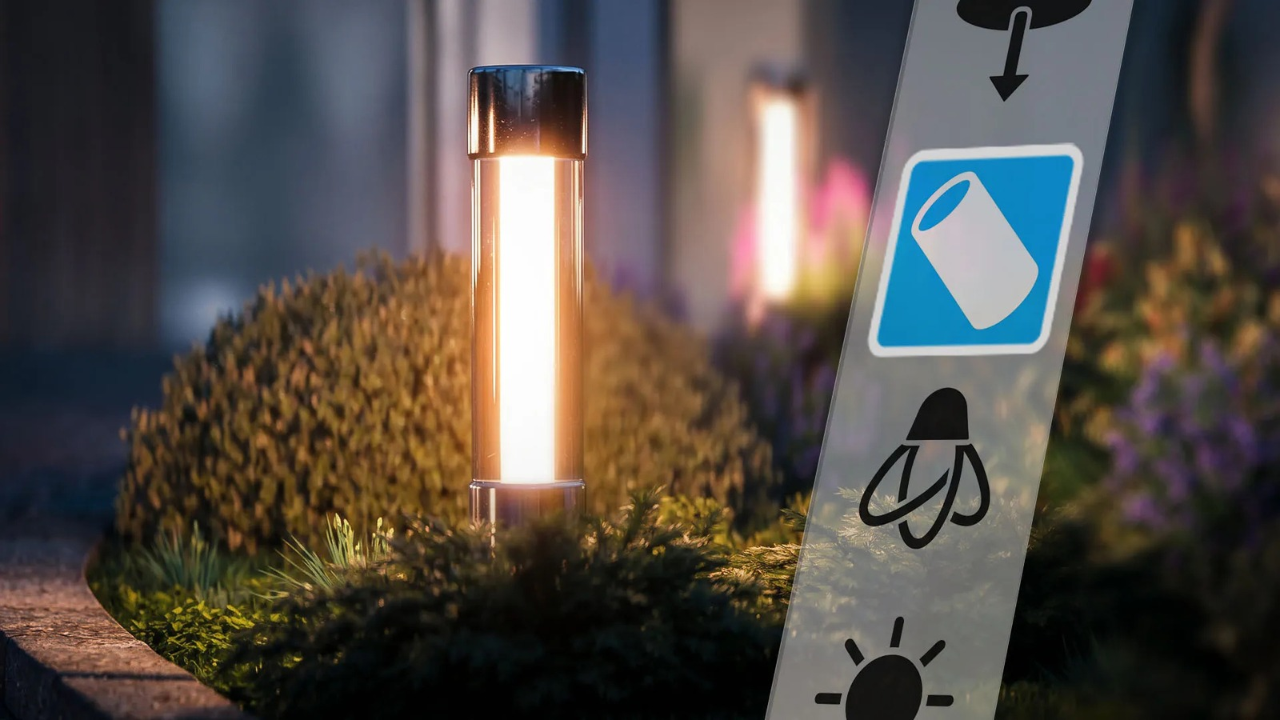
The new Cylinder Light is designed for lighting fixtures such as neon signs and linear architectural accents.
It emits light from a parametric cylindrical surface, allowing users to adjust its length and radius to match the desired light source. This provides realistic light falloff, natural highlights, and shadow diffusion without requiring custom mesh lights or multiple rectangular emitters.
Available in: V-Ray for 3ds Max, SketchUp, and Rhino.
For 3ds Max artists working with visual effects, Update 5 expands V-Ray's volumetric rendering tools with a new V-Ray Volume Object, Volume Shader, and specialized volume textures.
Volumetric rendering represents effects that occupy space, such as smoke, fire, and explosions. The new Volume Shader can be applied across multiple objects, with controls for density, color, and emission to refine their appearance.
The update also adds direct rendering support for TyFlow Inferno simulations. Artists can render supported volumetric simulation data in V-Ray without repeatedly exporting and importing VDB files, making it easier to iterate on effects.
Available in: V-Ray for 3ds Max.
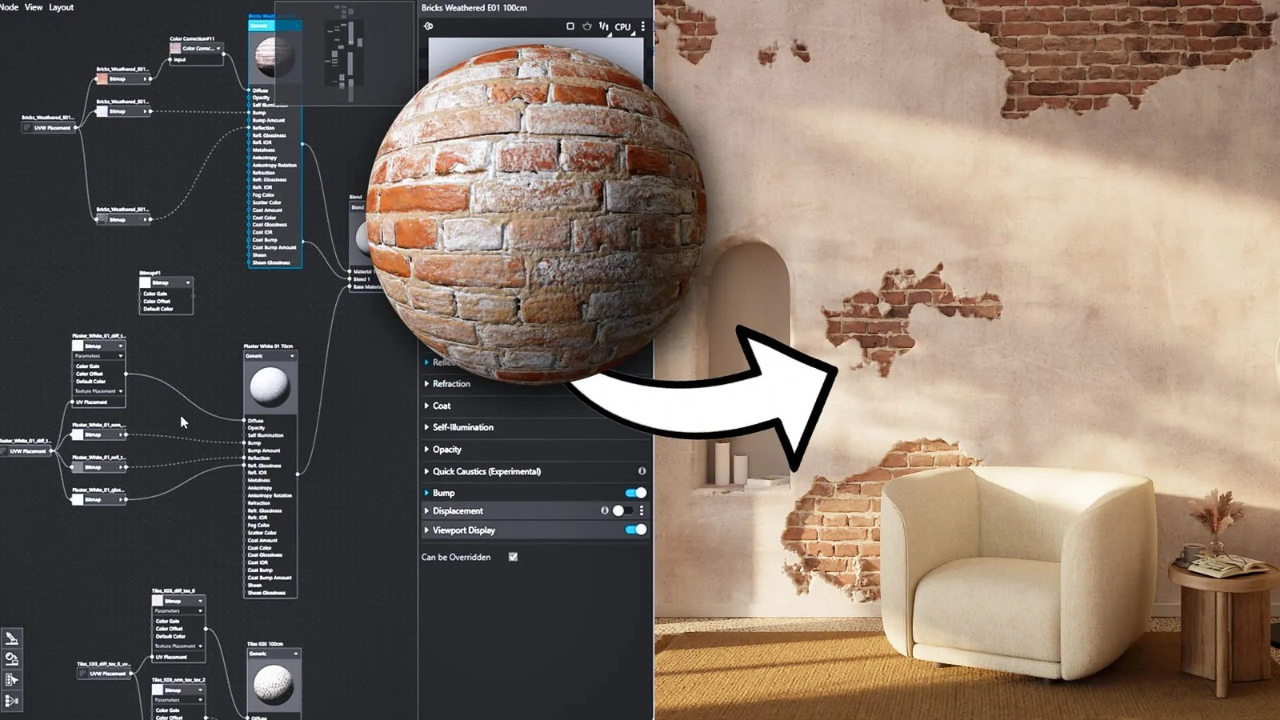
V-Ray for SketchUp and Rhino improves the Node Material Editor, making material creation and adjustments more intuitive.
Users can preview and expand material thumbnails directly in the editor, duplicate nodes, insert nodes into existing connections, add textures between nodes, and connect displacement directly to a material.
These changes make it easier to experiment with material combinations and refine surface details without rendering the entire scene after every adjustment.
V-Ray GPU now supports compatible AMD graphics cards through HIP, AMD's GPU computing platform.
This gives users more flexibility when choosing rendering hardware, including compatible AMD cards with 16 GB VRAM options. The update also supports out-of-core rendering, which allows supported texture data to use system memory when dedicated GPU memory becomes a limitation.
Actual rendering performance depends on the hardware, scene complexity, and memory requirements.
Available in: V-Ray for 3ds Max, SketchUp, and Rhino, subject to supported hardware requirements.
V-Ray for SketchUp now includes a Spanish-language interface, making its tools and controls more accessible to Spanish-speaking designers and studios.
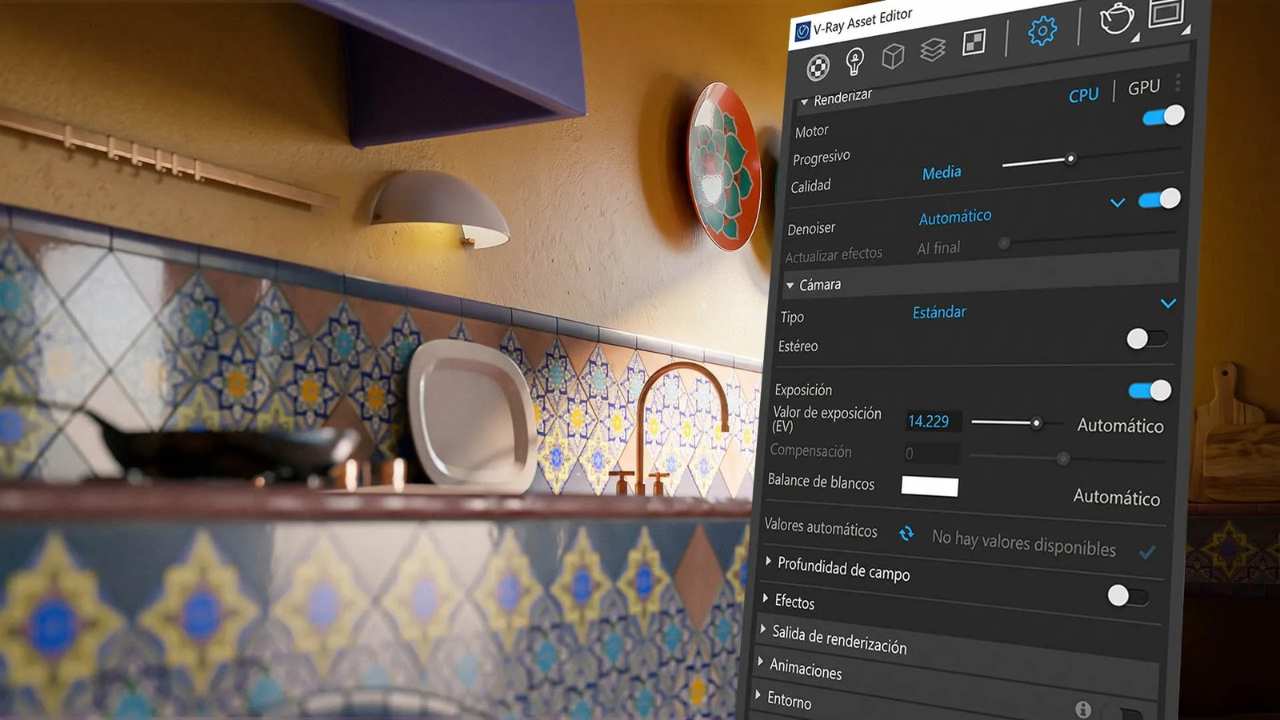
Update 5 also introduces several smaller improvements, including Scatter Groups for applying multiple Scatter layers to one object through a single modifier, and Scatter Decals for distributing decals across scene elements.
Additional changes include advanced light decay controls, SketchUp PBR material support during interactive rendering, improved Cosmos material editing, number spinner controls, and a HEX color field for entering precise color values.
Update 5 brings several enhancements to Chaos Vantage, expanding its real-time rendering and material capabilities.
The update improves the connection between V-Ray and Vantage with better viewport rendering in SketchUp and Rhino, easy-to-use grass and water presets, and support for cluster painting.
These improvements help artists create, refine, and explore scenes in real time with greater consistency.
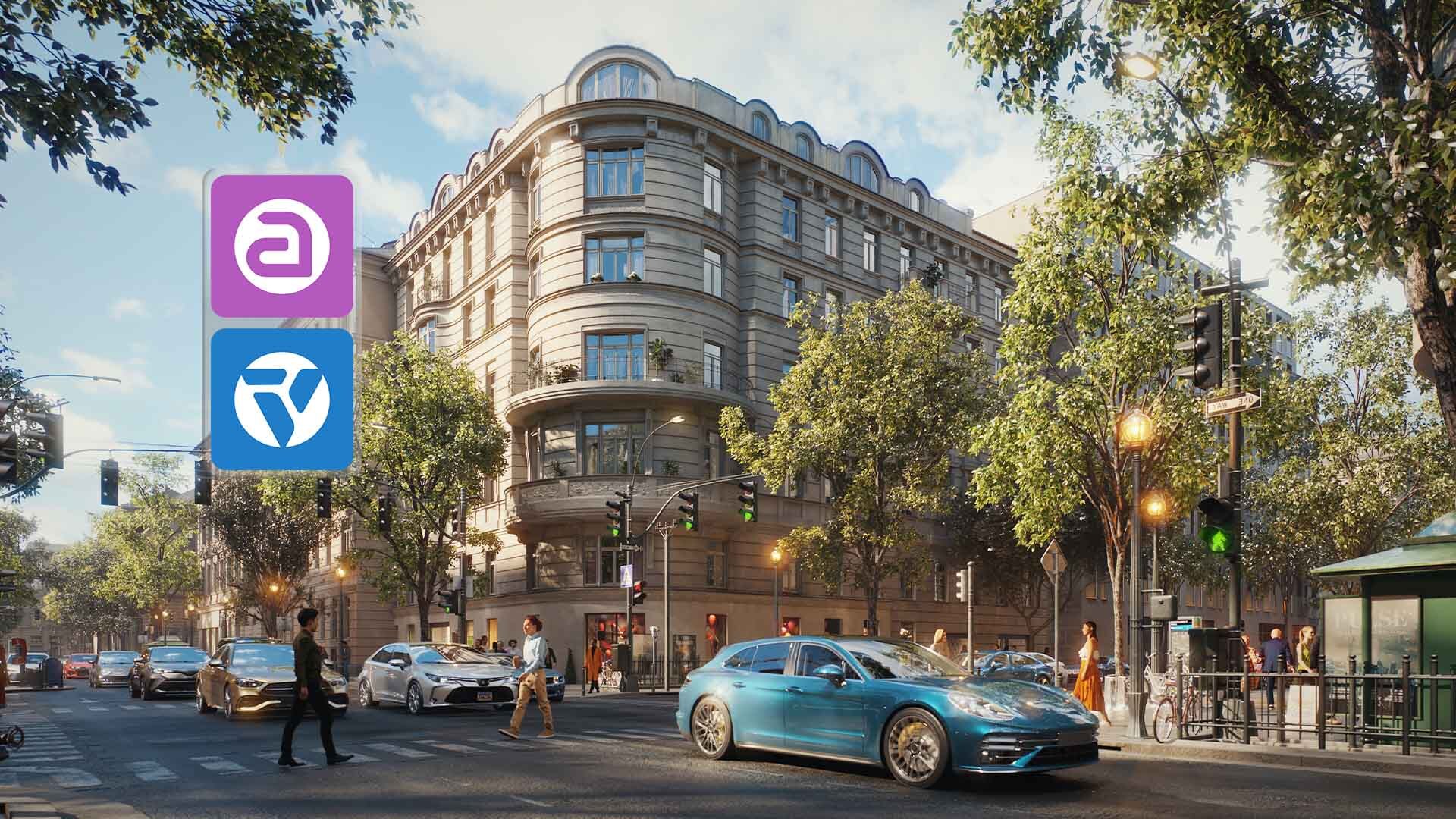
Vantage now brings together AI-assisted visual exploration through Veras and animated character environments through Anima.
Users can explore AI-generated visual styles directly from the Vantage viewport with Veras, while Anima projects can be imported to populate scenes with animated people and crowds. The integration also includes optimized loading and viewport responsiveness.
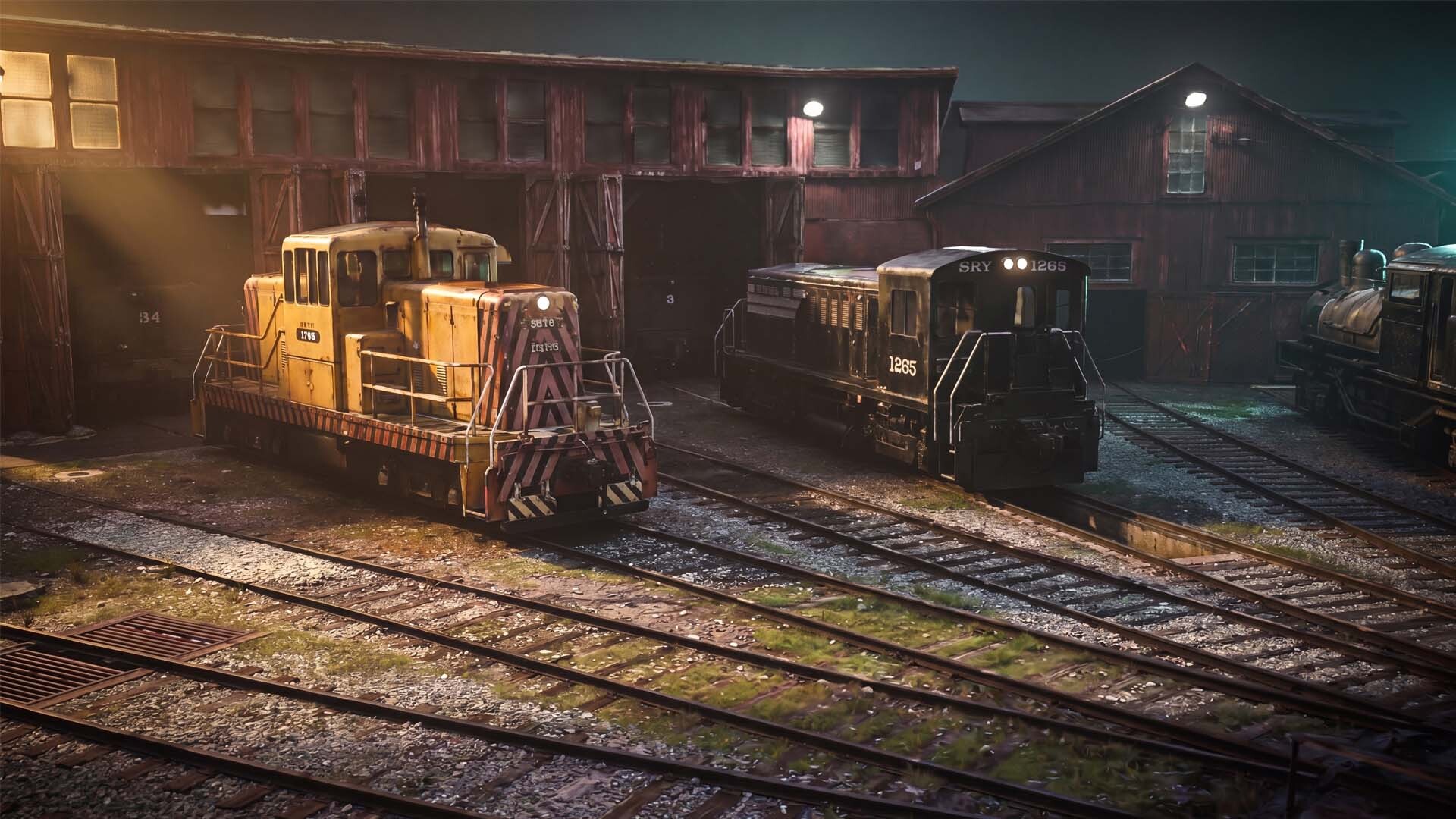
Gaussian Splat relighting allows users to adjust the lighting of captured real-world environments imported into Vantage.
Gaussian Splatting is a technique for representing captured 3D environments using collections of spatial elements. With relighting support, these environments can better match the digital scene's lighting, including different lighting conditions and times of day.
This makes it easier to integrate architectural models into scanned real-world surroundings with more consistent lighting.
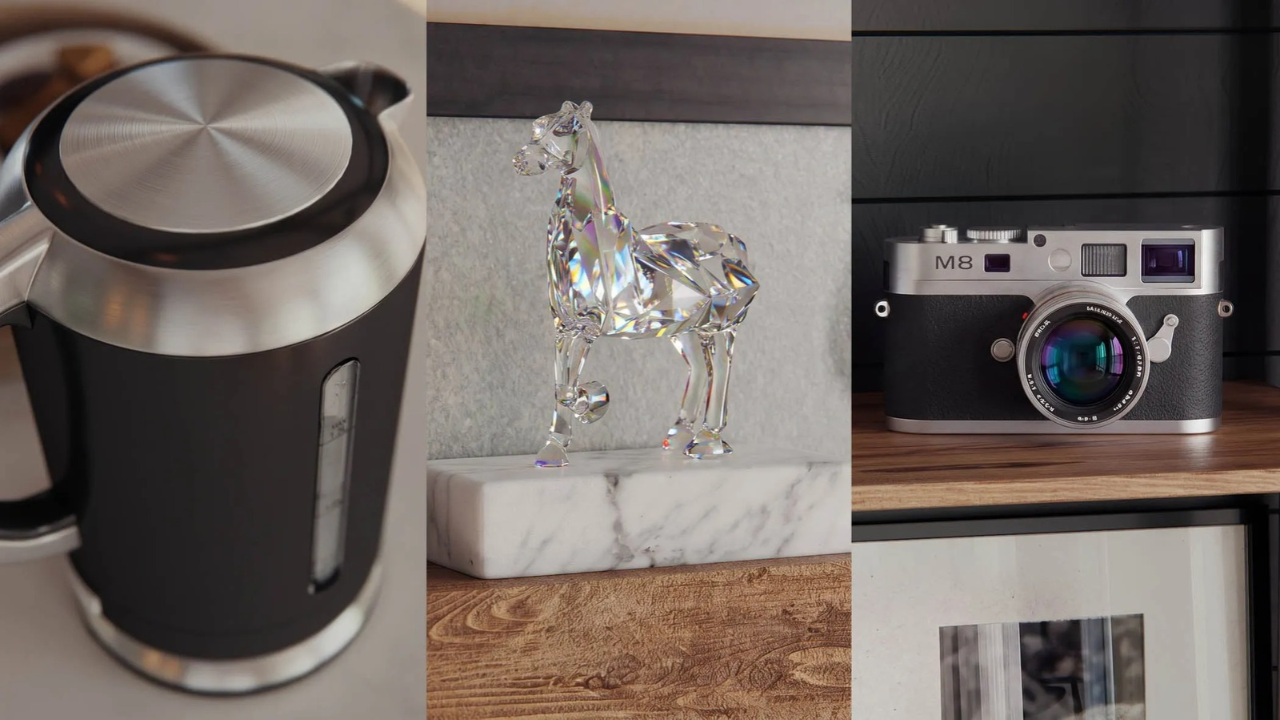
Vantage adds native support for additional V-Ray material properties, including:
The update also introduces procedural bump maps, parallax textures, and triplanar mapping for additional surface detail and more flexible texture placement.
Anima introduces AI-powered pathfinding that automatically analyzes scene geometry to generate navigation routes for characters.
The system accounts for slopes, obstacles, and crowd flow, reducing the need to manually configure every movement path. This makes it easier to populate architectural scenes with natural pedestrian movement, from individual people to larger crowds.
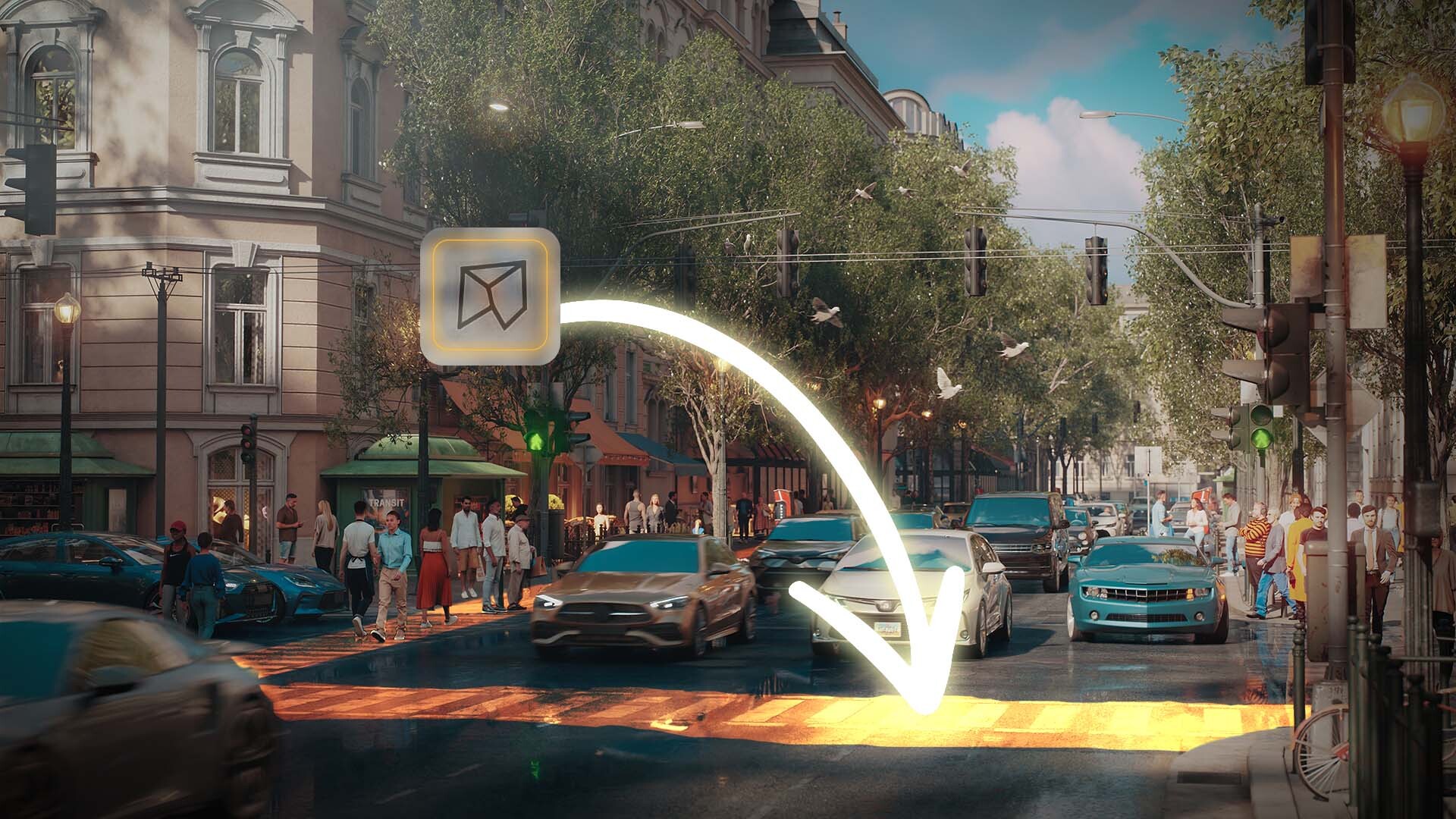
The Waypoint tool lets users guide people and crowds by placing strategic points throughout a scene. Anima's AI pathfinding then handles movement between those points, helping create more realistic pedestrian flows.
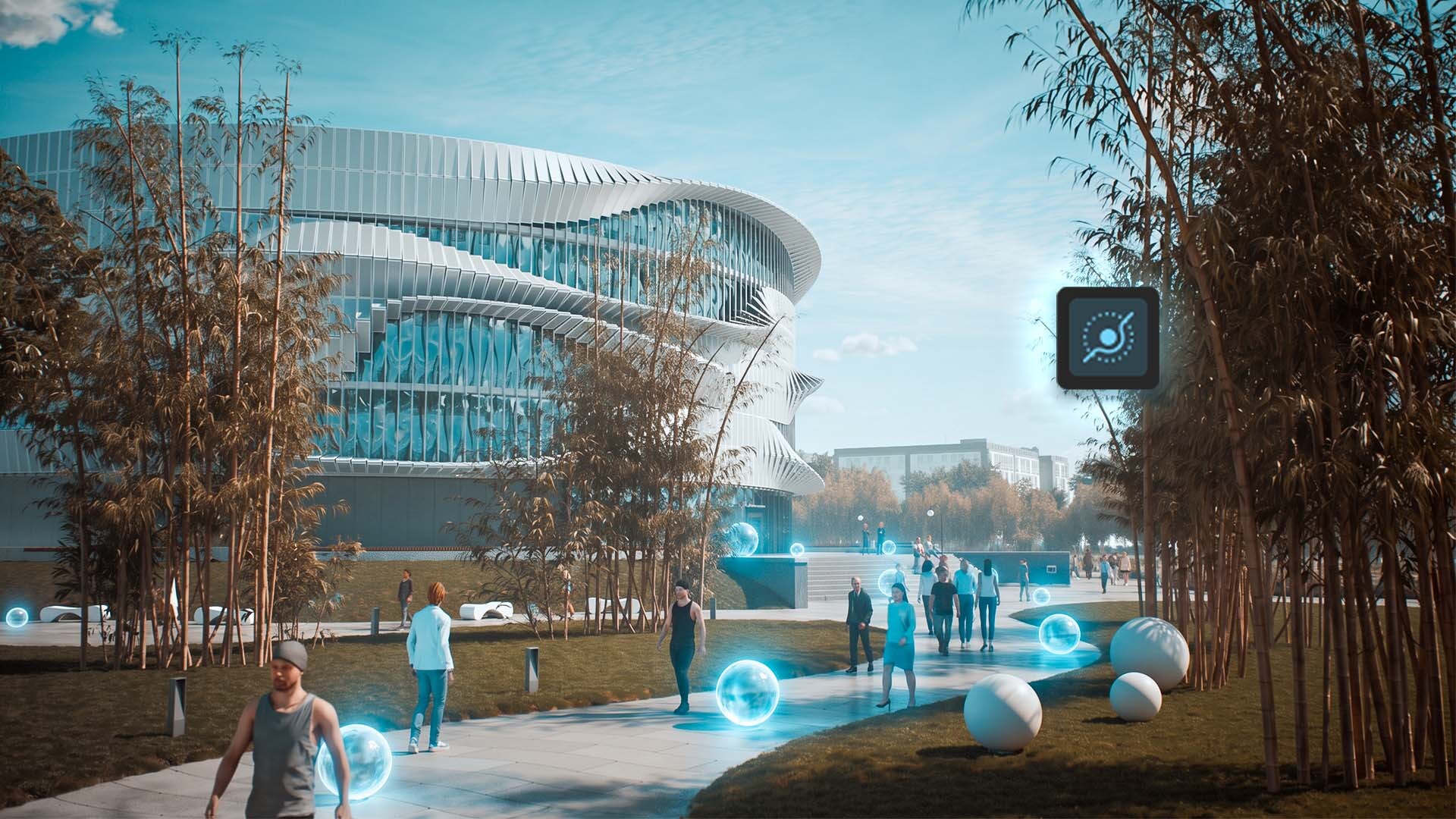
Anima's character library expands with 240 new animated 4D character models. Users can also generate variations of selected characters, providing more options for populating architectural visualizations and other 3D environments.
Veras 5.3 introduces NODES, a new workspace where users can build custom workflows by connecting individual operations.
These workflows can generate and edit images and videos, analyze visual content, and create parametric 3D geometry. Results can also be baked directly into supported applications, including Revit, Rhino, and SketchUp.
Users can ask an AI agent to build workflows, turn individual settings into simple controls, and save workflows to their library for reuse.
Available in: Veras standalone application.
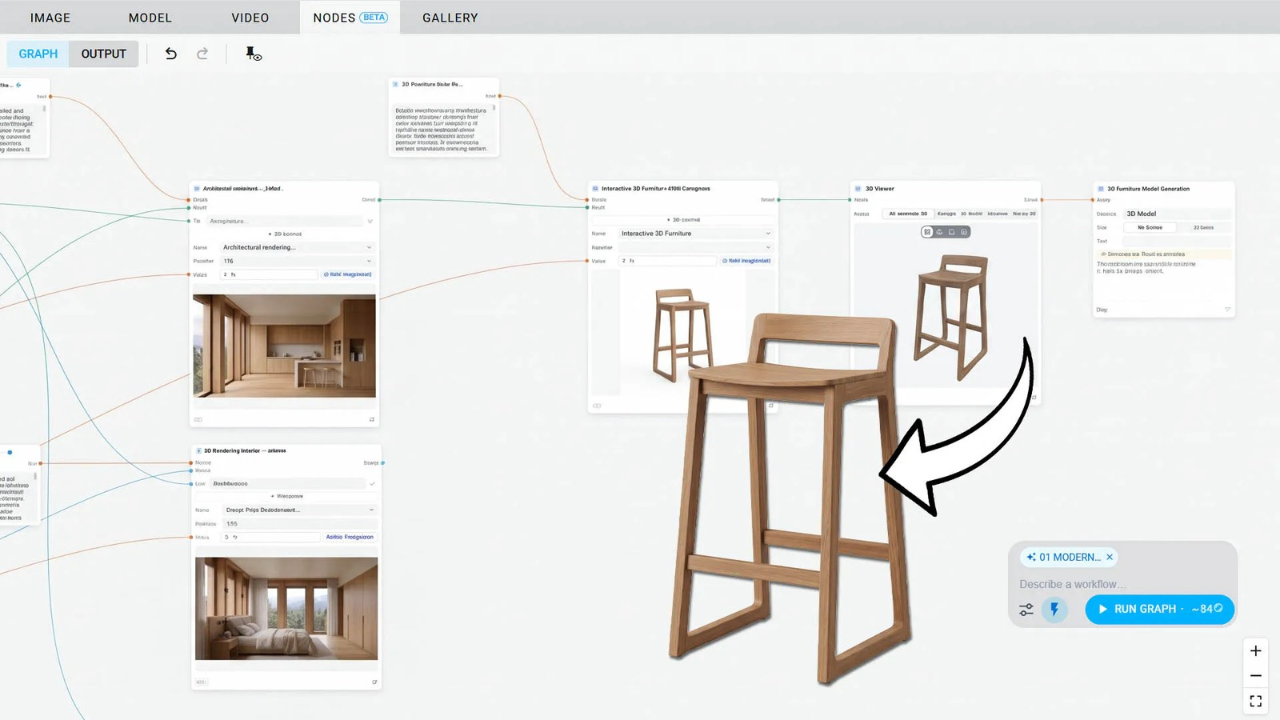
Veras adds support for Veo 3.1, Grok Imagine, and Gemini Omni for video generation and editing.
These models support video generation at up to 4K resolution with native audio, using existing clips to guide motion or extend shots. Updated OpenAI image models also provide additional options for generating and refining still images before turning them into video.
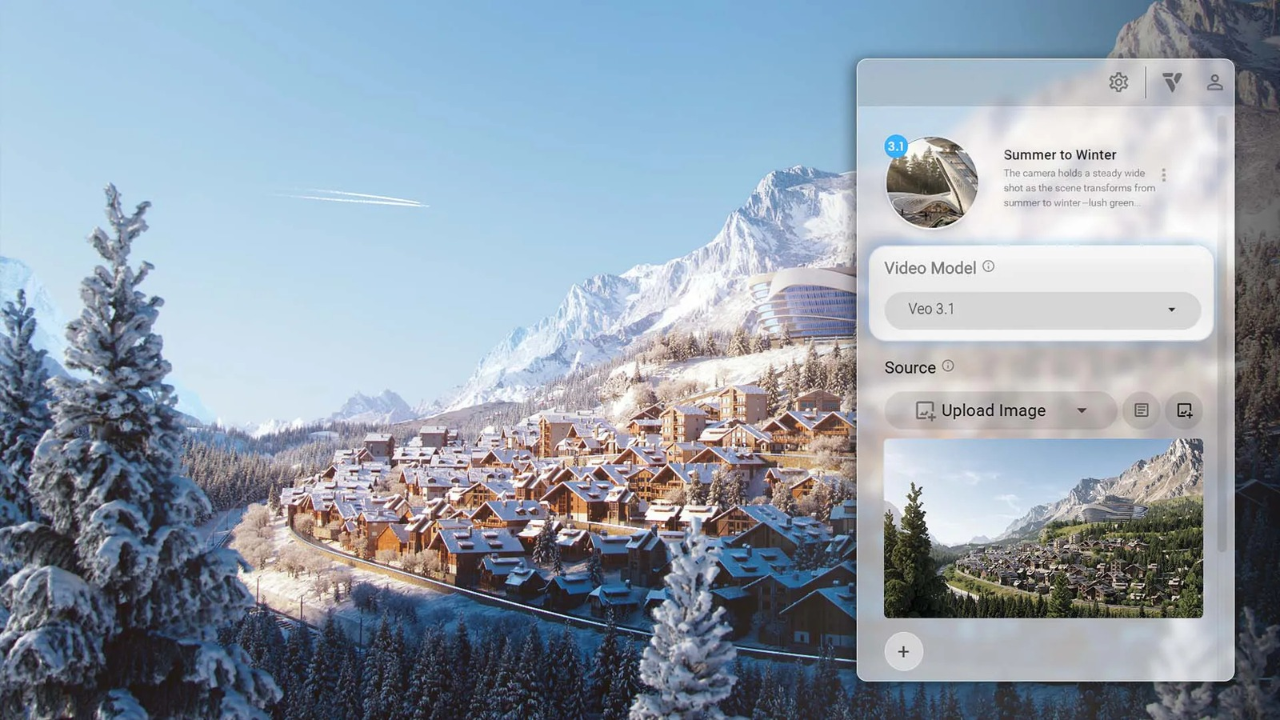
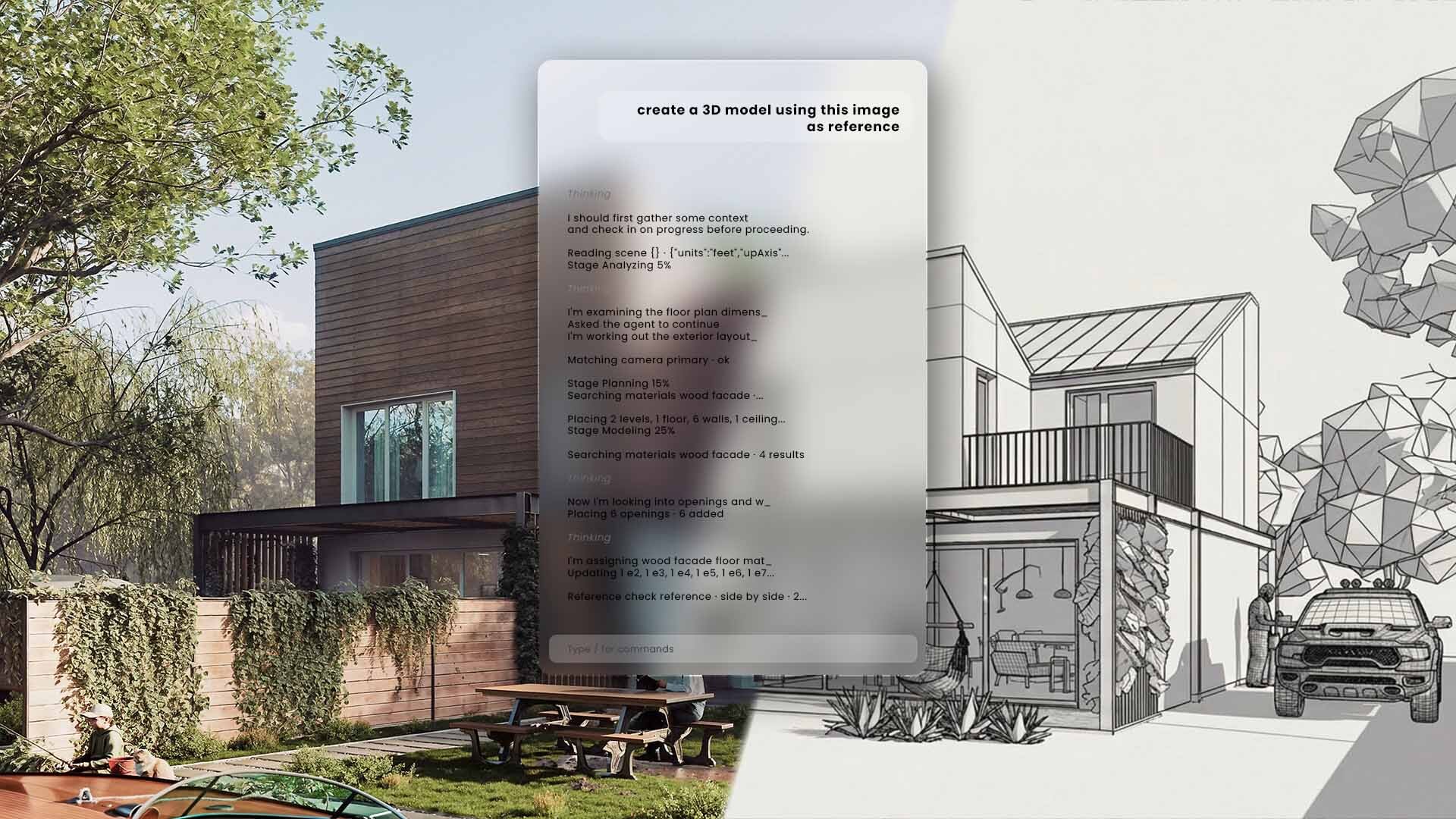
Veras Agent can turn reference images into editable 3D models using GPT-6 Astra or Claude Opus 5.5. Users can adjust the effort level and provide up to 12 references, including photographs, sketches, renderings, and 3D viewer snapshots.
The agent builds a scene using actual elements such as walls, floors, roofs, doors, windows, and furniture. It can also create more complex forms, including curved walls and swept solids. As it works, it checks the model against the supplied references and corrects identified mismatches.
Available in: Veras standalone application.
Chaos Arena extends the V-Ray workflow into virtual production, allowing production-ready V-Ray scenes to be transferred directly to LED walls for live-action filming.
Instead of rebuilding materials or recreating lighting setups, studios can bring existing digital environments into the virtual production workflow.
The update highlights several on-set capabilities:
These features give production teams more direct creative control during filming and make it easier to review visual adjustments on set.
V-Ray 7 Update 5 brings new AI-assisted workflows, improved lighting and rendering tools, and expanded capabilities across the Chaos ecosystem. From architectural visualization and 3D production to animation and virtual production, these updates offer more ways to create, refine, and present professional visual content.
Whether you're looking to upgrade your existing setup or explore V-Ray for your production workflow, Motion Media offers V-Ray licenses and other Chaos software solutions as an authorized Chaos reseller.
Browse Chaos Software at Motion Media to explore available V-Ray licensing options and other Chaos products.
Share: