
 Account

Avid Ready to Play Adds AI Video Tools to Media Composer
POSTED 12th OF Nov, 2026, Posted by Summer Magdaraog

POSTED 12th OF Nov, 2026, Posted by Summer Magdaraog

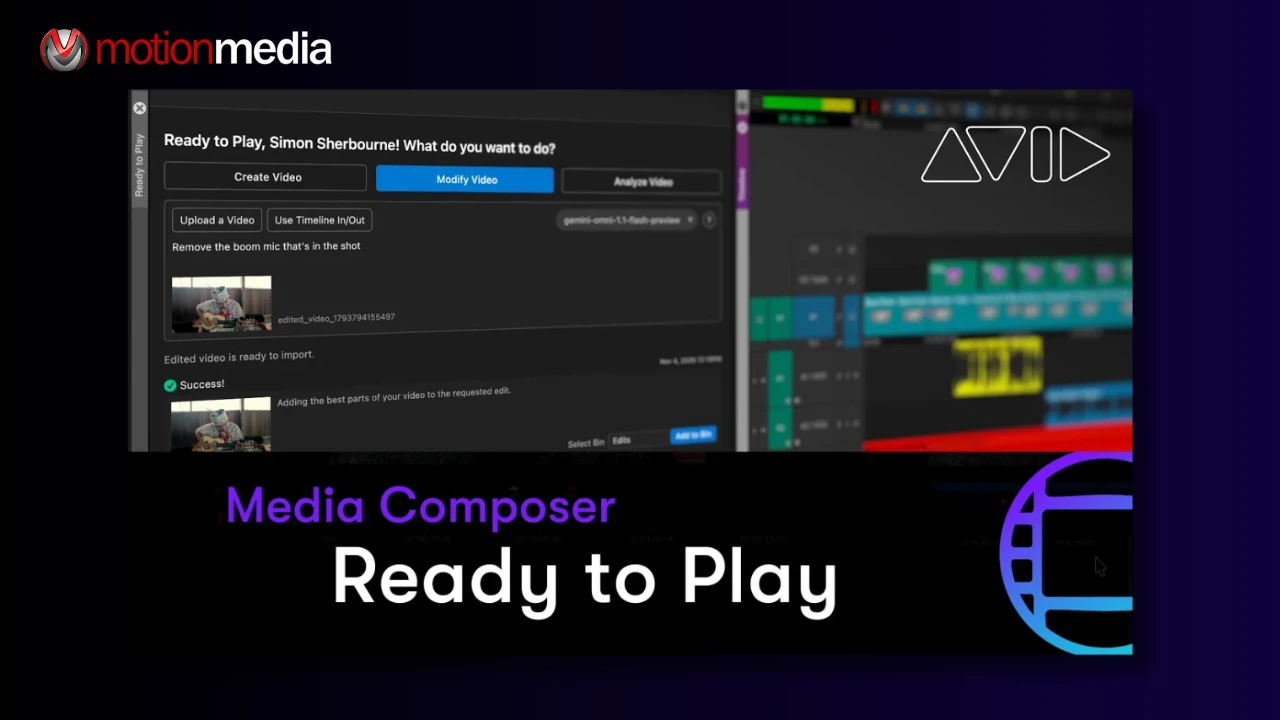
Finding the right footage, filling gaps in a sequence, and exploring visual changes can take time during post-production. These tasks become even more challenging when shots are missing, assets are unfinished, or hours of footage still need to be reviewed.
Avid Ready to Play is a new AI-powered extension for Avid Media Composer that introduces three capabilities: video creation, footage analysis, and video modification. Announced on November 10, 2026, the extension was developed by Avid and built with Google Gemini to help editors explore visual ideas and work with existing footage without leaving their Media Composer workflow.
Rather than automating the editing process, Ready to Play gives editors more ways to develop ideas, understand their media, and prepare material for review while keeping creative decisions in their hands.
Ready to Play connects AI-assisted workflows to the clips, bins, and metadata editors already use in Media Composer. Its initial release includes three main features.
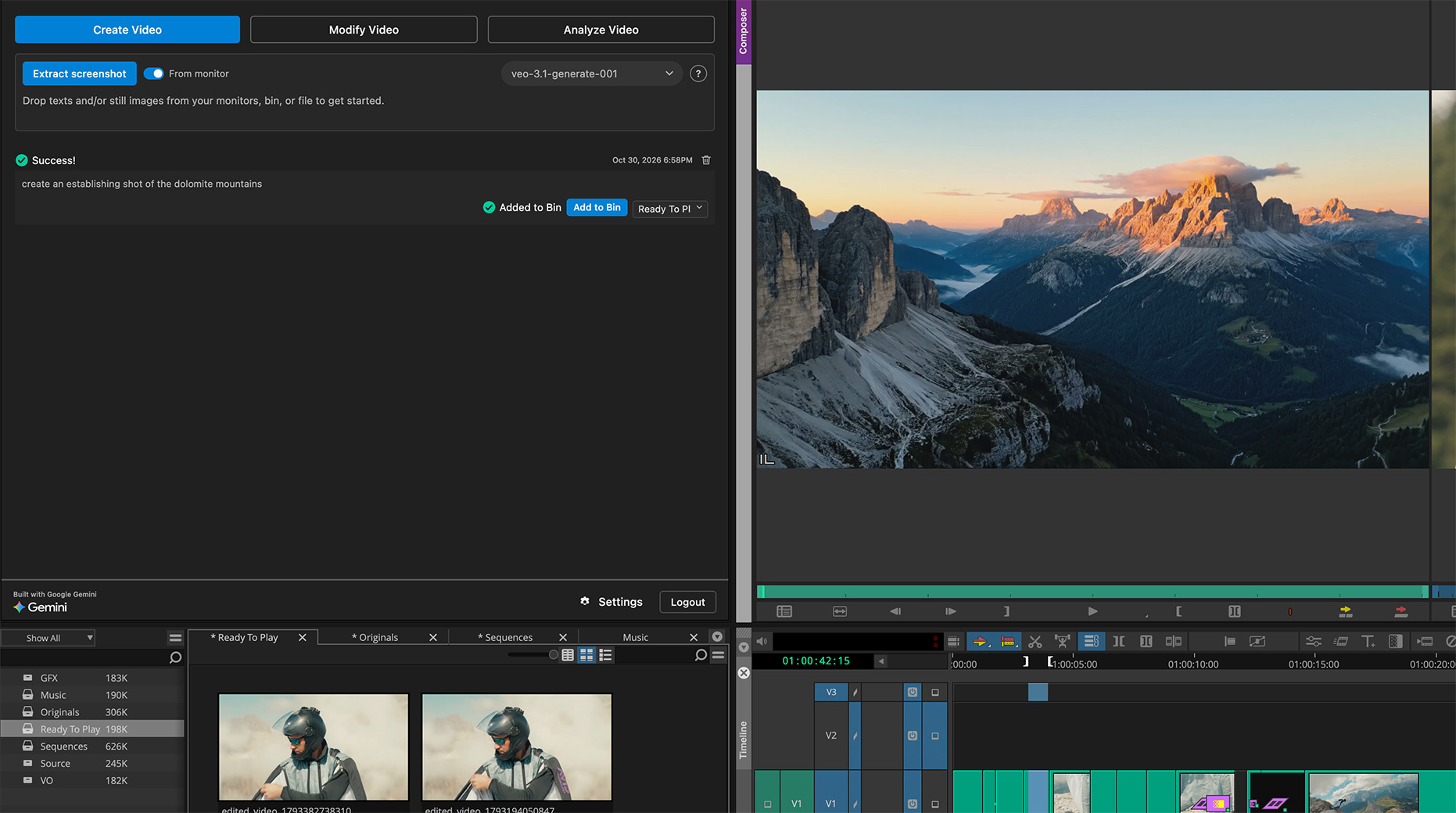
Not every shot is ready when an editor needs it. A visual effects sequence might still be in production, a pickup shot may not have been filmed, or a director might want to see how a visual concept works before committing resources to it.
Create Video lets editors generate a new video clip using a text prompt or still image. Editors can also extract still images from existing clips or sequences to use as visual references. Generated results can then be added to a Media Composer bin.
This gives editorial teams another option when they need temporary B-roll, previsualization, visual references, or placeholder footage while final production assets are being prepared.
For example, an editor can generate a visual reference to communicate a proposed shot to a director or evaluate how an unfinished sequence might look before the final footage is available.
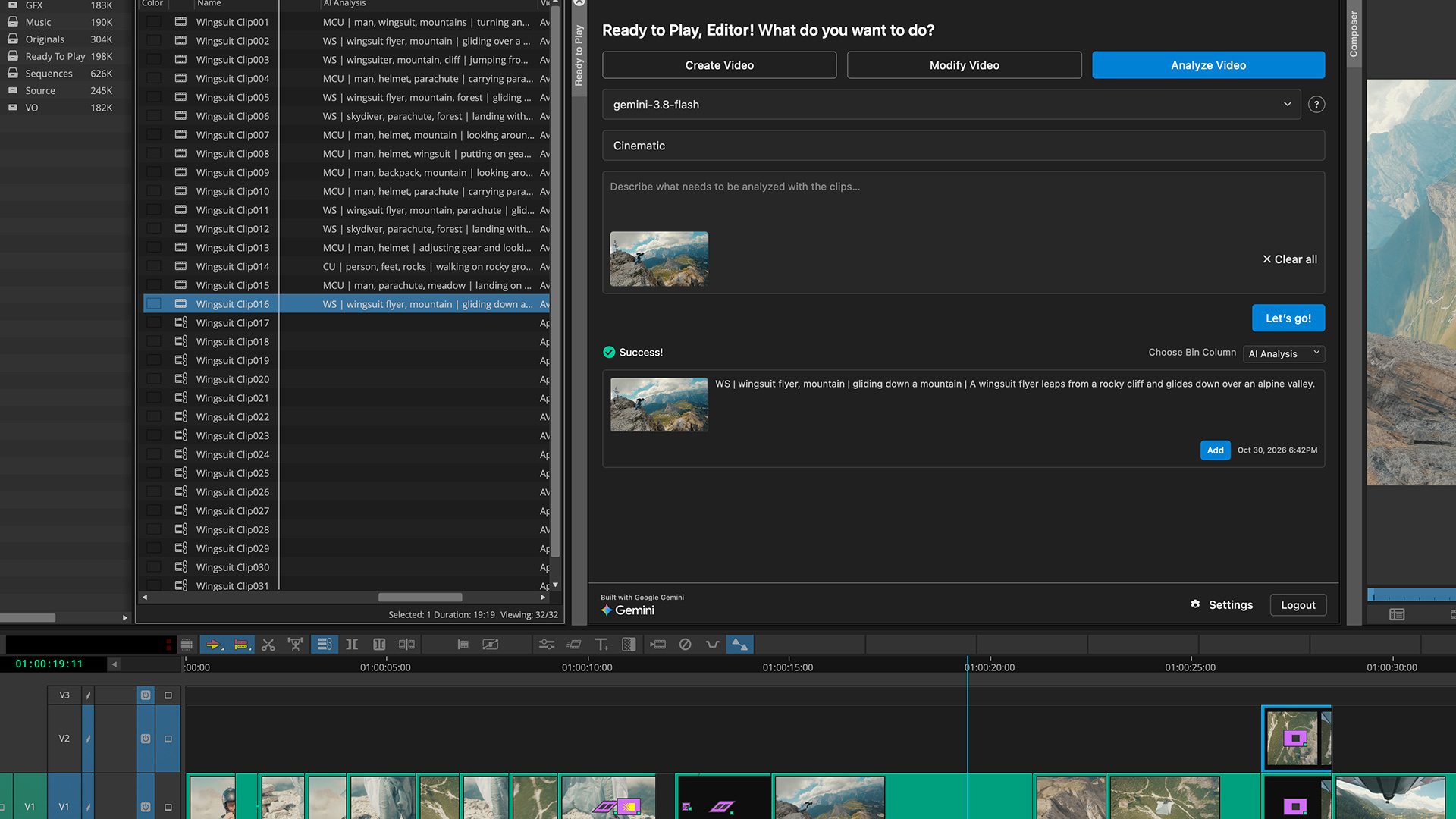
Working through unlogged footage can slow down editing, particularly on documentaries, sports productions, unscripted programs, and projects with extensive archive material.
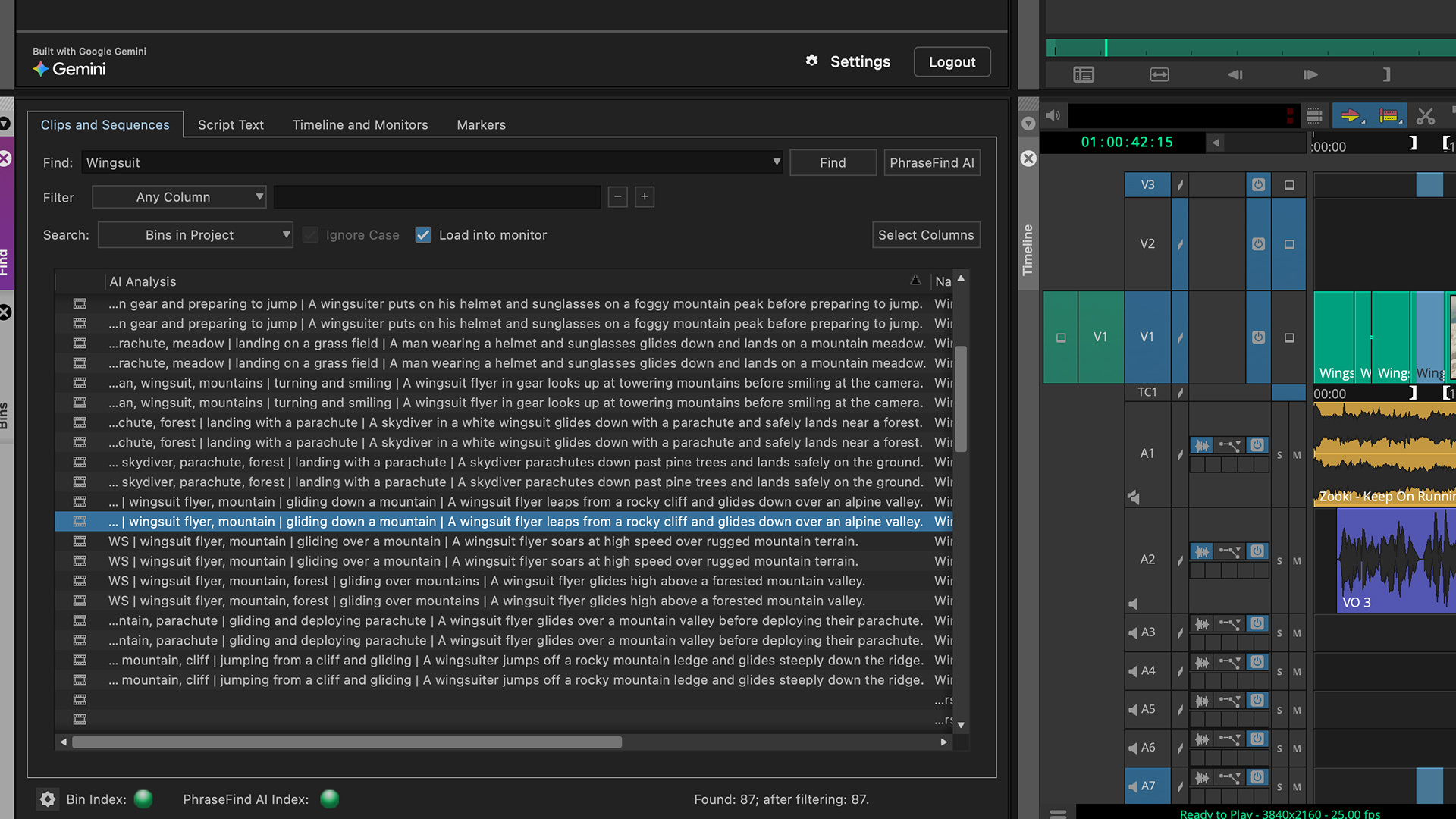
Analyze Video uses supported Google Gemini models to examine selected clips and generate customizable descriptions that can be added to their Media Composer metadata.
These descriptions provide additional context that editors and assistant editors can use when reviewing, organizing, and locating footage. Instead of manually describing every selected clip, teams can use AI-generated information as a starting point for their media organization process.
The generated descriptions are added to clip metadata without changing the underlying source media. Editors remain responsible for reviewing the descriptions and deciding which information is useful for the project.
Sometimes an editor needs to see how a visual adjustment might affect a scene before involving a larger production or VFX team.
Modify Video allows editors to describe a visual change using a text prompt and generate a separate modified media asset while preserving the original clip.
For example, editors can explore removing a distracting background object, testing a visual variation, or creating a temporary reference for production discussions. This provides a way to communicate a visual direction without immediately committing to a final visual effects treatment.
Modify Video currently works with one clip at a time, with a maximum duration of 10 seconds. Results may vary, so generated footage should be reviewed for quality, continuity, and suitability before use.
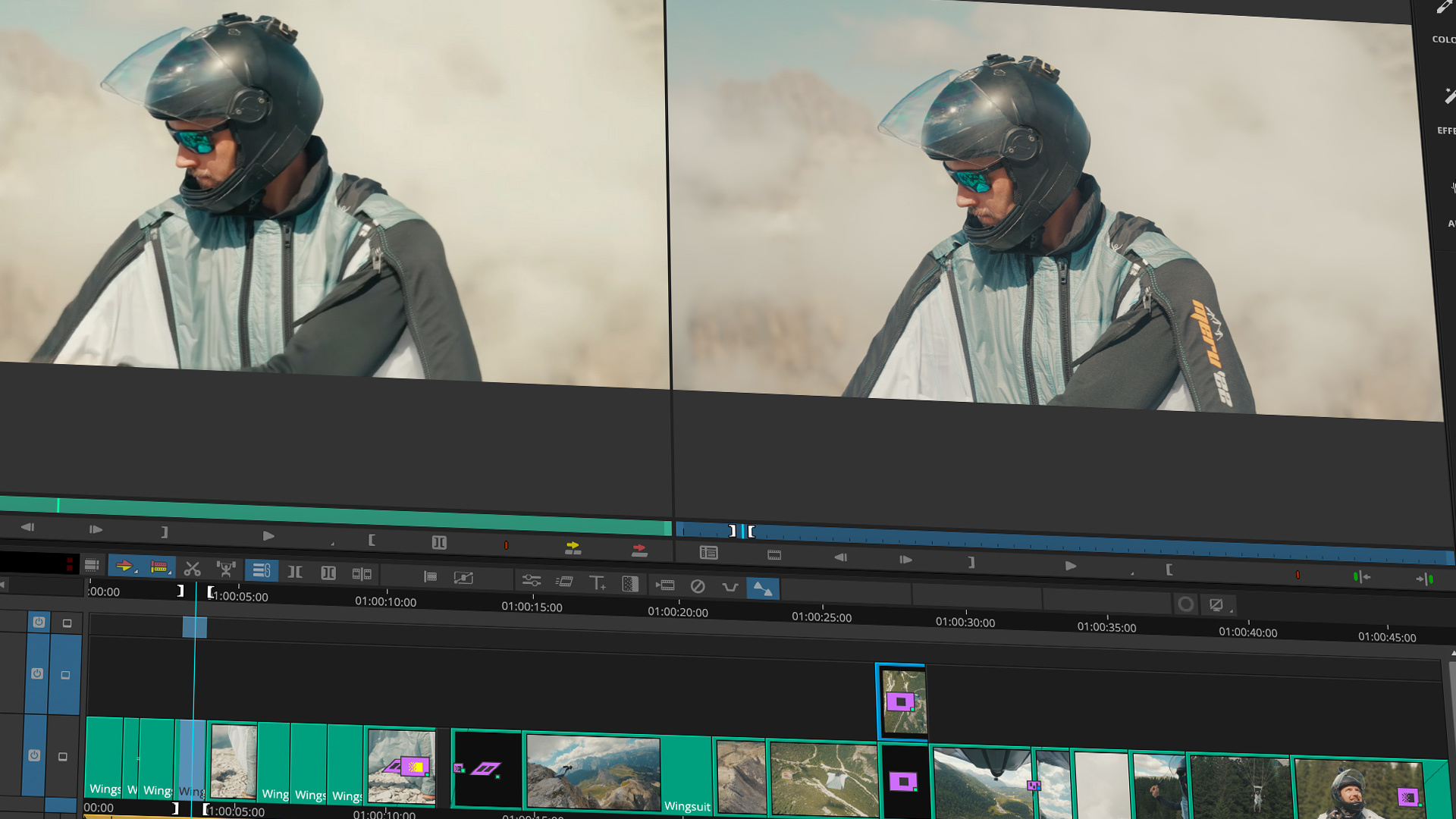
Ready to Play does not automatically edit sequences or make creative decisions on behalf of the editor. Users choose the media, select the AI workflow, provide the prompt, and choose the supported model.
The results return to Media Composer as new media or additional clip metadata. Generated and modified clips are added to a bin chosen by the user, with a bin column displaying AI attributes to help identify media created with Ready to Play. Analyze Video adds descriptions to the metadata of the selected master clips without altering the underlying source material.
Existing sequences and original source media remain unchanged. Editors can review generated results, decide what fits the project, and retain responsibility for the final edit.
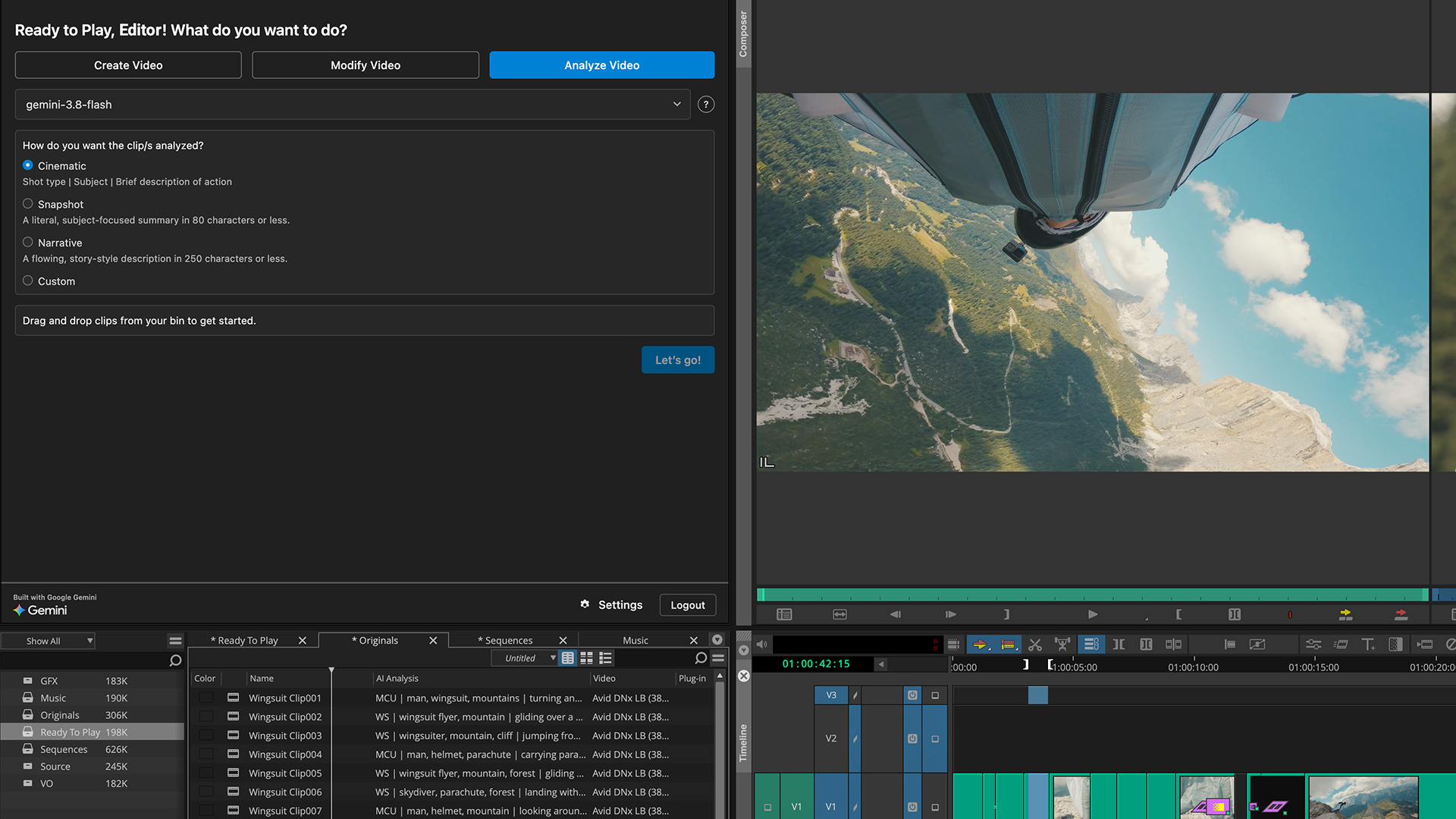
Ready to Play is part of Avid's Ready To series of AI extensions for Media Composer. It is available as an optional extension for Media Composer Ultimate and Media Composer Enterprise, version 2026.8 or later. It is not supported in Media Composer Standard or Media Composer First.
The extension is free to install for eligible Media Composer customers, with no additional licensing charge from Avid. However, access to Google's AI services requires an eligible Google account with billing configured, supported Google services, and an internet connection.
Ready to Play is installed separately from the main Media Composer application. After downloading and installing the extension, users can open it through the Extensions menu in Media Composer and connect their Google account. The interface also identifies the Google model being used.
Applicable AI usage charges are billed directly by Google through the user's Google Cloud billing account. Avid does not provide, sell, or manage Google credits or usage billing. Availability also depends on Google's supported services and regional restrictions.
For installation instructions and additional technical information, refer to Avid's Ready to Play FAQ.
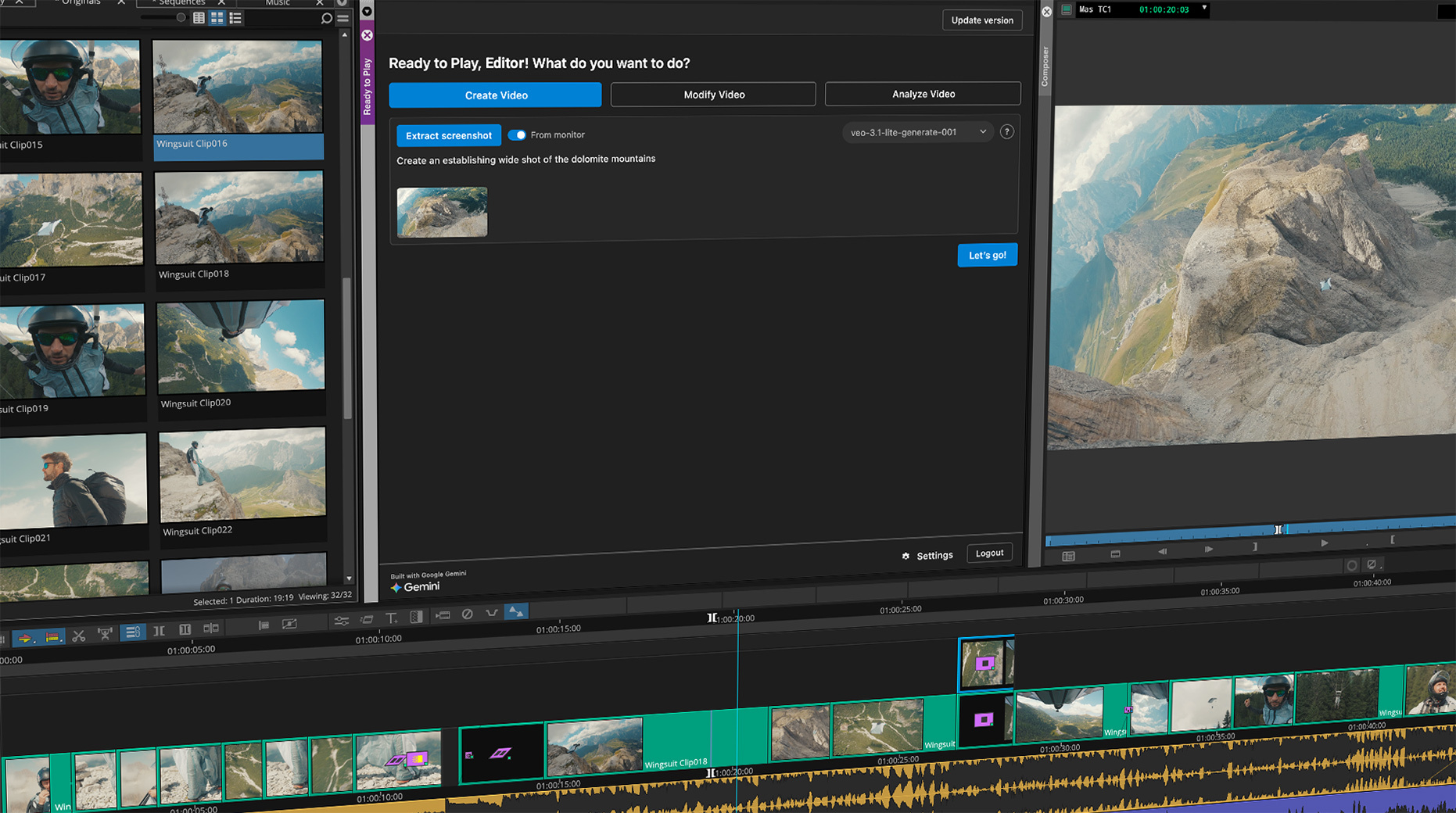
Ready to Play runs locally on the user's computer, with media, prompts, and generated results exchanged directly between the computer and Google Cloud through a project associated with the user's Google account. Avid states that it does not receive the media, prompts, results, or Google credentials processed through this workflow.
According to Avid, clips selected for analysis or used as references are exported to a temporary folder on the computer and uploaded directly to Google over HTTPS. The temporary copies are deleted after processing.
Google's applicable terms of service and privacy policies govern the use of its AI services and may vary by account type. Production teams should review those terms and their organization's policies before processing confidential or production material.
Generated and modified outputs should also be reviewed for quality, rights, and suitability. Avid does not provide a warranty regarding ownership of or non-infringement by generated outputs, so users are responsible for determining whether the results meet their production requirements.
Ready to Play adds useful AI-assisted capabilities to Media Composer, giving editors more options to generate temporary footage, organize selected clips, and explore visual ideas during post-production.
For professional editors and post-production teams interested in using these features, choosing the right Media Composer license is an important first step. Ready to Play is currently supported by Media Composer Ultimate and Enterprise, making it important to check your existing subscription or consider an eligible license.
Motion Media is an authorized Avid reseller, and select Avid annual subscriptions, including Media Composer Ultimate, are currently featured in our Year-End Sale for eligible U.S. customers.
Explore Avid Media Composer Ultimate at Motion Media and check out the Avid Year-End Sale for current offers. You can also browse our Avid software selection to find the right licensing option for your production workflow.
Share: