
 Account

Chaos V-Ray 7 Update 2 for Cinema 4D: What’s New and Why It Matters
POSTED 6th OF Jan, 2026, Posted by Summer

POSTED 6th OF Jan, 2026, Posted by Summer

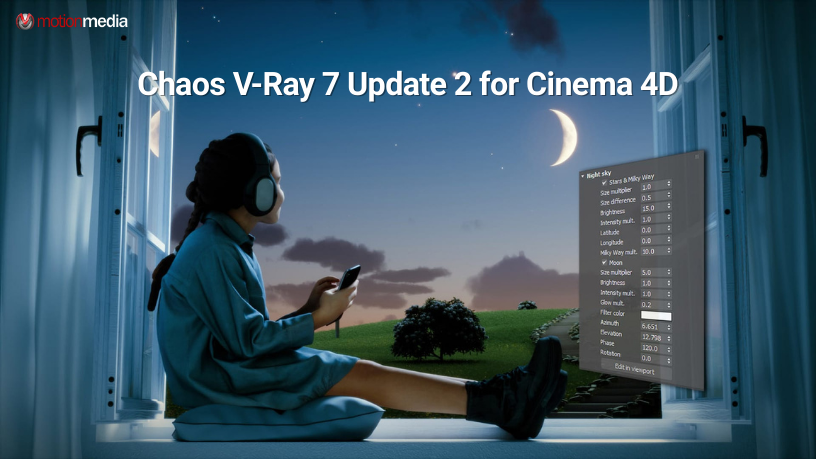
Chaos has officially released V-Ray 7, Update 2 for Cinema 4D, and this update is all about working faster, achieving higher realism, and simplifying complex workflows without compromising quality.
From AI-powered material creation to advanced GPU rendering improvements, this update introduces practical tools that help motion designers, 3D artists, and visualization studios produce photorealistic renders with fewer steps and less manual setup.
If you’re using Cinema 4D for architectural visualization, product rendering, motion graphics, or cinematic scenes, here’s a complete breakdown of what’s new and how it directly improves your workflow.
V-Ray 7 Update 2 for Cinema 4D focuses on speed and realism. The goal is simple: help artists move from idea to final image faster while maintaining professional-grade output.
With smarter materials, AI-driven enhancements, and performance upgrades across CPU and GPU rendering, this update removes friction from everyday production tasks.
Creating believable surface detail just got significantly easier.
The new material displacement with advanced blending allows you to blend displacement data from multiple V-Ray materials and apply it directly to objects; no intricate node setups required.
Why this matters:
This is especially useful for architectural surfaces, organic materials, and detailed product renders, where micro-details make a visible difference.

Material creation no longer needs to slow you down.
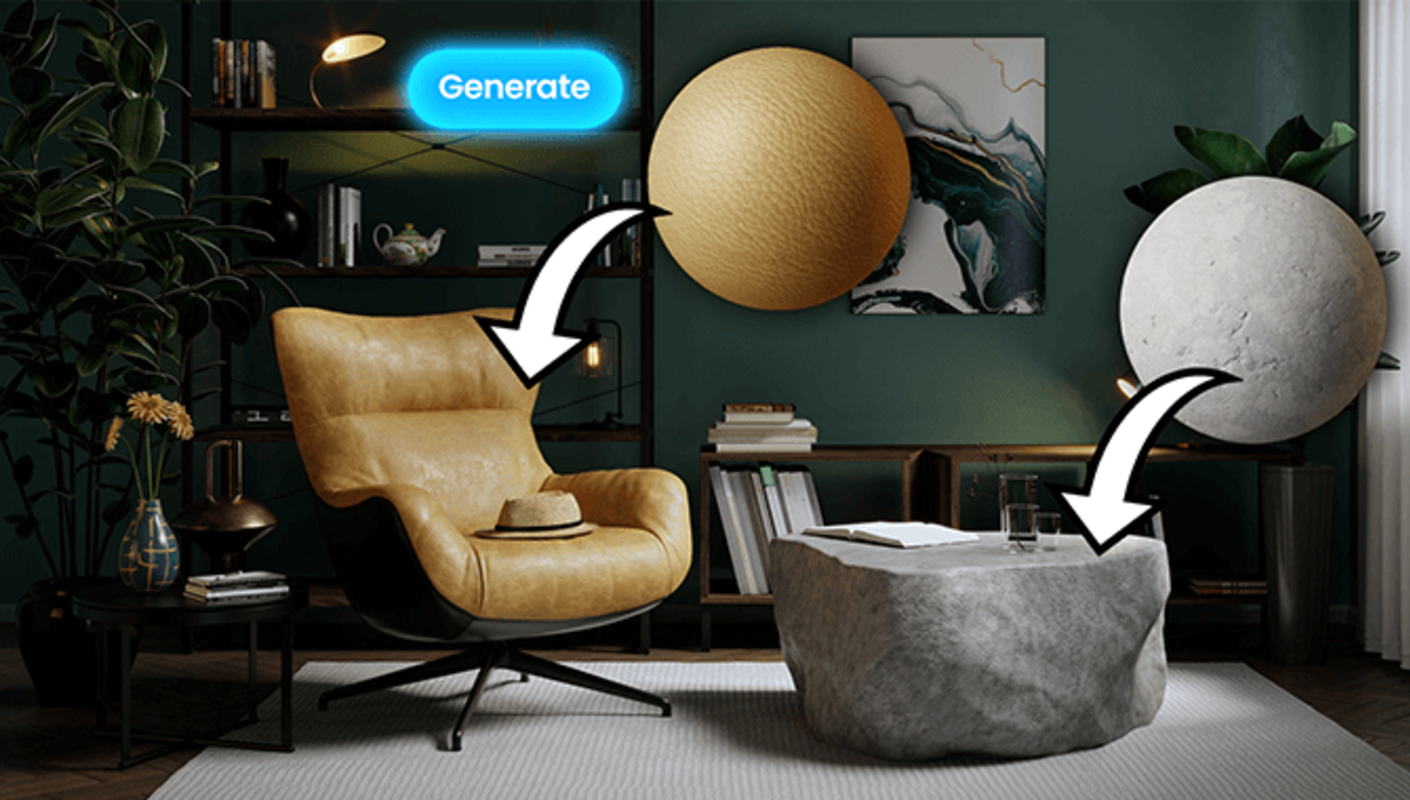
With the new AI Material Generator in Chaos Cosmos, you can upload a photo of a real-world surface and instantly convert it into a render-ready PBR material complete with all required texture maps.
Ideal use cases include:
It’s a time-saving solution for artists who want realism without over-art-directing every material.
The AI Image Enhancer, part of Chaos Cloud Collaboration, now includes advanced controls for greater precision.
It intelligently improves:
You can fine-tune results for consistency and realism without touching your core design or re-rendering the scene. This is especially valuable for street-level views, aerial shots, and large-scale environments.

Need high-resolution visuals without long render times?
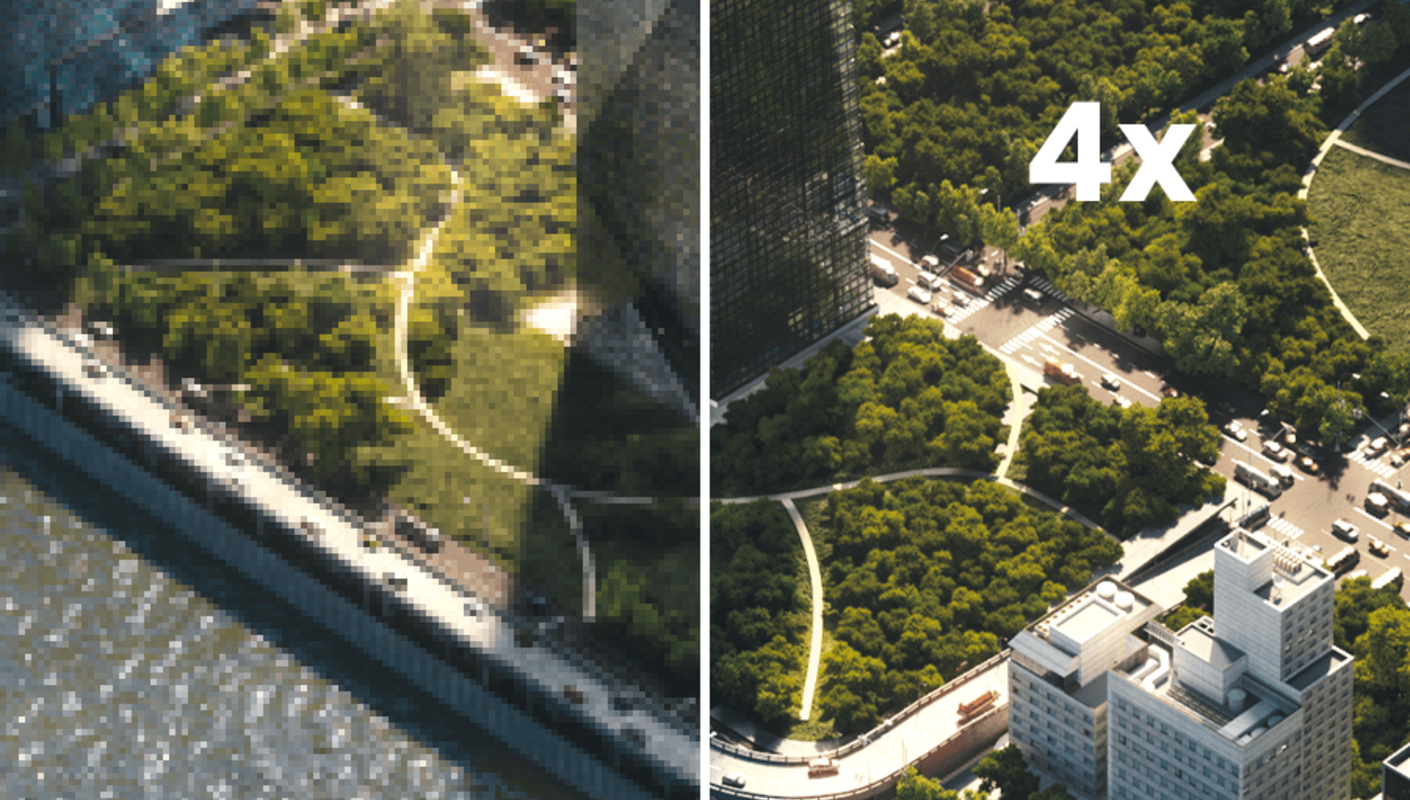
The AI Upscaler transforms low-resolution renders into presentation-ready, high-quality images, enhancing texture sharpness and fine details in the process.
This is ideal for:
It saves hours of rendering while maintaining a polished, professional look.
Creating realistic night renders is now easier and more accurate.
The new Night Sky feature lets you generate astronomically precise night skies, including:
You can control the sky using real-world parameters like date and time or manually adjust individual elements depending on your creative needs.
Perfect for architectural night scenes, cinematic shots, and environmental storytelling.

V-Ray now supports Gaussian splats, making it easier to integrate 3D assets into real-world environments.
This allows you to:
It’s a powerful addition for artists working on urban visualization, large environments, and context-heavy scenes.
The next generation of distributed rendering is here.
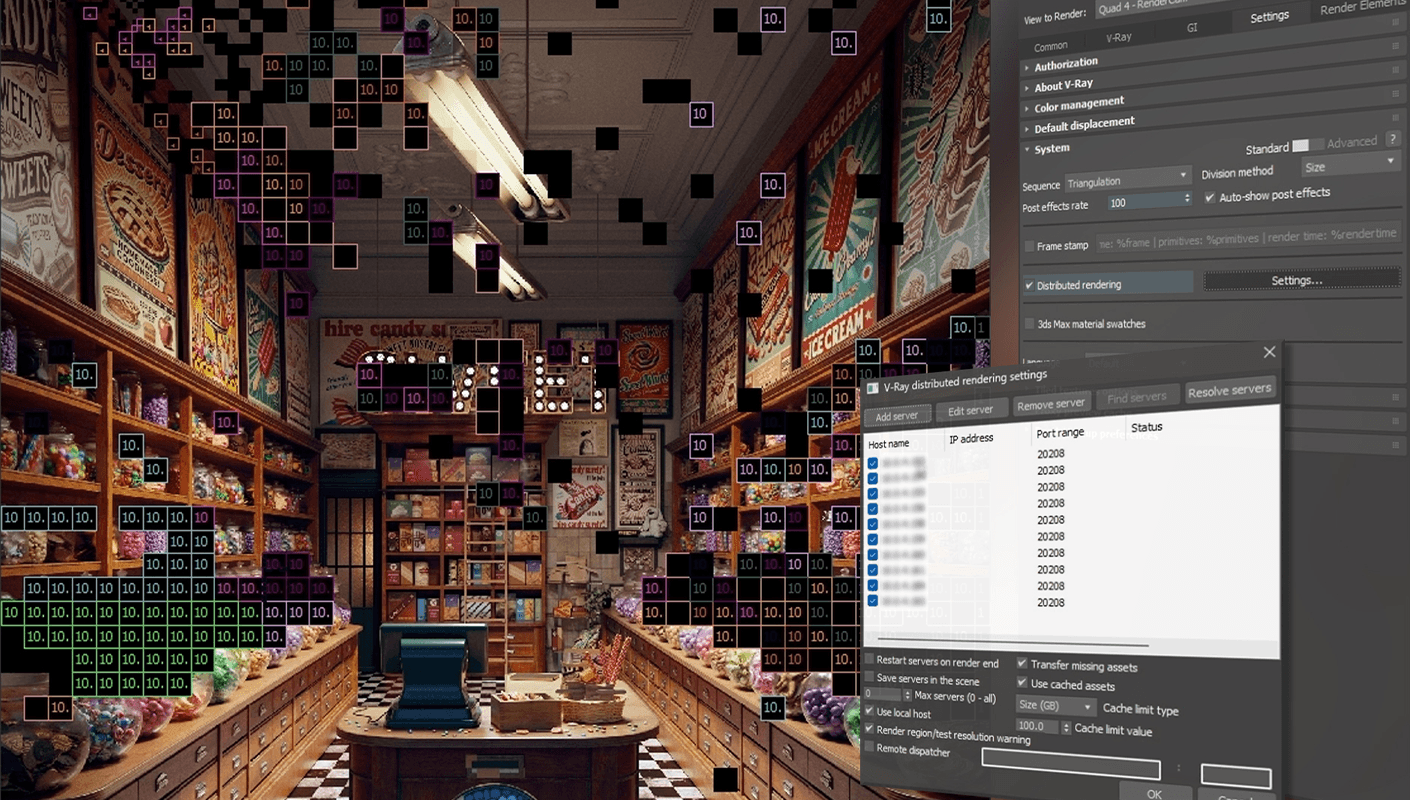
With DR 2, there’s no longer a limit on how many machines can participate. The more systems you add, the faster your renders complete.
Key improvements include:
This update is especially valuable for studios and teams handling high-resolution or animation-heavy projects.
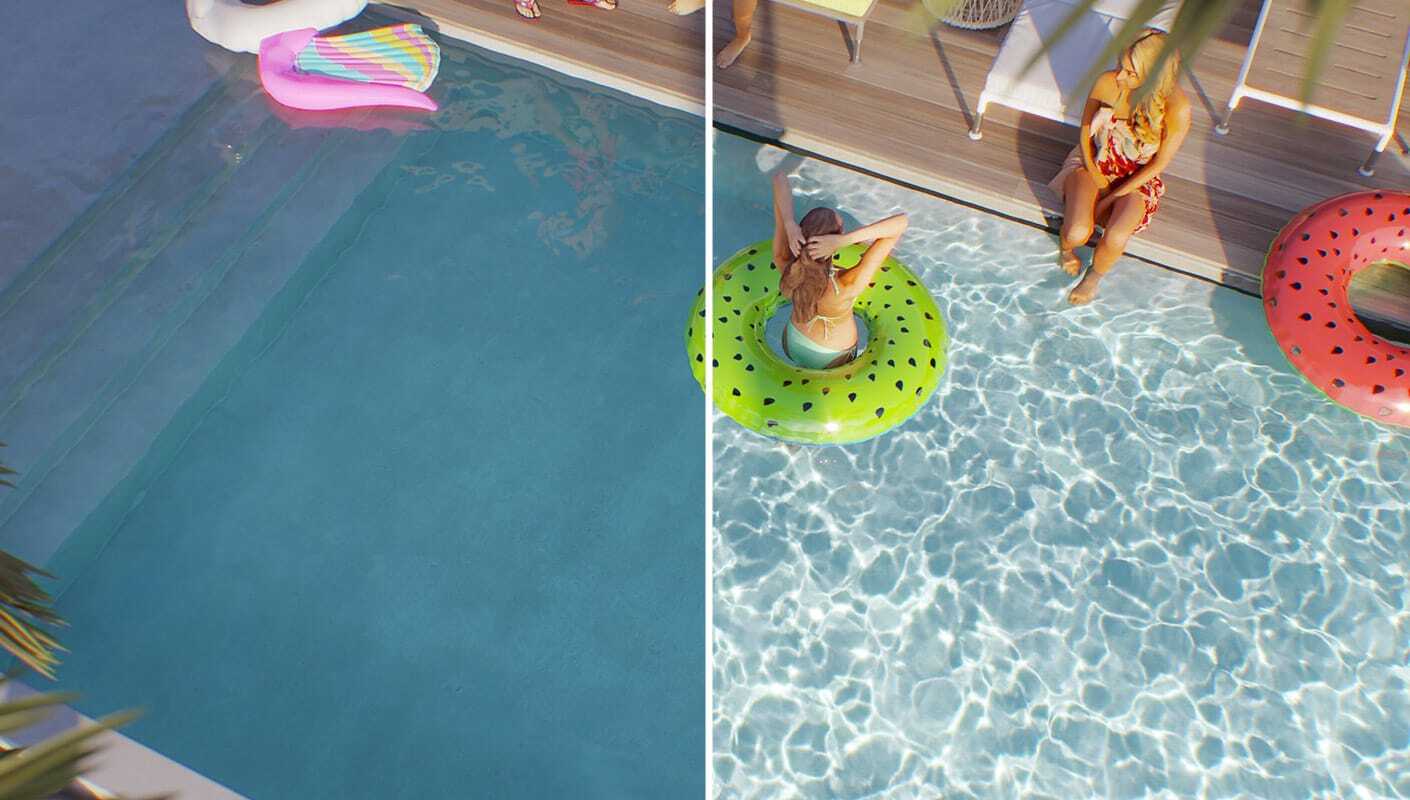
V-Ray GPU now supports Caustics, delivering physically accurate reflections and refractions during both interactive and final rendering.
Powered by a GPU-optimized photon mapping solver, it delivers faster results compared to CPU rendering. The new Caustics Render Element also gives you more control in post-production.
Rendering feedback is faster than ever.
Optimizations in scatter-heavy and texture-dense scenes reduce the time it takes to see your first pixel, improving both interactive rendering and final output speed.
Texture-heavy scenes are now far more memory-efficient.
With the new Out-of-Core Textures implementation, V-Ray uses system memory to reduce GPU memory usage, allowing you to render detailed scenes without compromising shading quality or performance.
This update is designed for professionals who value:
Whether you’re producing architectural visuals, motion graphics, or high-end 3D content, V-Ray 7 Update 2 for Cinema 4D helps you deliver better results in less time.
If you’re ready to take advantage of AI-powered materials, faster rendering, and next-generation workflow improvements, now is the perfect time to upgrade.
Explore V-Ray 7 Update 2 for Cinema 4D and see how it fits into your production pipeline today.
Share: