
 Account

FumeFX 7.5.2 Update: Stability, Performance Refinements, and Production-Ready Improvements
POSTED 24th OF Feb, 2026, Posted by Summer Magdaraog

POSTED 24th OF Feb, 2026, Posted by Summer Magdaraog

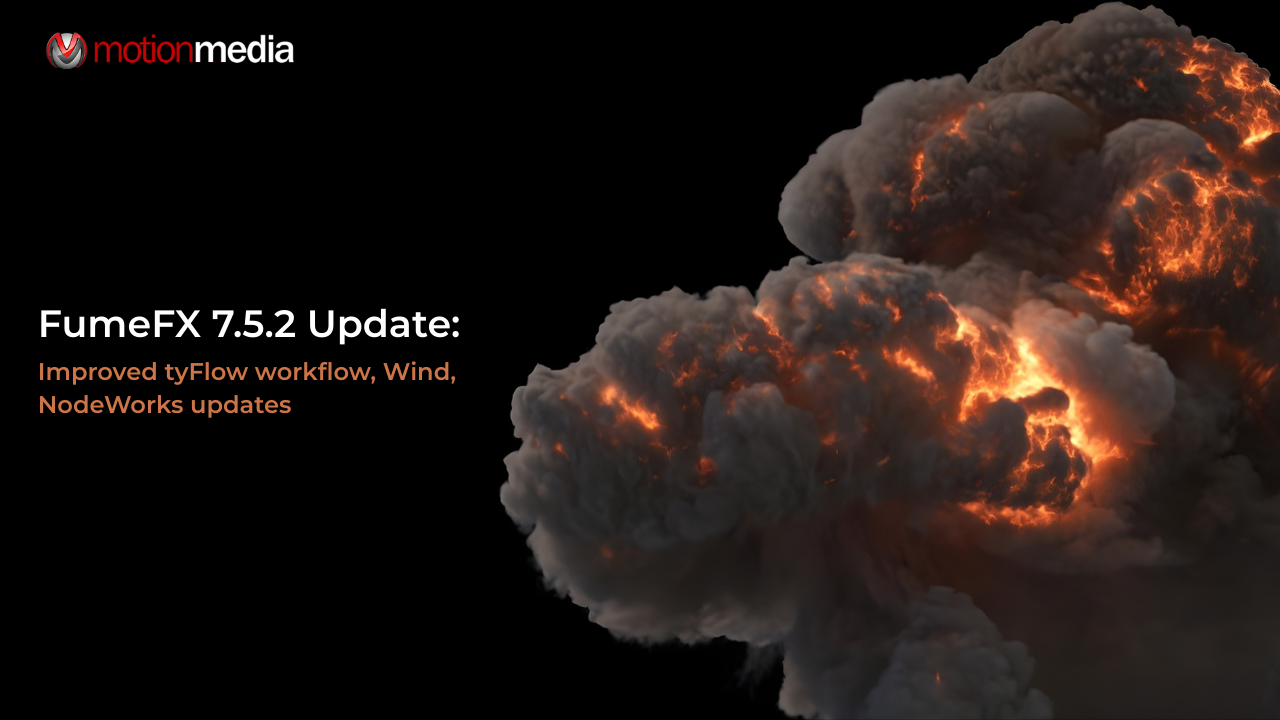
The FumeFX 7.5.2 update is a focused refinement release designed for artists and studios who rely on consistent, predictable simulations in production. Rather than introducing entirely new systems, this update concentrates on stability, performance tuning, and compatibility improvements that make day-to-day work smoother inside 3ds Max.
Developed by Sitni Sati, FumeFX continues to be a go-to solution for realistic smoke, fire, explosions, and fluid effects. Version 7.5.2 builds on the powerful GPU, NodeWorks, and viewport capabilities introduced in recent releases, ensuring they behave reliably in demanding production environments.
For artists working against deadlines, this kind of update matters. Fewer interruptions, fewer crashes, and better performance consistency translate directly into faster iteration and more creative confidence.
FumeFX 7.5.2 is best described as a maintenance and optimization release. According to the official release history, the update focuses on:
These changes may not always be flashy, but they are critical for studios running large scenes, heavy grids, or long simulation sequences.
FumeFX’s CUDA-based GPU simulation remains a core strength of the software. In version 7.5.2, refinements improve reliability when working with GPU-accelerated smoke, fire, and fluid simulations especially in complex scenes that push memory limits.
Artists using modern NVIDIA GPUs benefit from:
These refinements help ensure that GPU acceleration stays practical for real production work, not just test scenes.
One of the most practical workflow safeguards in FumeFX is automatic CPU fallback when GPU memory limits are reached. The 7.5.2 update improves the stability of this process, reducing interruptions during heavy simulations.
For artists working with:
This means fewer failed simulations and less time spent restarting or re-caching scenes.
NodeWorks remains central to building advanced, layered simulations in FumeFX. In FumeFX 7.5.2, refinements focus on making existing NodeWorks tools more dependable and easier to manage in production setups.
This includes better stability when:
These improvements help artists focus on creative decisions rather than troubleshooting technical edge cases.
FumeFX’s ability to interact with particles, rigid bodies, and scene geometry is essential for believable effects. Version 7.5.2 improves reliability in collision handling, particularly in scenes with very high polygon counts.
As a result:
For production VFX work, this level of consistency is crucial.
Real-time feedback is a major part of modern VFX workflows. FumeFX 7.5.2 includes fixes and refinements that improve viewport responsiveness and preview reliability, especially when working with GPU-based simulations.
Artists benefit from:
Previewing volumetric data directly through supported render pipelines remains a key strength, helping artists make faster creative decisions.
The combination of GPU refinements, CPU fallback stability, and bug fixes means fewer unexpected slowdowns. You can test more ideas, make changes later in the process, and trust that simulations will behave consistently.
Stability updates may not be dramatic, but they are what keep production moving. With FumeFX 7.5.2, artists can push scenes further without worrying about fragile setups.
This update is designed to drop into existing pipelines without requiring workflow changes. Scenes created in earlier versions continue to work as expected, with added reliability.
To get the most out of FumeFX 7.5.2:
The update focuses on refinement rather than new system requirements, making it easy to adopt.
As an authorized reseller, Motion Media, LLC works closely with artists and studios using FumeFX in real production environments. We regularly assist teams upgrading versions, diagnosing GPU memory issues, and optimizing simulation workflows for performance and reliability.
Whether you’re validating hardware choices, upgrading mid-project, or troubleshooting complex NodeWorks setups, having experienced guidance can make the transition smoother and safer.
If you’re planning to update:
This preparation helps ensure a smooth update, especially in active production environments.
What is new in the FumeFX 7.5.2 update?
FumeFX 7.5.2 focuses on bug fixes, stability improvements, and performance refinements rather than introducing entirely new features.
Does FumeFX 7.5.2 improve performance?
Yes. The update includes optimizations that improve reliability and efficiency in both GPU- and CPU-based simulation workflows.
Is FumeFX 7.5.2 compatible with recent versions of 3ds Max?
FumeFX 7.5.2 includes compatibility updates to support current versions of 3ds Max.
Does this update fix critical issues from previous versions?
Yes. Several reported bugs and stability issues have been addressed, improving reliability in complex scenes.
Where can I download the FumeFX 7.5.2 update?
The update is available through the official Sitni Sati distribution channels.
FumeFX 7.5.2 may not introduce headline-grabbing features, but it delivers something just as valuable: a more stable, reliable, and production-ready simulation experience. With refined GPU behavior, improved fallback handling, stronger collision stability, and targeted bug fixes, this update helps artists stay focused on creativity instead of troubleshooting.
If your work depends on dependable smoke, fire, and fluid simulations, FumeFX 7.5.2 is a smart and low-risk upgrade and with the right support, it fits seamlessly into existing pipelines.
Share: