
 Account

Enscape 2026 Workflow Updates: Connected, Simple, and Built to Scale
POSTED 25th OF Feb, 2026, Posted by Summer Magdaraog

POSTED 25th OF Feb, 2026, Posted by Summer Magdaraog

Last Update - March 2, 2026
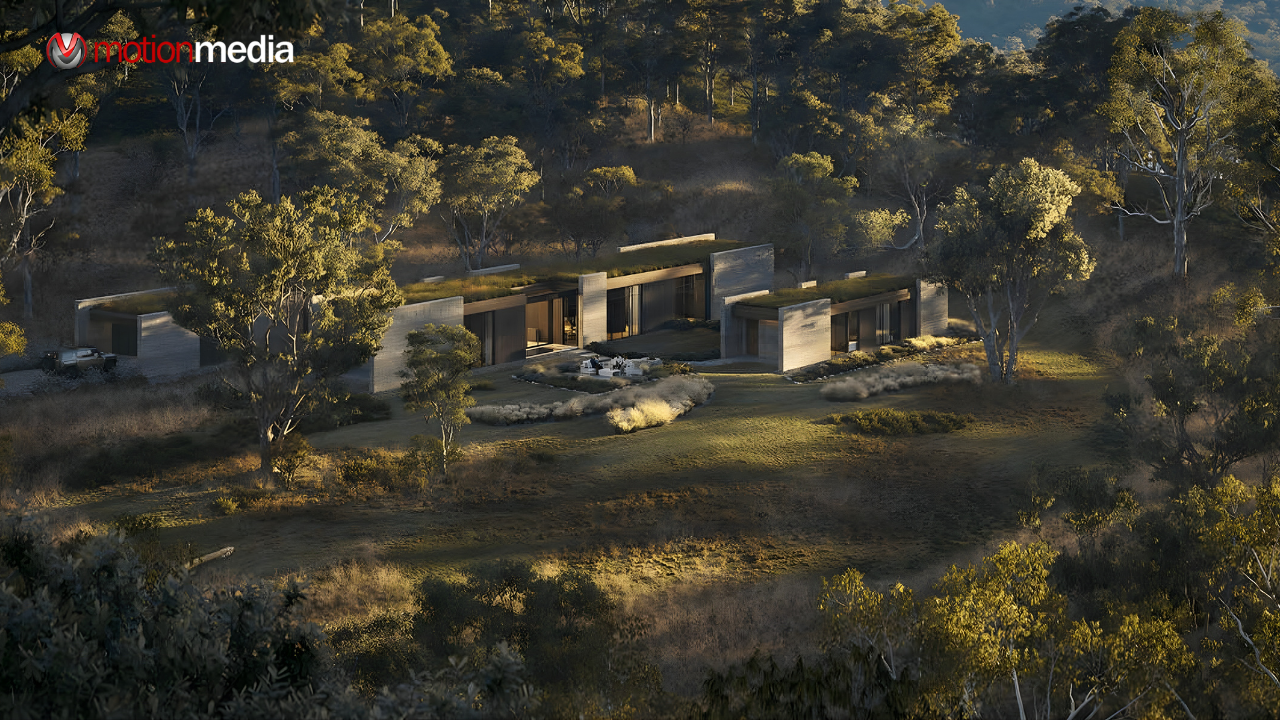
The latest Enscape workflow updates from Chaos focus on one clear goal: making real-time visualization easier to use, better connected, and scalable for growing design teams.
Rather than adding complexity, Enscape 2026 improves how tools, assets, and people work together. Architects and designers can move smoothly from early design to final presentation without breaking context, rebuilding assets, or changing how they already work.
The Enscape 2026 updates are designed to eliminate friction between design, visualization, and collaboration so teams spend less time managing files and more time refining ideas.
Enscape now works more seamlessly with Veras, Envision, Chaos Cloud, and Chaos Cosmos, forming a continuous workflow from concept to presentation.
This connected approach helps teams protect their work and maintain visual accuracy throughout the project lifecycle.
Ease of use remains a core strength of Enscape, and the 2026 updates reinforce that simplicity with more intuitive control.
The new Asset Brush Placement tool allows teams to quickly populate scenes with vegetation and props without manual copying or repetitive adjustments. This speeds up scene setup while keeping performance predictable.
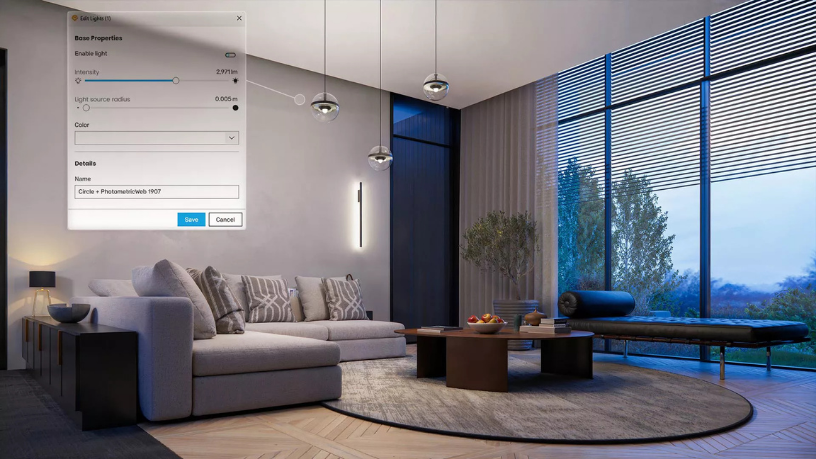
Lighting controls are now managed directly inside Enscape. Designers can adjust and organize project lighting without switching back to CAD, reducing context switching and cleanup work.
Light sources can now be hidden in reflective surfaces, delivering cleaner reflections and more realistic results without workaround techniques.
Enscape 2026 expands how AI supports visualization, focusing on reliability, accuracy, and speed.
AI rendering in Veras 4.0 is powered by Nano Banana Pro , delivering cleaner images, stronger architectural fidelity, and fewer visual artifacts. AI outputs stay true to the original geometry, materials, and lighting conditions of the model.
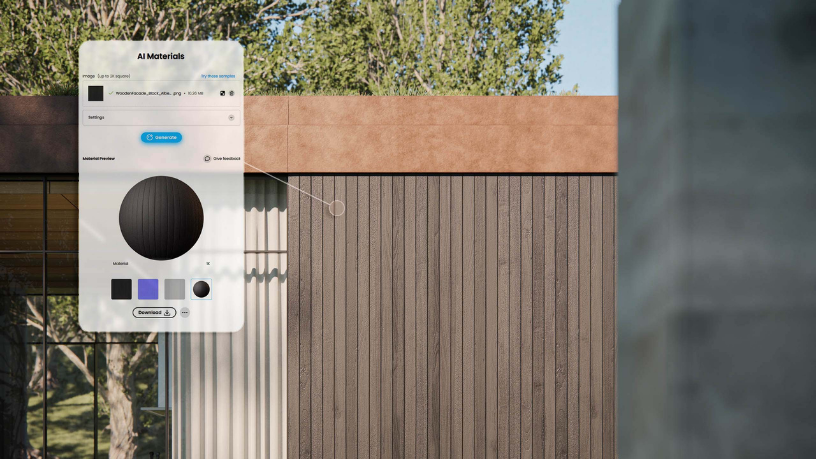
AI-based material generation is now available directly inside the Enscape Material Editor via Cosmos. Designers can generate realistic PBR materials from real-world photos and apply them instantly.
The Cosmos library now includes:
Cosmos-aware assets ensure materials and structure remain intact when moving between Enscape and Envision.
The Envision updates extend Enscape’s real-time workflow into animation and storytelling without forcing teams to rebuild scenes or duplicate models.
Envision now connects live to Revit , SketchUp, and Rhino.
The CAD model remains the single source of truth as projects move from design into presentation.
Refined camera paths, timing controls, and visual feedback allow teams to create smooth walkthroughs and fly-throughs with presentation-quality results without disrupting the design workflow.
Chaos Cloud enhances how teams present, review, and finalize designs.
Clients and stakeholders can explore projects through a browser-based experience, making feedback and decisions faster and more collaborative.
The Enscape 2026 workflow adapts to teams of all sizes:
Whether working independently or across large teams, Enscape scales naturally without introducing complexity or steep learning curves.
The most valuable Enscape updates are not just new features they remove long-standing pain points:
The result is a workflow that feels lighter, more reliable, and ready for future growth.
What are the main Enscape 2026 workflow updates?
Enscape 2026 introduces connected tools across the Chaos ecosystem, improved real-time controls, AI-assisted rendering and materials, and scalable collaboration features.
How does AI rendering stay true to the original design?
AI rendering in Veras uses Nano Banana Pro to maintain geometric accuracy, material consistency, and lighting context reducing hallucinated details and visual artifacts.
How do AI-generated materials improve workflow speed?
Materials can be generated directly from real-world photos inside Enscape, eliminating manual setup and ensuring materials remain usable across Enscape and Envision.
How does Envision’s Live Link support animations without rework?
Live Link keeps the CAD model connected, allowing teams to create animations and presentations without duplicating models or breaking updates.
How does Chaos Cloud improve client reviews and approvals?
Chaos Cloud centralizes sharing, commenting, and approvals in one platform, removing the need for downloads or external review tools.
Is Enscape suitable for both solo designers and large teams?
Yes. The connected Enscape workflow supports scalability, allowing teams to adapt to project changes without changing tools or workflows.
As an authorized Chaos reseller, Motion Media supports teams adopting Enscape with guidance on setup, workflow optimization, and ongoing use. The goal is to help design professionals fully benefit from Enscape’s connected and scalable workflow without unnecessary complexity.
If you’re planning to update or expand your visualization process, Enscape 2026 provides a flexible foundation built for real-world design workflows.
Share: