
 Account

DaVinci, Avid, Premiere Pro: Which Studio-Grade Video Editing Software Is Best for Your Team?
POSTED 27th OF Feb, 2026, Posted by Summer Magdaraog

POSTED 27th OF Feb, 2026, Posted by Summer Magdaraog

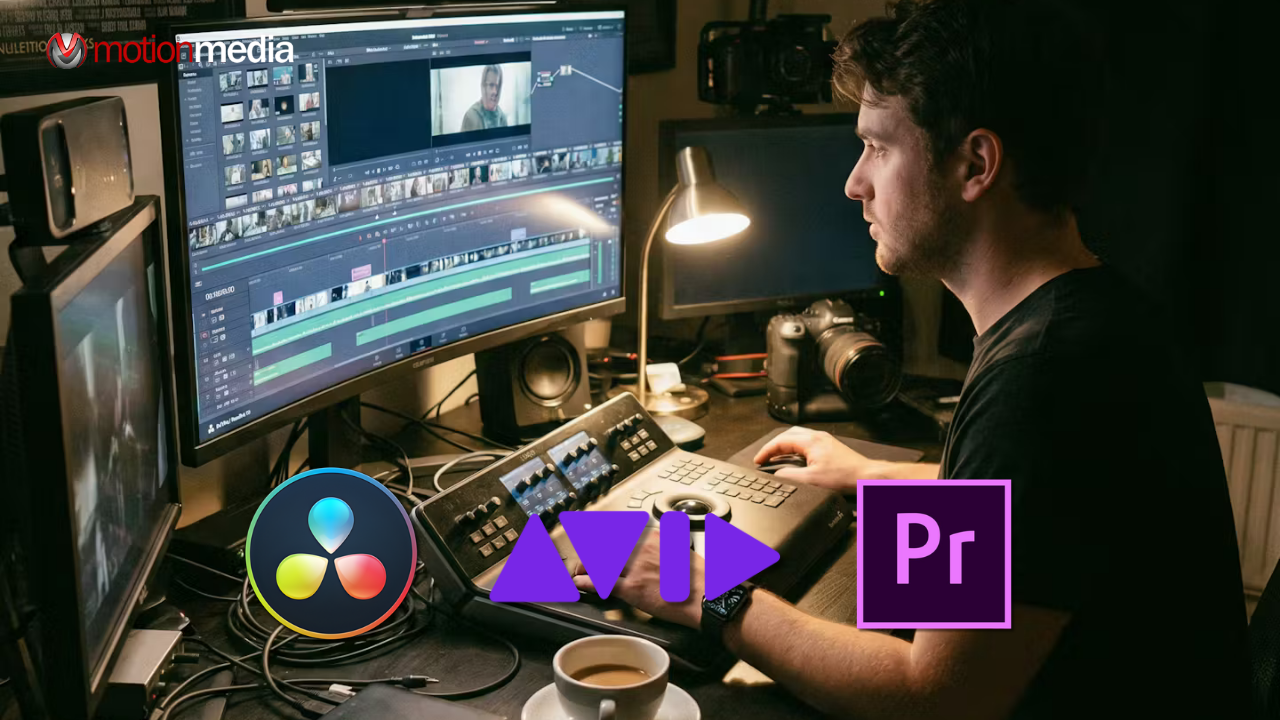
Choosing the right studio-grade video editing software depends on your team’s size, workflow complexity, and project goals. Each leading option offers unique benefits:
Testing trial versions helps teams find the best fit before making a long-term investment.
Professional video editing software isn’t just a tool, it's an investment in your team’s speed, collaboration, and creative potential. The right software can:
At Motion Media LLC, we help creative teams select software that fits both technical requirements and team workflow, ensuring every project meets professional standards.
Before selecting software, consider these key factors:
Tip: Collaboration and scalability should guide your decision. A small three-person studio may thrive on an all-in-one solution, while a 20+ editor team needs asset tracking, secure project bins, and version control.
DaVinci Resolve is a powerhouse for editors, colorists, and VFX artists. Its node-based color grading and integrated Fusion VFX make it ideal for creative teams that demand professional results.
Key Features:
Best for: Indie studios, small to medium teams, filmmakers needing advanced color and VFX tools.
Pro Tip: The free version is perfect for testing workflows before committing. Be prepared for a learning curve if your team is new to node-based editing.
Adobe Premiere Pro thrives in creative agencies and distributed teams. Its integration with the Adobe ecosystem allows seamless collaboration across Photoshop, After Effects, and Audition.
Key Features:
Pro Tip: Premiere Pro is ideal if your team is already in Adobe Creative Cloud. Team Projects simplifies remote editing, while AI tools speed up repetitive tasks.
Avid Media Composer is the go-to software for large studios and broadcast teams. Its workflow is built for multi-editor environments, offering secure pipelines and enterprise-level asset management.
Key Features:
Pro Tip: Avid’s secure workflow prevents untracked changes and keeps large teams organized even across multiple locations.
| Feature | DaVinci Resolve | Adobe Premiere Pro | Avid Media Composer |
| Pricing | Free / $295 one-time | $22.99/mo | $24.99/mo or $540/yr |
| Collaboration | Cloud multi-user tools | Team Projects, cloud | Enterprise bins & locking |
| Color Grading | Node-based, HDR | Lumetri panel | Basic tools |
| AI Features | Magic Mask, Neural AI | Generative Extend, transcription | Limited |
| VFX | Fusion built-in | After Effects link | External only |
| Audio | Fairlight built-in | Needs Audition | Integrated |
| Ease of Use | Steep | Easy, familiar | Steep but standard |
| Team Fit | Indie / small / mid | Agencies / marketing | Large studios / enterprise |
Choose based on your project and team type:
Tip: Start with trial versions or Resolve’s free tier, then scale up to Premiere or Avid as workflow demands grow. Hardware matters GPU acceleration is key for high-res editing.
Do professional editors use DaVinci Resolve?
Yes. Colorists, editors, VFX artists, and sound engineers use DaVinci Resolve daily on films and streaming projects.
Is Premiere Pro used professionally?
Absolutely. It’s common in agencies, marketing teams, and creative studios of all sizes.
Which is better: DaVinci Resolve, Premiere Pro, or After Effects?
It depends on your workflow: Resolve for grading/VFX, Premiere for editing & agency workflows, After Effects for specialized motion graphics. Many teams use them together.
What are the drawbacks of DaVinci Resolve?
Steep learning curve, high system requirements, and overkill for simple edits. Some advanced features require a Studio license.
Choosing the right studio-grade video editing software can transform your team’s workflow. At Motion Media LLC, we help teams:
Ready to upgrade your team’s editing pipeline? Contact Motion Media LLC today for personalized guidance, software demos, and team license consultation.
Share: