
 Account

Pulldownit 6.5 for 3ds Max Introduces New Fracture Workflow Tools
POSTED 1st OF Jun, 2026, Posted by Summer Magdaraog

POSTED 1st OF Jun, 2026, Posted by Summer Magdaraog

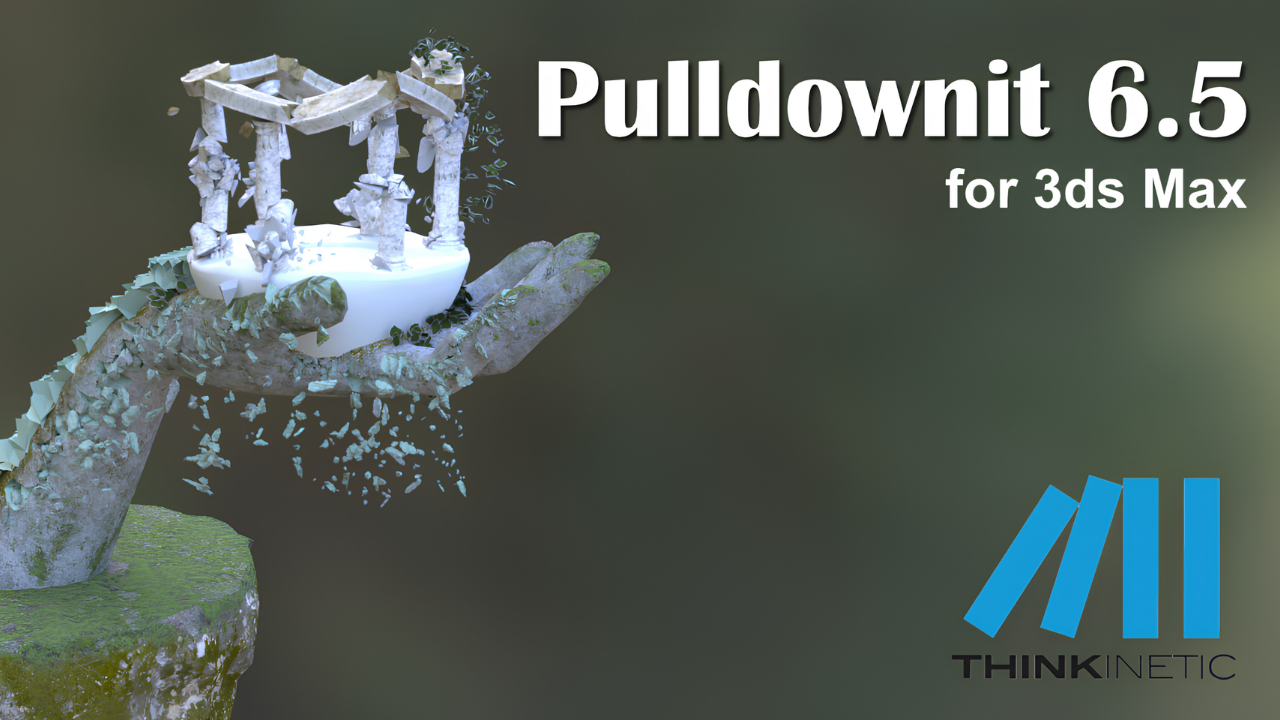
Thinkinetic has released Pulldownit 6.5 for 3ds Max, introducing new fracture editing tools that give artists more control over destruction effects without requiring them to rebuild existing breakages.
The update expands the non-destructive workflow introduced in previous versions with new reshatter controls, fracture cluster resizing, and the ability to reuse breakages across different models. It also includes several fixes affecting fracture generation, animation workflows, and simulation behavior.
Pulldownit 6.5 introduces a new Eraser Mode within the Reshatter workflow.
The tool allows artists to interactively remove fracture areas from a shattered object to reduce fragmentation while preserving the existing breakage pattern. Changes can be previewed immediately through simulation and reversed at any time.
Artists can:
This makes it easier to clean up fracture results while maintaining control over fragment counts and simulation complexity.
A new Set Current as Base Breakage option has been added to the Reshatter tools.
After refining a fracture pattern, artists can save the current result as a new base breakage and continue making additional changes. If needed, they can return to the saved version without recreating the fracture from scratch.
The feature provides a more flexible workflow for artists who need to test multiple destruction variations during production.
Pulldownit 6.5 also introduces a new option that allows users to change the source node of an existing breakage.
This enables artists to:
For projects involving multiple similar assets, the feature can significantly reduce setup time and repetitive work.
Another key addition is the ability to increase or reduce fracture cluster sizes after a model has already been shattered.
Instead of generating a new fracture setup, artists can adjust cluster sizes and immediately calculate a new simulation result.
This makes it easier to:
When used alongside Pulldownit's Edge Fracture tools, artists gain more control over how breakages develop without rebuilding the fracture structure.
Pulldownit 6.5 introduces the following additions:
The release also addresses several issues affecting usability and simulation workflows.
Fixed issues include:
Pulldownit 6.5 for 3ds Max is available now for licensed users through their Thinkinetic account.
Thinkinetic has also released a demo version compatible with 3ds Max 2027 for artists who want to evaluate the latest release before purchasing.
As an authorized reseller of Thinkinetic products, Motion Media provides genuine Pulldownit licenses for artists, studios, visualization teams, and VFX professionals looking to create realistic destruction simulations in 3ds Max.
Whether you're upgrading to Pulldownit 6.5, purchasing a new license, or evaluating the software for your pipeline, our team can help you find the right licensing option for your needs.
Contact Motion Media today to learn more about Pulldownit licensing, pricing, and upgrade options.
Share: