
 Account

V-Ray for Blender: Complete Getting-Started Course
POSTED 30th OF Sep, 2026, Posted by Summer Magdaraog

POSTED 30th OF Sep, 2026, Posted by Summer Magdaraog

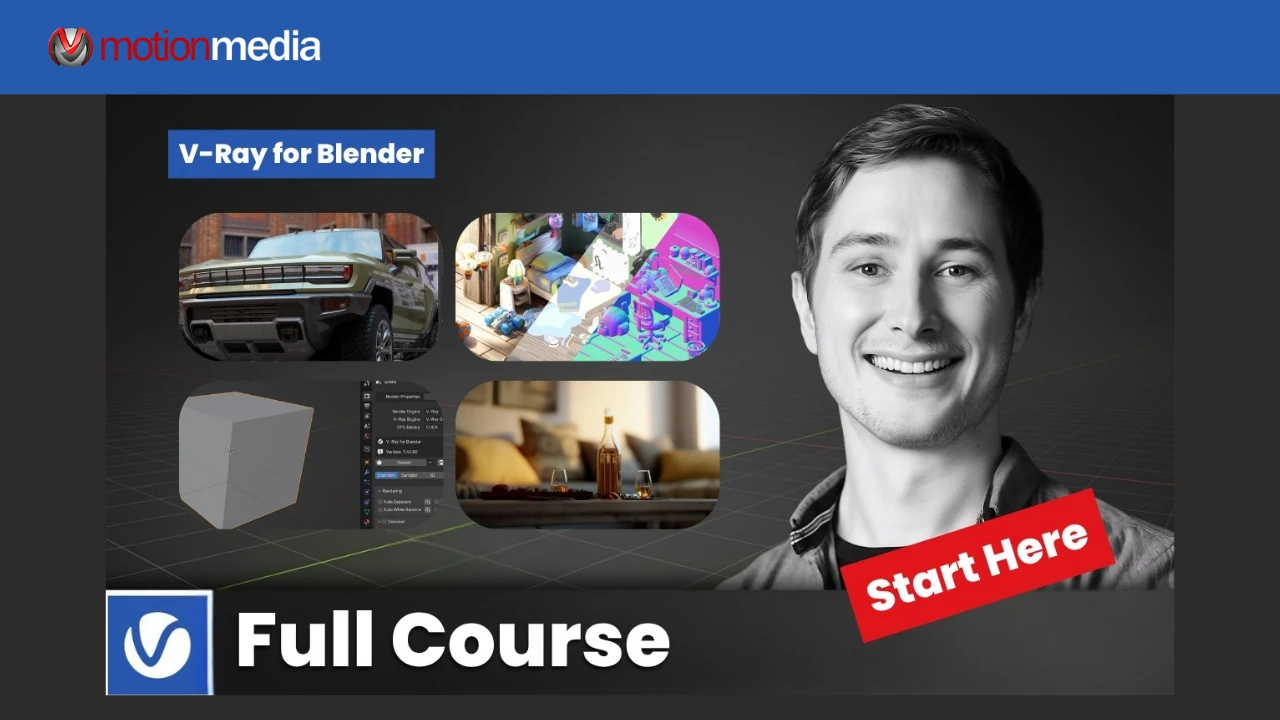
Getting started with a new render engine does not have to be complicated. Chaos’ V-Ray for Blender Getting-Started Course gives Blender artists a step-by-step introduction to V-Ray, covering the essential tools and workflows needed to create their first renders.
The course is led by Jonas Noell, a Lighting and Shading Artist with more than 15 years of experience in VFX, CGI, and commercial production. His experience with V-Ray, Blender, Cycles, and EEVEE provides practical guidance for artists who are new to V-Ray.
The course covers the fundamentals of V-Ray for Blender, including:
This course is designed for Blender artists who are new to V-Ray, including beginners in architectural visualization and artists who currently work with Cycles or EEVEE.
No previous V-Ray experience is required.
Ready to explore V-Ray for Blender for your own projects? Motion Media is an authorized Chaos reseller, offering V-Ray solutions for artists and creative professionals.
Share: