
 Account

Pulldownit 6.6 for Maya: New Features, Faster Re-Shattering, and Fixes
POSTED 20th OF Oct, 2026, Posted by Summer Magdaraog

POSTED 20th OF Oct, 2026, Posted by Summer Magdaraog

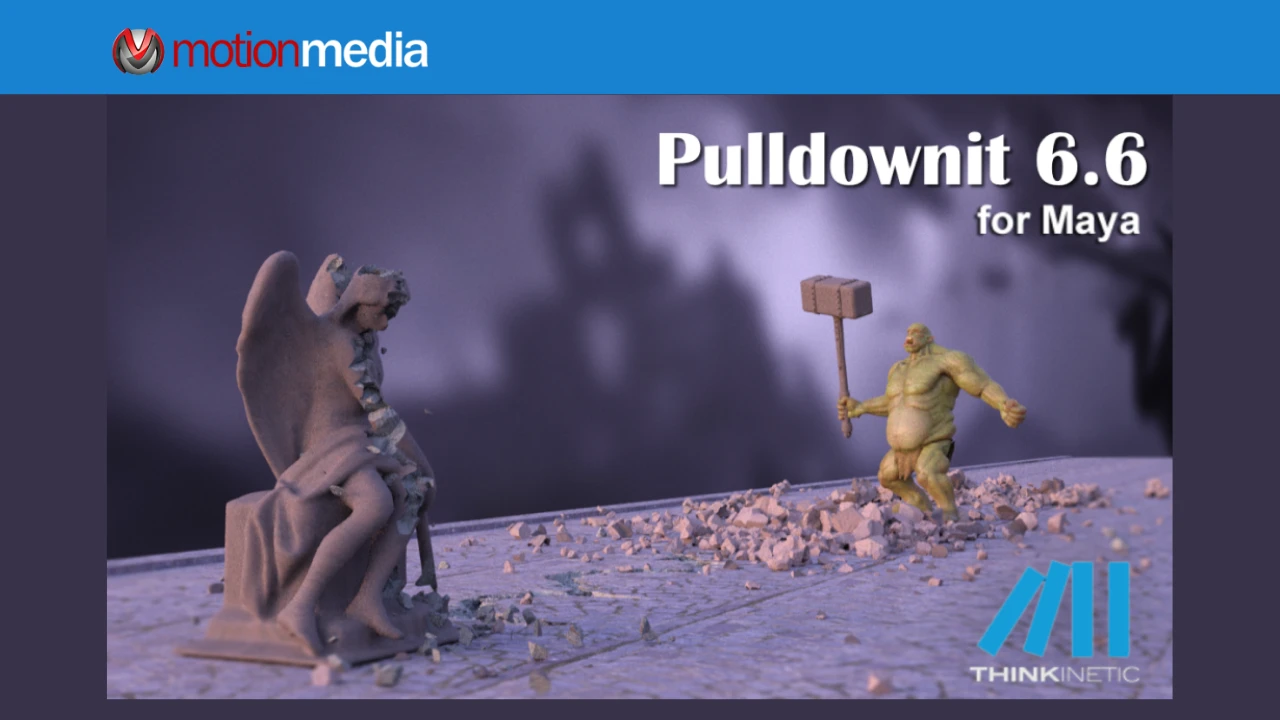
Thinkinetic released Pulldownit 6.6 for Maya on October 20, 2026. The update introduces faster re-shattering and undo operations, two new fracture-refinement modes, the ability to change the source node of an existing breakage, and fixes for several shattering and simulation issues.
Building on the non-destructive workflow introduced in Pulldownit 6.5, version 6.6 focuses on refining existing fracture patterns and improving control over how models break apart. The changes give Maya artists additional ways to adjust fragmentation, generate debris along selected borders, reuse existing breakage, and address problems encountered in previous versions.
The main improvements in Pulldownit 6.6 include:
Re-shattering allows artists to refine an existing fracture by generating additional breakage in selected areas of a model. This is useful when an initial fracture pattern needs more detail in certain sections without applying additional fragmentation uniformly across the entire object.
In Pulldownit 6.6, Thinkinetic reports that re-shattering operations are 3x faster than in the previous version.
Artists can use this operation to revisit areas that need additional fracture detail, such as sections where smaller debris is required. The improvement targets the process of modifying an existing breakage rather than requiring artists to repeat the entire shattering process.
Undo Last Re-Shatter has also been improved. According to Thinkinetic, reversing the most recent re-shatter operation is now 4x faster.
All shatter modes support Undo Last, and the original breakage can be recovered when needed. These controls allow artists to test fracture adjustments, reverse an unwanted change, and return to an earlier state during refinement.
The reported speed improvements come from Thinkinetic. The published release notes do not specify the hardware, scene complexity, or benchmark conditions used for the comparisons.
Not every part of a fractured model needs the same level of detail. Some areas may require smaller fragments, while others may need to retain larger pieces or have selected cracks removed.
Pulldownit 6.6 introduces Eraser, a new re-shatter mode that allows artists to reduce fragmentation interactively.
Using visual selection, artists can identify areas where they want to remove unwanted fracture detail. The tool can also remove cracking areas completely. Changes can be undone, allowing artists to revise their selections without having to accept the modified fracture as a final result.
The simulation can be played immediately after adjustments to review the resulting breakage.
Eraser adds a way to simplify selected portions of an existing fracture. Rather than creating additional fragments, artists can use the tool to reduce fragmentation where a more restrained fracture pattern is needed.
Pulldownit 6.6 also introduces Chipping on Borders, a new re-shatter mode for generating small debris along selected borders of a model.
Artists visually select the affected areas instead of applying the operation across every edge. Thinkinetic also notes that inner borders, such as those surrounding holes in a model, can be detected.
The generated debris detaches automatically when the dynamics are computed.
This gives artists a way to add smaller pieces along specific external or internal borders while keeping the operation focused on the selected areas. It is particularly relevant when a destruction effect calls for chipped edges or additional debris around existing openings.
Pulldownit already had Edge Fracture functionality in earlier versions. The new Chipping on Borders mode extends the available re-shattering options, while version 6.6 also fixes reported problems with uneven chipping on tessellated meshes and unwanted chipping along inner edges.
Pulldownit 6.6 adds the ability to change the source geometric node associated with an existing breakage.
The Shatter It interface now includes a Select Source Node button. By selecting another geometric node, artists can change the source for the current breakage.
Thinkinetic identifies two uses for this functionality: applying an existing breakage to a different model or reusing it as the starting point for another destruction effect.
This provides another option when adapting an existing fracture setup. Artists can select a different source geometry instead of treating the original source as fixed, then use the existing breakage as the basis for further work.
The new control is a continuation of Pulldownit's non-destructive workflow improvements, giving artists another way to work with existing fracture data.
Alongside the new features and performance improvements, Pulldownit 6.6 addresses issues involving shattering, geometry, rigid-body collisions, clusters, and edge-fracture behavior.
The following fixes are listed in Thinkinetic's official Maya version log.
The update addresses several issues affecting shatter operations and geometry handling:
These corrections target specific issues documented by Thinkinetic. Their relevance will depend on the models, settings, and operations used in a particular scene.
Version 6.6 also corrects several problems involving rigid bodies and fracture clusters.
The listed fixes include:
These changes address specific collision and cluster behaviors documented in the release notes.
The update includes further corrections to edge chipping and cluster settings.
Edge Fracture could produce uneven chipping around selected shards on tessellated meshes or chip along inner edges of a selection. Version 6.6 addresses both issues.
The release also corrects cases where the Relative to Mass cluster setting was ignored after resizing clusters or applying Edge Fracture. Another fix reduces unnecessary confirmation messages when reverting a re-shatter operation to the original state.
For the complete list of changes, refer to the official Pulldownit for Maya version logs.
Pulldownit 6.5 introduced a non-destructive workflow for fracture bodies, support for Xref objects in Shatter It, an option to set the current shatter as the base shatter, and the ability to resize fracture clusters.
Version 6.6 builds on those changes with faster re-shattering and undo operations, the new Eraser and Chipping on Borders modes, and the ability to change the source node of an existing breakage. It also addresses additional issues involving geometry, collision behavior, clusters, and fracture processing.
For more details about the earlier release, read Pulldownit 6.5 for Maya: A Major Leap Toward Non-Destructive Destruction Workflows.
Thinkinetic states that licensed users can access Pulldownit 6.6 through their accounts. The official download page also lists free Pulldownit 6.x Maya plugins for supported versions of Maya, including Maya 2027, 2026, 2025, 2024, 2023, and 2022, with separate Windows and macOS downloads.
Existing users can review the update against their current workflows, while artists evaluating the software can use the available download to explore Pulldownit before purchasing a license.
Visit the official Pulldownit download page for the available versions, or consult the official version log for the complete list of enhancements and fixes.
Pulldownit provides fracture-generation and rigid-body simulation tools for creating destruction effects in Autodesk Maya. Version 6.6 adds faster re-shattering, new ways to refine fragmentation and edge chipping, source-node selection, and corrections to existing shattering and simulation behavior.
Motion Media offers Pulldownit Pro for Maya in annual Windows and macOS licenses, including floating-license options.
Explore Pulldownit Pro for Maya licenses at Motion Media to compare the available configurations and find the option that fits your workflow.
Share: