
 Account

Pulldownit 6.5 for Maya: A Major Leap Toward Non-Destructive Destruction Workflows
POSTED 15th OF Jan, 2026, Posted by Summer

POSTED 15th OF Jan, 2026, Posted by Summer

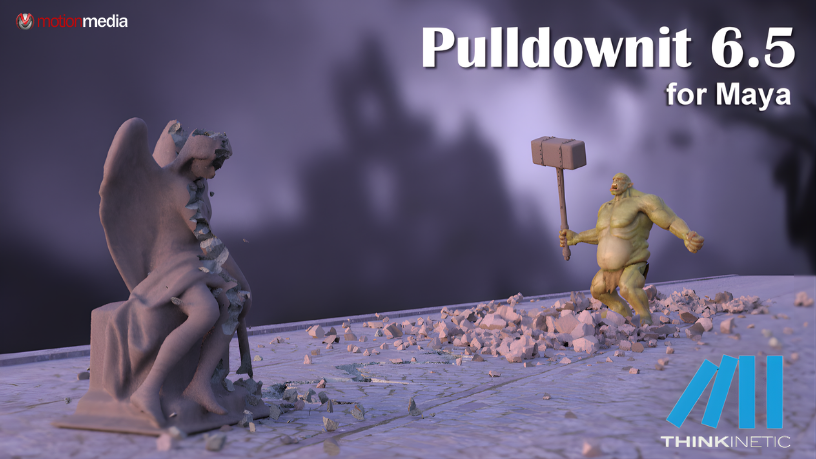
Pulldownit 6.5 for Maya has officially been released by Thinkinetic, and this update delivers one of the most requested advancements in procedural destruction workflows: a fully non-destructive shatter system built for speed, flexibility, and creative control.
If you work in VFX, animation, motion graphics, or game cinematics, this update significantly changes how you fracture, reshape, and simulate assets inside Autodesk Maya without forcing you to start over every time a change is needed.
In this article, we’ll break down what’s new in Pulldownit 6.5, why it matters, and how it improves real-world production workflows.
Pulldownit 6.5 introduces smarter, more flexible tools that let artists iterate faster while keeping simulations accurate and stable. The highlight? A non-destructive shatter workflow that adapts instantly to model changes.
This release focuses on three key areas:
Let’s look at each in detail.
The headline feature in Pulldownit 6.5 for Maya is the new non-destructive shatter system.
You can now:
This is a major productivity boost for artists working under tight deadlines. Instead of rebuilding fracture setups, you can refine, adjust, and iterate continuously.
Pulldownit 6.5 supports Maya mesh modifiers within this workflow. While there are a few known limitations with certain modifiers, these are clearly reported in the Maya Script Editor, making it easy to identify and work around them.
A powerful addition to the shatter system is the new Reshatter option: “Set Current as Base Breakage.”
This allows you to:
This feature is especially useful when refining destruction passes or testing creative variations without losing a solid foundation.
Pulldownit 6.5 now supports XRef objects in shatter workflows.
That means:
(As expected, this follows Maya’s inherent XRef limitations but within those boundaries, the workflow is smooth and reliable.)
On the dynamics side, Pulldownit 6.5 introduces the ability to increase or reduce fracture cluster size on demand.
With simple controls, you can:
Combined with the Edge Fracture feature introduced in Pulldownit 6.0, this makes it much easier to control clean separations or dramatic break-apart effects without overcomplicating your setup.
Pulldownit 6.5 also brings meaningful UI improvements designed to reduce clutter and speed up decision-making.
Pulldownit 6.5 adds several practical controls:
These changes may seem small individually, but together they significantly improve day-to-day usability.
Pulldownit 6.5 is ideal for:
If your work involves procedural destruction, rigid body dynamics, or fracture simulations in Maya, this update is worth immediate attention.
1. Licensed users can already download Pulldownit 6.5 for Maya directly from their Thinkinetic account
2. Full technical details and fixes are listed in the official Pulldownit version logs
Pulldownit 6.5 for Maya is not just an incremental update; it’s a shift toward a more flexible, artist-friendly, and production-ready destruction workflow.
If you want faster iteration, cleaner control, and nondestructive shattering that adapts to your creative process, now is the time to upgrade.
Explore Pulldownit 6.5 for Maya today and experience a smarter way to fracture, reshape, and simulate inside Autodesk Maya.
Share: