
 Account

RailClone Awnings System: A Faster, Scalable Way to Create Awnings in 3ds Max
POSTED 22nd OF Apr, 2026, Posted by Summer Magdaraog

POSTED 22nd OF Apr, 2026, Posted by Summer Magdaraog

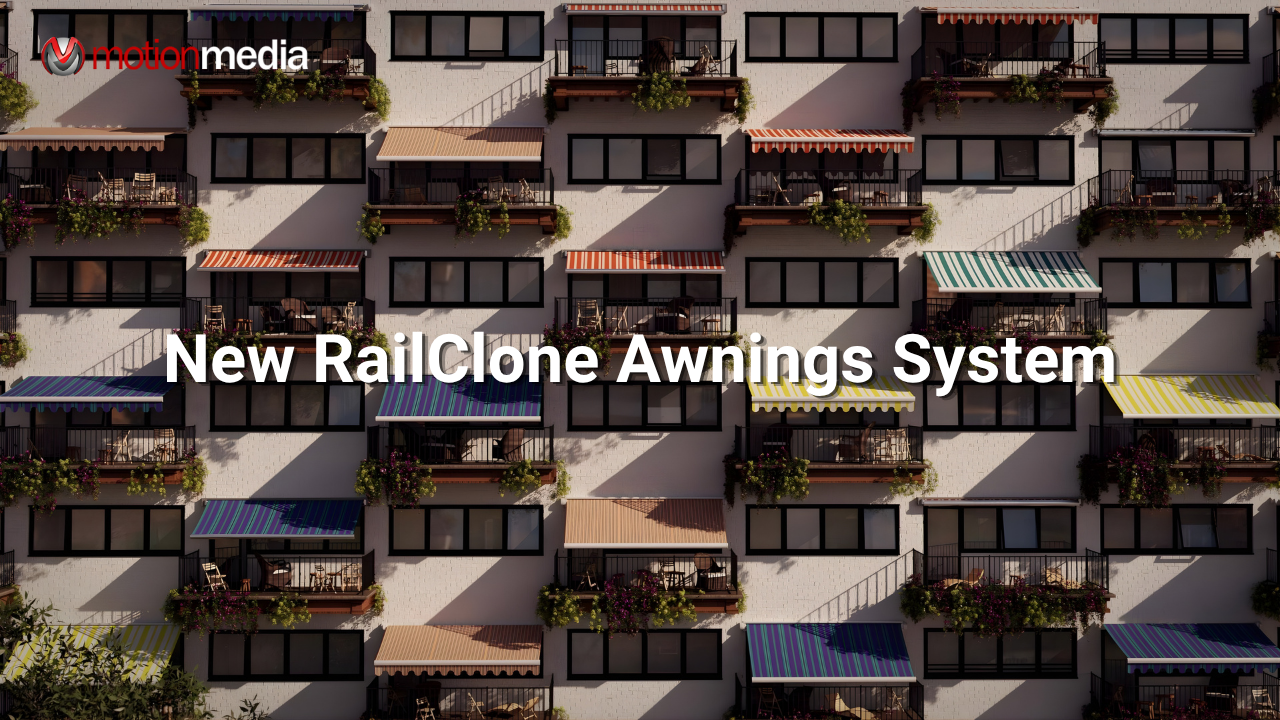
Modeling awnings manually in 3ds Max is repetitive and difficult to scale across large facades. The RailClone Awnings System provides a procedural method to generate and control awnings using splines and parametric settings.
This system is part of the RailClone Systems library and is available through the Update Manager for users with an active maintenance plan.
The system allows you to generate multiple awnings at once using spline-based input.
This removes the need to model and place each awning individually.
Placement is defined using splines:
Each awning adapts to its segment while remaining controlled by shared parameters.

A Size parameter controls how far the awning extends outward. This directly affects both geometry and visual depth.
The system uses:
You can keep values fixed or allow variation between awnings.

• Set a fixed angle
• Or allow variation per awning

• Randomise Open = varies extension
• Randomise Angle = varies tilt
These controls reduce visible repetition across a facade.
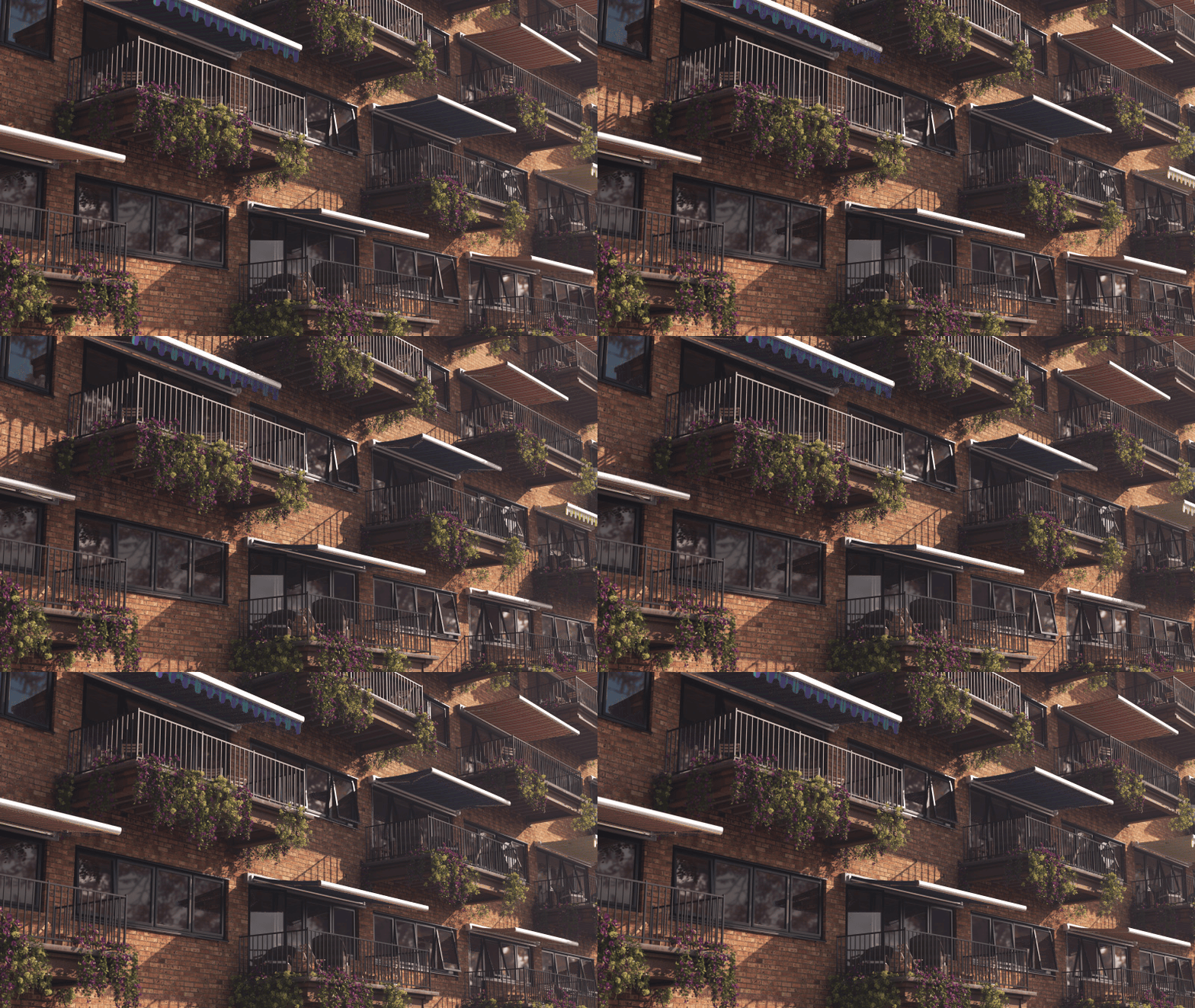
Support structures are generated automatically:
The system includes:
Total: 32 variations.
Use this system if:
Manual modeling becomes inefficient when awnings need to be repeated, adjusted, or updated across a full building.
| Task | Manual Modeling | RailClone Awnings System |
| Placement | One-by-one | Spline-based |
| Variation | Manual edits | Built-in randomization |
| Updates | Rework required | Parametric updates |
| Scalability | Limited | Designed for large facades |
In production workflows, the main advantage of this system is flexibility. Awnings are often adjusted during later stages of a project. A parametric setup allows global updates without rebuilding geometry, which reduces rework compared to static models.
The RailClone Awnings System is:
Motion Media provides official access to RailClone and other Itoosoft tools.
They can help you:
If you plan to use the RailClone Awnings System in production, the next step is to ensure your license and maintenance are correctly set up.
You can get RailClone, Forest Pack, and other Itoosoft products through Motion Media.
This ensures:
Share: