
 Account

Discover 3 New Greyscalegorilla Plugins for Your Cinema 4D Workflow
POSTED 22nd OF Sep, 2026, Posted by Summer Magdaraog

POSTED 22nd OF Sep, 2026, Posted by Summer Magdaraog

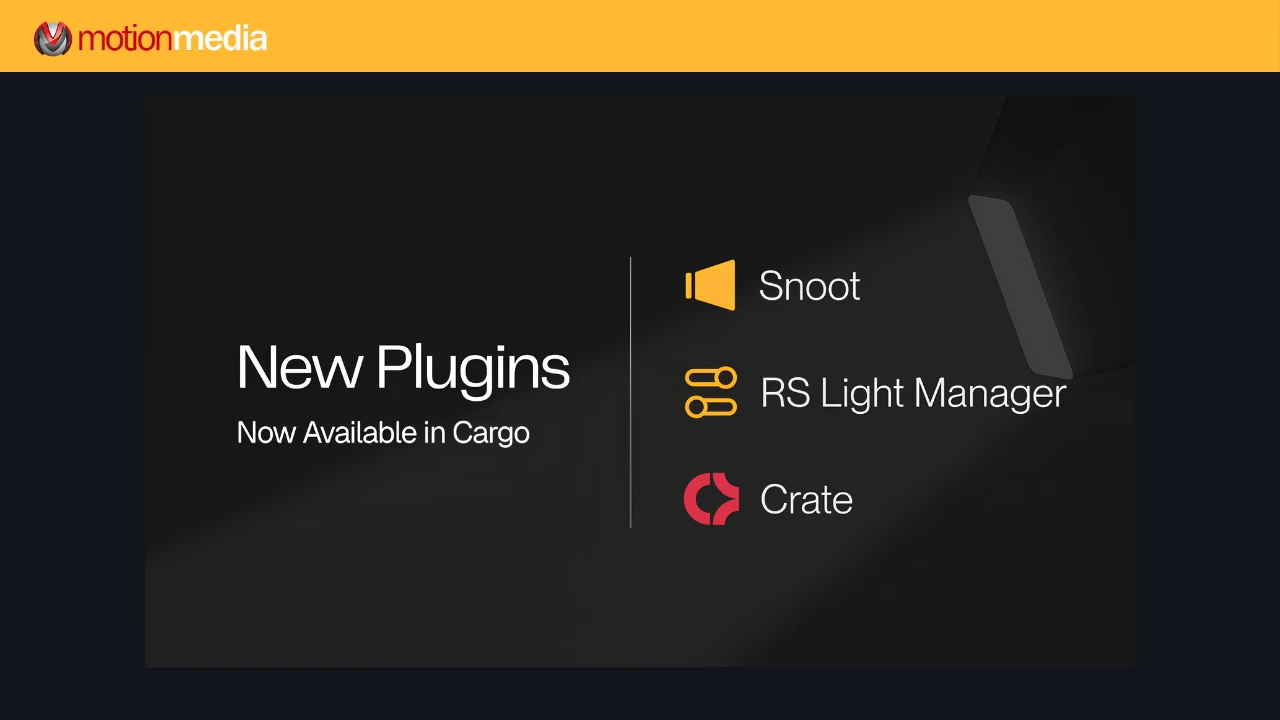
Greyscalegorilla is adding three new tools to its Cinema 4D workflow lineup: Snoot, Crate, and Redshift Light Manager.
Featured in Greyscalegorilla's latest newsletter under the title “Discover 3 new plugins for your workflow,” the new tools focus on practical challenges that come up throughout a 3D production from shaping area-light output to preparing scenes for handoff and managing multiple lights more efficiently.
The new additions build on Greyscalegorilla's existing collection of Cinema 4D plugins and workflow tools available through Cargo.
Lighting a scene is not always about adding more light. In many situations, the challenge is controlling exactly where the light falls.
Snoot is a Cinema 4D lighting plugin that adds a controllable hood to supported area lights, giving artists more precise control over the size, shape, and direction of the light throw.
Snoot works with Redshift, Arnold, and Octane area lights. Its controls let you adjust the hood's length, radius, and roundness, either through the Attribute Manager or directly in the Cinema 4D viewport.
The plugin also stays attached to the light. When the light's dimensions change, Snoot automatically rebuilds to match, so artists do not have to manually adjust custom geometry each time the lighting setup changes.
For motion design, product visualization, and other Cinema 4D workflows where controlled lighting is important, Snoot provides a more direct way to create defined cuts of light without building and maintaining a separate custom hood.

Project handoffs can become complicated when a Cinema 4D scene depends on textures, HDRIs, caches, XRefs, proxies, and other external files.
Crate is designed to make that part of the workflow easier.
The plugin scans a Cinema 4D scene for external assets and identifies missing files before the project is archived. When assets cannot be found, Crate can search selected folders and help relink them before packaging the scene.
Once the project is ready, Crate can create either a portable folder or ZIP archive containing the scene and its required assets. It also creates a Markdown manifest documenting the packaged project and its assets.
That makes Crate particularly relevant when a Cinema 4D file needs to move between artists, workstations, or stages of a production pipeline. Instead of manually checking multiple folders and file paths, artists can use one workflow to audit, relink, and package the scene.
Crate supports Cinema 4D 2023 through 2026 on Windows and macOS.
Managing a few lights is straightforward. Larger scenes can be a different story, especially when many lights need to be adjusted during look development.
Redshift Light Manager brings multiple Redshift lights into a centralized interface so artists can review and adjust key lighting controls without repeatedly searching through the scene hierarchy.
The tool provides an overview of each light, including its name, type, color, intensity, and layer, while allowing artists to filter and group lights when working with more complex scenes.
Exposure can be adjusted using quarter- and half-stop increments or through exact values, while color, temperature, and intensity controls make it easier to refine the overall lighting balance.
For Redshift users working on scenes with multiple light sources, the goal is straightforward: spend less time navigating individual light objects and more time refining the look.
Although Snoot, Crate, and Redshift Light Manager solve different problems, they share the same underlying purpose: reducing repetitive work around a Cinema 4D project.
Snoot focuses on lighting control and helps shape the output of supported area lights.
Crate focuses on scene organization and project handoff by auditing and packaging external assets.
Redshift Light Manager focuses on lighting management by bringing multiple Redshift lights together in one interface.
For artists working in production environments, these are the kinds of workflow improvements that can make iteration and project management easier without changing the way the core Cinema 4D application is used.
The three new plugins join Greyscalegorilla's existing Cinema 4D toolset available through Cargo.
These include Signal for procedural animation, HDRI Link for HDRI-based lighting workflows, GorillaCam for camera movement, Light Kit Pro for studio-style lighting setups, Align and Renamer for scene organization, Drop Zone for faster plugin setup, and Social Frame for working with multiple aspect ratios.
Greyscalegorilla also provides workflow scripts covering areas such as cameras, layers, lighting, lenses, rotation, animation, and other Cinema 4D production tasks.
Greyscalegorilla's Cinema 4D plugins are delivered through Cargo, which provides a central place to install and update supported tools.
Current Cargo documentation lists Cinema 4D 2023, 2024, 2025, and 2026 as supported versions, with renderer compatibility depending on the individual tool. Cargo currently supports Cinema 4D workflows involving Redshift, Octane, V-Ray, and Arnold. Artists should check the requirements of the specific plugin they plan to use before installation.
Motion Media is an authorized Greyscalegorilla reseller, offering official Greyscalegorilla products for Cinema 4D artists, freelancers, and production teams.
Share: