
 Account

FumeFX 7.6 for 3ds Max: Faster Simulation and New NodeWorks Tools
POSTED 11th OF Aug, 2026, Posted by Summer Magdaraog

POSTED 11th OF Aug, 2026, Posted by Summer Magdaraog

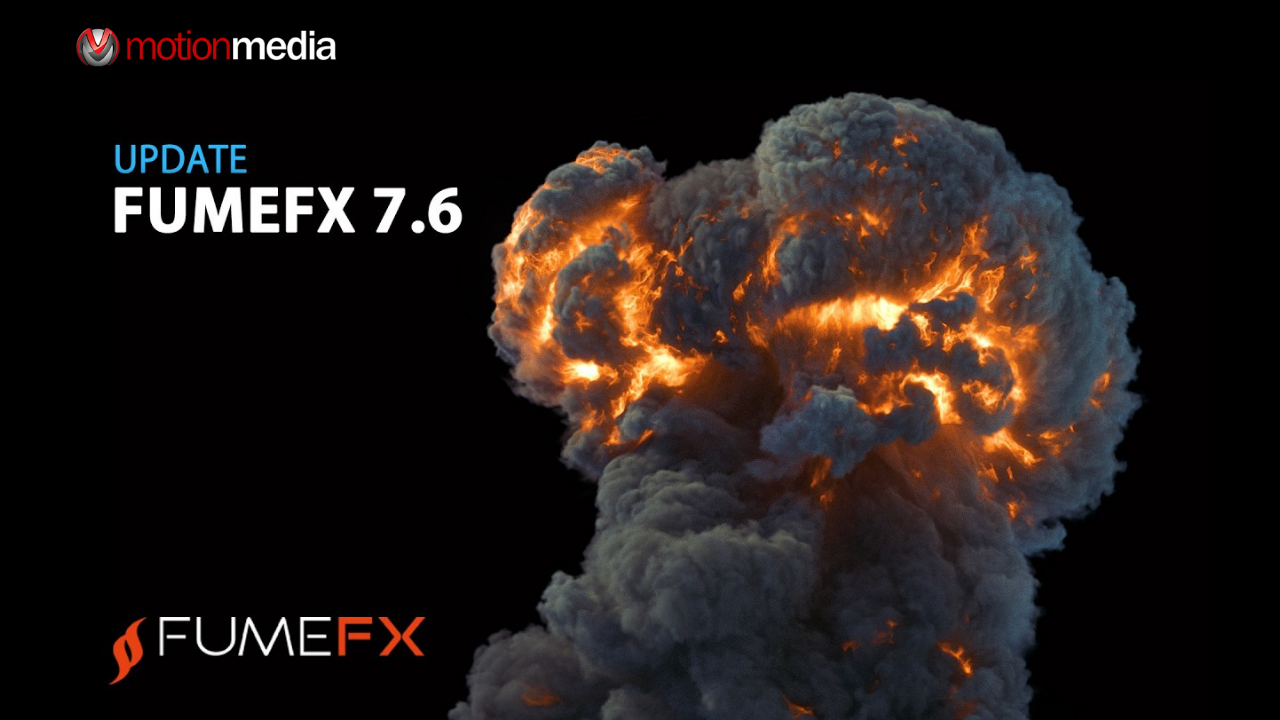
Sitni Sati has released FumeFX 7.6 for 3ds Max, bringing significant improvements to simulation performance, cache playback, GPU workflows, and NodeWorks ocean and whitewater tools.
The update focuses on a practical production problem: making approved simulations easier to refine without re-running the original sim. Alongside a new Multigrid PCG solver, FumeFX 7.6 introduces Fast Upres and Retimer tools that work directly on cached simulations, plus faster viewport playback and updated VDB export support for Unreal Engine 5.
For 3ds Max artists working with fire, smoke, explosions, fluids, oceans, particles, and procedural effects, this is one of the more workflow-focused FumeFX updates in recent releases.
FumeFX 7.6 is the latest version of Sitni Sati’s fluid simulation and multiphysics plugin for Autodesk 3ds Max. It is designed for creating fire, smoke, explosions, gaseous effects, liquids, oceans, foam, bubbles, and particle-based procedural simulations inside 3ds Max.
The 7.6 release adds:
| Feature | Production Benefit |
| Multigrid PCG solver | Faster CPU and GPU simulation |
| Fast Upres | Add detail to cached simulations without re-simulating |
| Retimer | Adjust playback speed without generating a new cache |
| Memory Cache | Keep post-load tools responsive during playback and scrubbing |
| GPU oxygen burning | Expand GPU simulation functionality |
| GPU sharpening and Spline Follow | Reduce the need to switch back to CPU workflows |
| Faster GPU viewport | Improve playback responsiveness in heavy scenes |
| Unreal Engine 5 VDB export | Simplify volumetric workflows between 3ds Max and UE5 |
| Ocean Dynamics solver | Create more advanced ocean and wake simulations |
| Dyna Whitewater | Generate foam and bubbles with more control |
| xShape | Convert particle shapes into editable 3ds Max objects |
The headline performance feature in FumeFX 7.6 is the new Multigrid PCG solver, available for both CPU and GPU simulation.
According to Sitni Sati, the new GPU solver can provide up to 2× faster simulation performance compared to the previous PCG solver, and overall performance can be up to 10× faster than CPU simulation in FumeFX 5.
FumeFX 7.6 also expands GPU simulation support to include:
This means artists can keep more of their fire and smoke workflow on the GPU instead of falling back to CPU simulation for specific features.
The older CG solver has been retired as part of this update.
Note: Performance figures are based on Sitni Sati’s reported comparisons and may vary depending on scene complexity, hardware, resolution, and simulation settings.
One of the most useful additions in FumeFX 7.6 is Fast Upres.
Traditionally, if a cached simulation needed more detail, the artist often had to return to the original simulation and generate a new cache. Fast Upres changes that workflow by allowing additional detail to be added after the cache has already been loaded.
Before
Simulation → Cache → Need more detail → Re-simulate
With Fast Upres
Simulation → Cache → Fast Upres → Higher-detail result
Fast Upres supports both CPU and GPU processing, making it practical for refining existing shots during look development or final polish.
FumeFX 7.6 also introduces Retimer, which allows artists to change the playback speed of a cached simulation without generating a new cache.
This is particularly useful when:
Because the underlying simulation does not need to be rebuilt, timing changes can be evaluated much more quickly.
The Playback rollout now includes live cache retiming, allowing interactive playback-speed adjustments before deciding whether to bake the result.
To support the new post-load workflow, FumeFX 7.6 adds a Memory Cache system that keeps loaded simulation frames in RAM.
This helps keep the following operations responsive during playback and timeline scrubbing:
Sitni Sati also rewrote the cache loading and viewport update system for faster loading and playback performance.
FumeFX 7.6 includes several viewport-related improvements:
For artists previewing dense smoke or fire simulations directly in the viewport, these changes should improve responsiveness when navigating heavy scenes.
Pipelines that move volumetric simulations between 3ds Max and Unreal Engine 5 receive an important update in FumeFX 7.6.
The VDB export system now supports Unreal Engine 5’s VDB requirements, making it easier to transfer volumetric caches into UE5-based real-time workflows.
Additional VDB workflow improvements include:
These changes reduce the amount of repetitive setup required when working with OpenVDB-based pipelines.
The largest part of the 7.6 release is the substantial update to NodeWorks.
Rather than being a collection of small utility changes, this update significantly expands ocean simulation, whitewater generation, and particle-driven procedural workflows inside 3ds Max.
The previous Wake/Ripple solver has been replaced with a new Ocean Dynamics system that supports:
Ocean Dynamics also adds:
This makes NodeWorks considerably more capable for boat wakes, ocean interactions, and large-scale water motion.
FumeFX 7.6 introduces Dyna Whitewater, a new NodeWorks node for generating foam and bubbles from object wakes and 2D Flow simulations.
Unlike the previous workflow, foam and bubbles can now:
A new Submerged Decay option improves underwater-to-surface behavior by allowing bubbles to gradually decouple from surface waves and flow as they move deeper, then reconnect with those effects as they rise back toward the surface.
The former Ocean Foam & Spray node has also been renamed Ocean Whitewater for clearer terminology.
NodeWorks now includes:
Ocean Spectrum can read NodeWorks spectrum data files and use them for:
Spectrum parameters can also be exported to a text file and later reloaded into another setup, making it easier to reuse ocean wave configurations across shots or projects.
Sitni Sati reports several substantial GPU optimizations for NodeWorks ocean workflows:
NodeWorks also updates its instanced-shape display to use the 3ds Max 2023+ viewport instancing API, improving viewport performance in scenes containing large numbers of instances.
Beyond ocean simulation, NodeWorks 7.6 adds several useful procedural tools.
The new xShape object extracts particle shapes from a selected particle group and converts them into a 3ds Max object, making it easier to turn simulation data into renderable or editable geometry.
NodeWorks also adds:
Several nodes have also been optimized so that changing display-only parameters no longer triggers unnecessary simulation restarts.
FumeFX 7.6 includes a broad set of fixes affecting simulation stability, scripting, viewport display, and rendering.
Notable fixes include:
NodeWorks fixes address:
ISurf also receives fixes for:
FumeFX 7.6 is particularly relevant for 3ds Max artists who:
For many existing users, Fast Upres and Retimer may be the most immediately useful additions because they reduce the need to revisit the original simulation whenever only timing or detail needs to change.
Sitni Sati currently lists FumeFX 7 for Autodesk 3ds Max 2022–2026 on its trial download page.
As with previous FumeFX 7 releases, GPU simulation requires compatible NVIDIA CUDA hardware, while CPU simulation remains available for systems that do not meet the GPU requirements.
FumeFX 7.6 is best viewed as a workflow and performance release rather than a complete redesign of the FumeFX toolset.
The combination of:
directly addresses common production bottlenecks around simulation iteration and cache management.
At the same time, the extensive NodeWorks ocean and whitewater updates make the release especially important for artists building water, foam, spray, and particle-driven procedural effects inside 3ds Max.
For studios and freelancers already using FumeFX in production, version 7.6 offers meaningful improvements in simulation speed, cache flexibility, GPU workflows, and procedural ocean effects without requiring a major pipeline overhaul.
FumeFX 7.6 is available for Autodesk 3ds Max from Sitni Sati.
Motion Media is an authorized reseller of FumeFX licenses. If you need help selecting the right FumeFX license or integrating FumeFX into your 3ds Max, V-Ray, or Unreal Engine workflow, our team can help you choose the best option for your production pipeline.
Share: