FL Studio Editions Explained: How to Choose the Right Version for Your Music

POSTED 19th OF Dec, 2025, Posted by Summer

FL Studio Editions Explained: How to Choose the Right Version for Your Music FL Studio Editions Explained: How to Choose the Right Version for Your Music

Choosing the right FL Studio edition can feel overwhelming, especially when all versions look powerful on paper. The truth is, the best FL Studio version depends on how you make music today and how you plan to grow tomorrow.

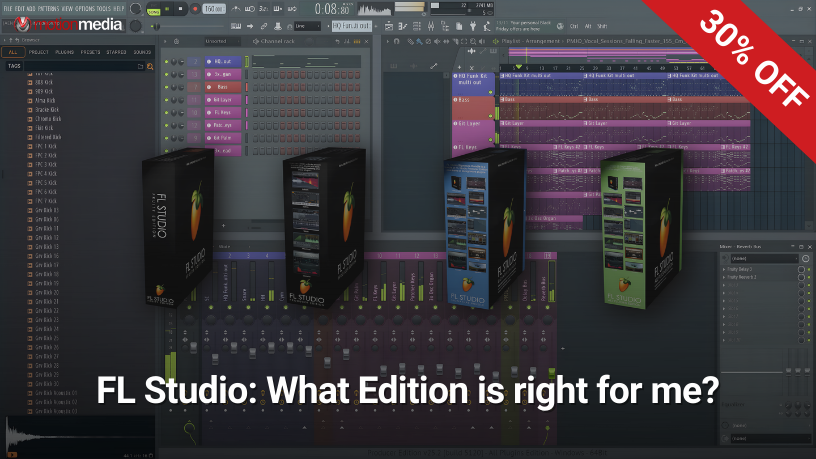
In this guide, we’ll break down the four FL Studio editions, explain who each one is for, and help you decide which version delivers the best value for your workflow, whether you’re just starting out or producing full commercial releases.

And yes, FL Studio is currently on sale, making now a smart time to choose or upgrade.


Why FL Studio Editions Matter (More Than You Think)

All FL Studio editions share the same core engine, interface, and legendary workflow. What changes is:

  • Audio recording capability
  • Playlist limitations
  • Included instruments and effects
  • Advanced sound design and mixing tools

The right edition saves you money, time, and frustration, while the wrong one can slow down your creative process.

Let’s break them down one by one.


FL Studio Fruity Edition: Best for Beginners & Loop-Based Producers

Best for:

  • Beginners exploring music production
  • Beatmakers working primarily with MIDI and loops
  • Producers who don’t need audio recording

Fruity Edition is FL Studio’s entry-level version, designed for creators who want to learn the craft without complexity.

Key Features

  • Loop Starter in the Channel Rack for instant inspiration
  • MIDI-based workflow with Playlist support
  • Up to 8 audio clips in the Playlist
  • Over 80 instruments and effects

Included Standout Plugins

  • FLEX: Preset-based synth and sample player
  • 3xOsc: Simple but powerful subtractive synth
  • Parametric EQ 2: With optional linear-phase mode
  • Patcher: Modular plugin routing environment

Limitations to Know

  • No audio recording
  • Audio clip limit in the Playlist

Choose Fruity Edition if:

You’re just starting out, making beats with MIDI, or learning music production fundamentals without recording vocals or instruments.


FL Studio Producer Edition: The Most Popular Choice

Best for:

  • Serious producers
  • Artists recording vocals or instruments
  • Full song creation and release

Producer Edition is where FL Studio becomes a complete digital audio workstation (DAW).

What You Unlock

  • Unlimited audio clips
  • Full audio recording into the Playlist or Edison
  • Stem separation for breaking audio into components
  • Around 100 plugins and expanded core features

Notable Instruments & Effects

  • Citrus: Advanced FM synthesizer
  • Kepler: Modeled Juno-60 style synth
  • SliceX: Advanced drum slicing sampler
  • Maximus: Multiband dynamics processor
  • Vocodex: Premium vocoder
  • Hyper Chorus: Retro-inspired modulation effect

Choose Producer Edition if:

You record vocals, guitars, podcasts, or want total freedom in arranging, editing, and finishing tracks.

For most users, Producer Edition offers the best balance of price, power, and long-term flexibility.


FL Studio Signature Bundle: For Creative Sound Designers

Best for:

  • Electronic music producers
  • Beatmakers chasing signature sounds
  • Artists who want creative effects without buying plugins separately

Signature Bundle builds on Producer Edition by adding exclusive creative plugins with no core feature limits, just more sonic power.

Signature-Only Highlights

  • NewTone: Advanced pitch correction and editing
  • Gross Beat: Iconic time, gating, and stutter effects
  • Harmless: Compact additive synthesizer
  • DirectWave (Full): Editable sampler engine
  • Vintage Phaser & Vintage Chorus: Hardware-modeled effects
  • Low Lifter: Specialized low-end enhancement

Choose Signature Bundle if:

You want signature effects, modern pitch editing, and genre-defining sound design tools without jumping to the highest tier.


FL Studio All Plugins Edition: Everything, Unlocked

Best for:

  • Professional producers
  • Sound designers
  • Studios that want maximum creative flexibility

All Plugins Edition includes every FL Studio plugin available at the time of purchase no compromises.

What You Get

  • Harmor: Flagship additive synthesizer
  • Kepler Exo: Expanded analog modeling
  • Transistor Bass: Authentic 303-style synth
  • Sakura & Ogun: Specialized synthesis engines
  • Luxeverb: Premium reverb with shimmer feedback
  • Transient Processor: Advanced dynamics shaping
  • Transporter: Intelligent loop-mangling effect

This edition is designed for users who want zero limitations and zero plugin hunting.

Choose All Plugins Edition if:

You want the full FL Studio ecosystem, professional sound design tools, and maximum long-term value.


One Feature Every Edition Shares: Lifetime Free Updates

No matter which FL Studio edition you buy, you get:

✔ Lifetime free updates

✔ All future versions at no extra cost

✔ No subscriptions ever

This promise has held strong for over 27 years, making FL Studio one of the most cost-effective DAWs in the industry.


Which FL Studio Edition Should You Buy?

Here’s a quick decision guide:

  • Just starting out? → Fruity Edition
  • Recording music seriously? → Producer Edition
  • Want creative, genre-defining plugins? → Signature Bundle
  • Need everything, forever? → All Plugins Edition

If you’re unsure, Producer Edition is the safest long-term investment for most producers.


FL Studio Is on Sale: Now’s the Best Time to Choose

With FL Studio currently discounted, this is the perfect moment to:

  • Buy your first license
  • Upgrade your existing edition
  • Lock in lifetime free updates at a lower price

Explore FL Studio editions, compare features, and choose the version that fits your workflow today while the sale lasts.

Start making music with confidence. Your future tracks will thank you.

Share: