
 Account

DaVinci Resolve 21.0.4 Update
POSTED 5th OF Aug, 2026, Posted by Summer Magdaraog

POSTED 5th OF Aug, 2026, Posted by Summer Magdaraog

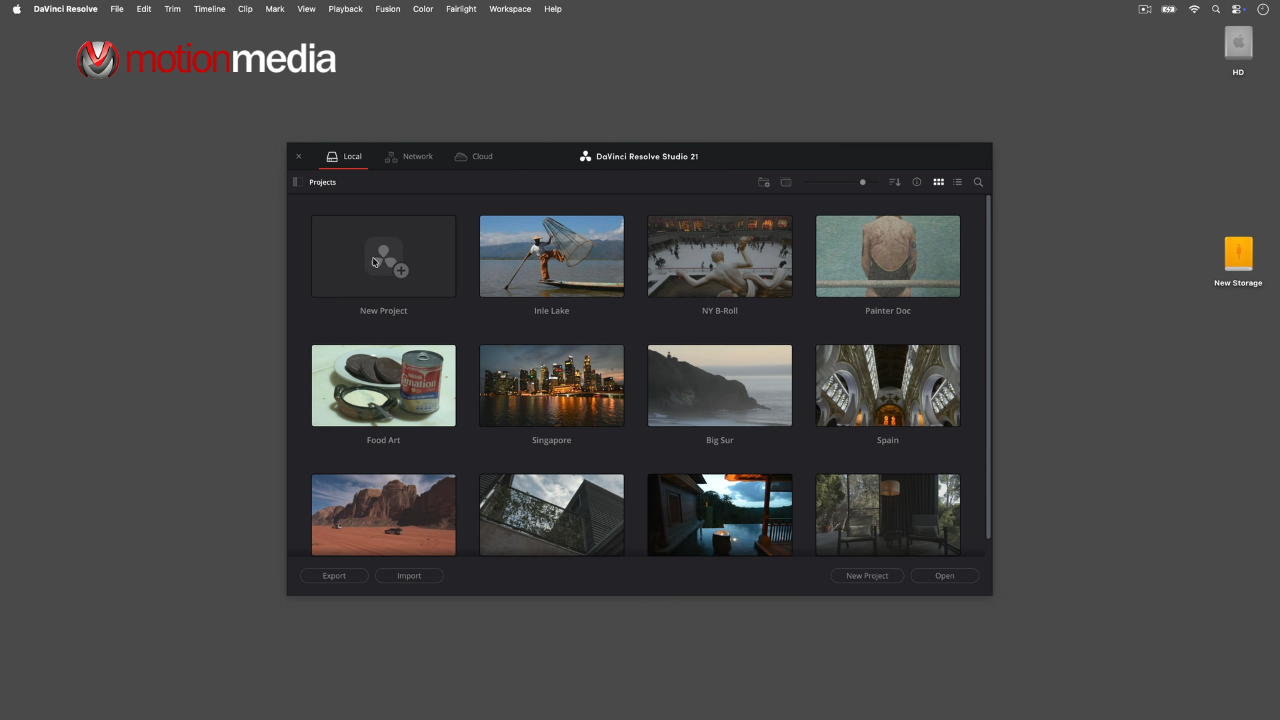
Blackmagic Design has released DaVinci Resolve 21.0.4, a maintenance update for the Resolve 21 generation that focuses on proxy relinking, timeline import behavior, scripting automation, media compatibility, playback performance, and overall application stability.
Unlike a major feature release, version 21.0.4 is designed to improve reliability in real-world post-production workflows while adding several practical enhancements for editors, colorists, assistant editors, and technical pipeline teams.
As an authorized reseller of Blackmagic Design software, Motion Media recommends reviewing the compatibility notes and backing up project libraries before upgrading active production systems.
Key highlights in this update include:
One of the most useful workflow improvements in this release is the ability to relink proxy files even when the proxy format is different from the source media.
This is particularly valuable for:
In previous workflows, mismatched proxy formats could require manual relinking or proxy regeneration. Resolve 21.0.4 reduces that friction and makes proxy management more resilient across collaborative environments.
When importing DaVinci Resolve Timeline (DRT) files, the application can now detect and reconnect existing nested clips already present in the project library.
This helps prevent duplicate nested timelines and keeps shared projects cleaner when moving timelines between editors, assistants, or finishing systems.
In the Color page, the selected clip now remains visible when changing clip filter settings.
This is a small but welcome usability improvement for colorists working with:
DaVinci Resolve 21.0.4 adds support for Sony FX-5 X-OCN clips.
X-OCN (eXtended tonal range Original Camera Negative) is Sony’s high-quality compressed RAW recording format used in professional cinema and high-end production workflows. Native support can simplify ingest and finishing by reducing the need for intermediate transcoding steps when working with compatible Sony camera systems.
The update also adds support for legacy Affinity file formats, improving compatibility when incorporating older Affinity-created assets into Resolve-based editing, compositing, or graphics workflows.
Blackmagic continues to expand Resolve’s automation and pipeline integration features with several new Scripting API functions.
These additions provide more control for facilities building:
DaVinci Resolve 21.0.4 includes a substantial set of reliability improvements affecting editing, media management, decoding, and Fusion workflows.
If you experienced any of the following problems in earlier Resolve 21 builds, version 21.0.4 may help address them:
| Workflow Area | Improvement in 21.0.4 |
| Proxy Workflow | Relink proxies with different formats |
| Timeline Import | Automatic nested clip relinking for DRT imports |
| Color Grading | Selected clip remains visible when filters change |
| Media Support | Affinity legacy files and Sony FX-5 X-OCN support |
| Automation / Scripting | New timeline selection and render settings API functions |
| Playback Performance | Better handling of large cached timelines |
| Stability & Decoding | Fixes for DPX, CR2, H.264, Fusion paths, and retime editing |
The DaVinci Resolve 21.0.4 installer also includes additional Blackmagic utilities that are useful for professional workflows:
Blackmagic Design has worked to keep project libraries compatible with DaVinci Resolve 20.3.2, but there is an important limitation:
Projects that are opened or created in DaVinci Resolve 21.0.4 cannot be reopened in DaVinci Resolve 20.3.2.
Motion Media strongly recommends creating:
This is especially important for collaborative facilities where some systems may still be running Resolve 20.x.
| User Type | Recommendation |
| Editors using proxy workflows | Update recommended |
| Sony FX-5 / X-OCN productions | Update recommended |
| Studios using custom Resolve scripting tools | Test, then update |
| Facilities in the middle of a delivery deadline | Test on a secondary system first |
| Mixed Resolve 20.x / 21.x collaborative environments | Coordinate a full-facility upgrade before updating |
The free version of DaVinci Resolve 21.0.4 includes the same core image processing quality as DaVinci Resolve Studio and supports unlimited resolution media files.
However, the free edition is limited to:
For professional finishing, HDR mastering, VFX, broadcast delivery, or multi-user post-production environments, DaVinci Resolve Studio remains the recommended option.
Blackmagic’s continued support for Windows on ARM is notable, as Resolve remains one of the few professional post-production applications with a dedicated ARM-native Windows workflow path.
For Blackmagic video monitoring hardware, install the latest Blackmagic Desktop Video 12.9 or later package.
DaVinci Resolve 21.0.4 may not introduce headline-grabbing creative tools, but it delivers several high-impact workflow refinements that can save time in professional production environments.
The most significant improvements are:
For editors working with collaborative proxy workflows, Sony cinema media, or automated Resolve pipelines, these changes can provide meaningful day-to-day productivity improvements.
Motion Media is an authorized reseller of Blackmagic Design software and professional video production solutions. If you’re planning to upgrade to DaVinci Resolve Studio or need guidance on licensing, workflow integration, collaborative editing setups, or Blackmagic hardware compatibility, our team can help you choose the right solution for your production environment.
Explore DaVinci Resolve Studio and Blackmagic Design solutions at Motion Media to build a faster, more reliable editing, color grading, VFX, and audio workflow with the latest professional tools from Blackmagic Design.
Share: