
 Account

Chaos Scans Now Easier to Import in 3ds Max & Cinema 4D
POSTED 2nd OF May, 2025, Posted by Summer

POSTED 2nd OF May, 2025, Posted by Summer

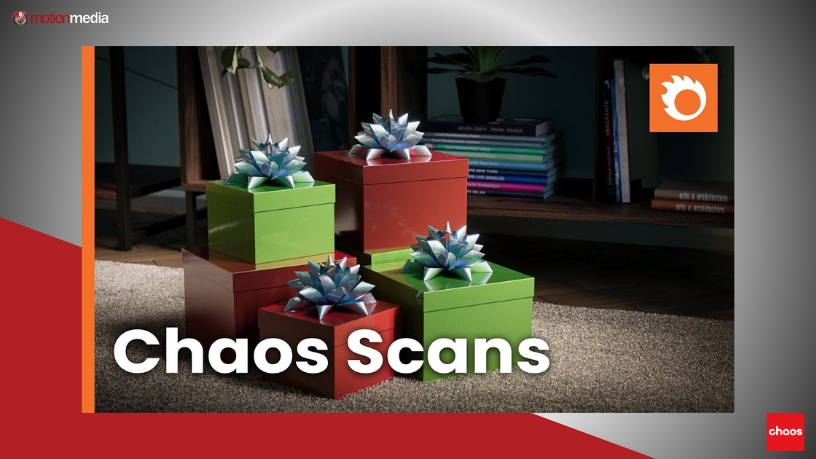
A powerful update to Chaos Cosmos now makes it effortless to add hyper-realistic Chaos Scan materials directly into your 3ds Max or Cinema 4D scenes. Whether you're working on interiors, product renders, or detailed assets, the new workflow streamlines access to unmatched realism—no complex setup needed.
Chaos Scans are ultra-precise digital materials created by scanning real-world surfaces. The result:
These are ideal for complex surfaces like holograms, foils, velvet, leather, and more.
Now available directly through Chaos Cosmos, you can easily browse, download, and import Chaos Scan materials in just a few clicks:
For Cinema 4D, the same exact steps apply.
You can now build complex, reflective, or refractive materials in seconds—previously impossible to achieve manually with this level of accuracy.
Share: