
 Account

V-Ray for Blender Update 2: Faster Workflows, Smarter Tools, and High-End Photorealistic Rendering
POSTED 12th OF Dec, 2025, Posted by Summer

POSTED 12th OF Dec, 2025, Posted by Summer


The newest V-Ray for Blender update is here, packed with powerful upgrades designed to help artists render faster, create smarter, and work more efficiently across complex scenes. Update 2 introduces expanded platform compatibility, next-generation AI features, and streamlined tools that make producing high-end photorealistic visuals easier than ever.
Whether you’re rendering cinematic environments, architectural spaces, product designs, or character-driven scenes, this release gives you a faster, more intuitive workflow backed by Chaos’ industry-leading technology.
This release brings significant improvements that enhance speed, flexibility, and creative control. Key updates include:
1. macOS Support: V-Ray for Blender is now fully compatible with macOS, giving more artists access to production-proven global illumination, ray tracing, and physically based rendering.
2. AI Enhancer (Beta): Fine-tune textures, vegetation, props, and characters using AI-driven detail refinement. With just a few clicks, you can achieve cleaner, more consistent visuals without manual tweaking.
3. AI Material Generator (Beta): Instantly convert real-world photos into complete PBR materials with generated diffuse, normal, and roughness maps. Ideal for rapid asset creation and look-dev.
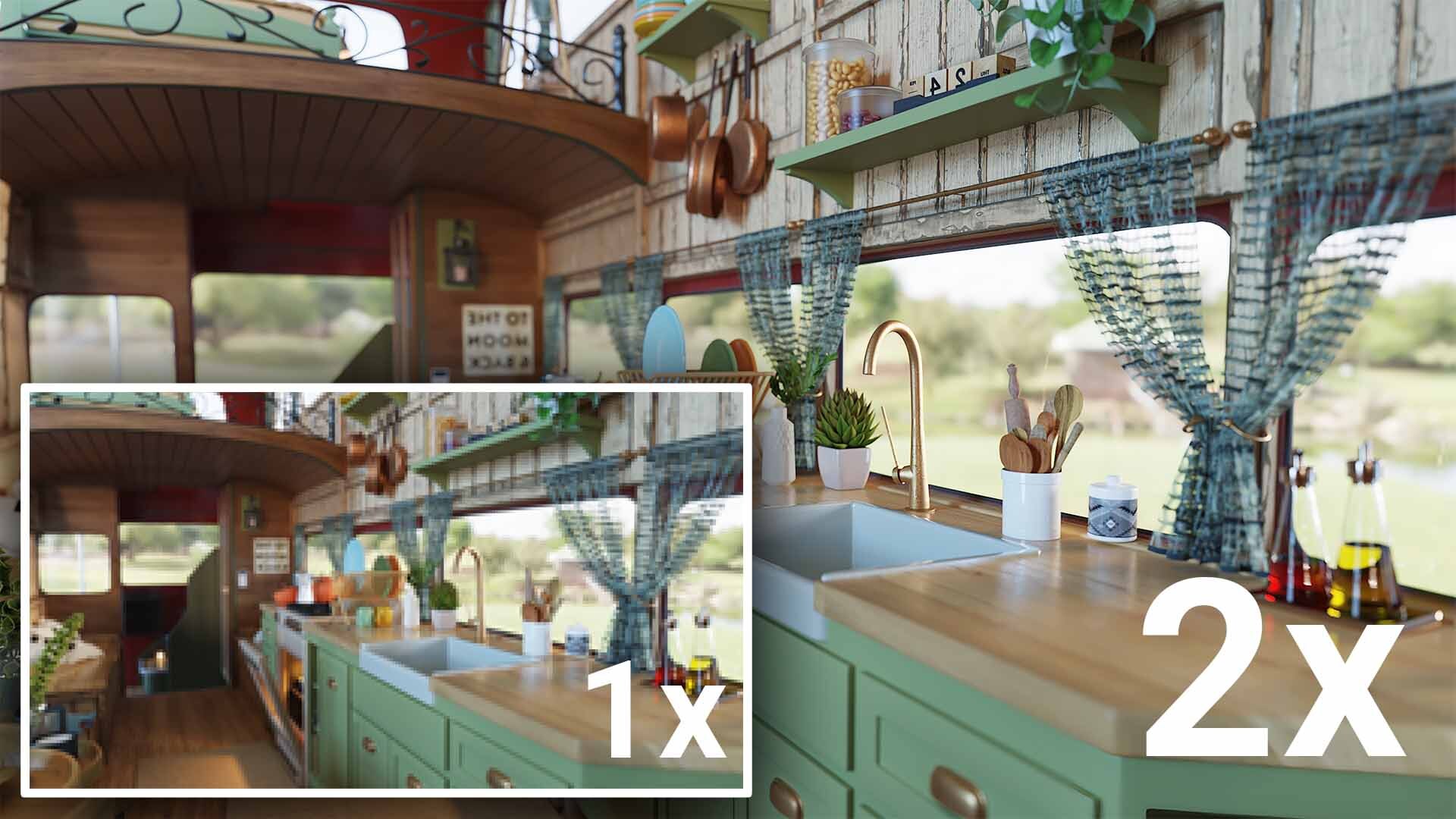
4. AI Upscaler (Beta): Increase render resolution by 2x or 4x up to a massive 16K while preserving sharp detail. This significantly reduces rendering time for previews and mid-resolution tests.
5. V-Ray Fur Workflow: Create realistic fur, grass, fibers, and carpets with an intuitive, optimized workflow. Control length, density, taper, direction, and shading to deliver believable detail and natural variation.
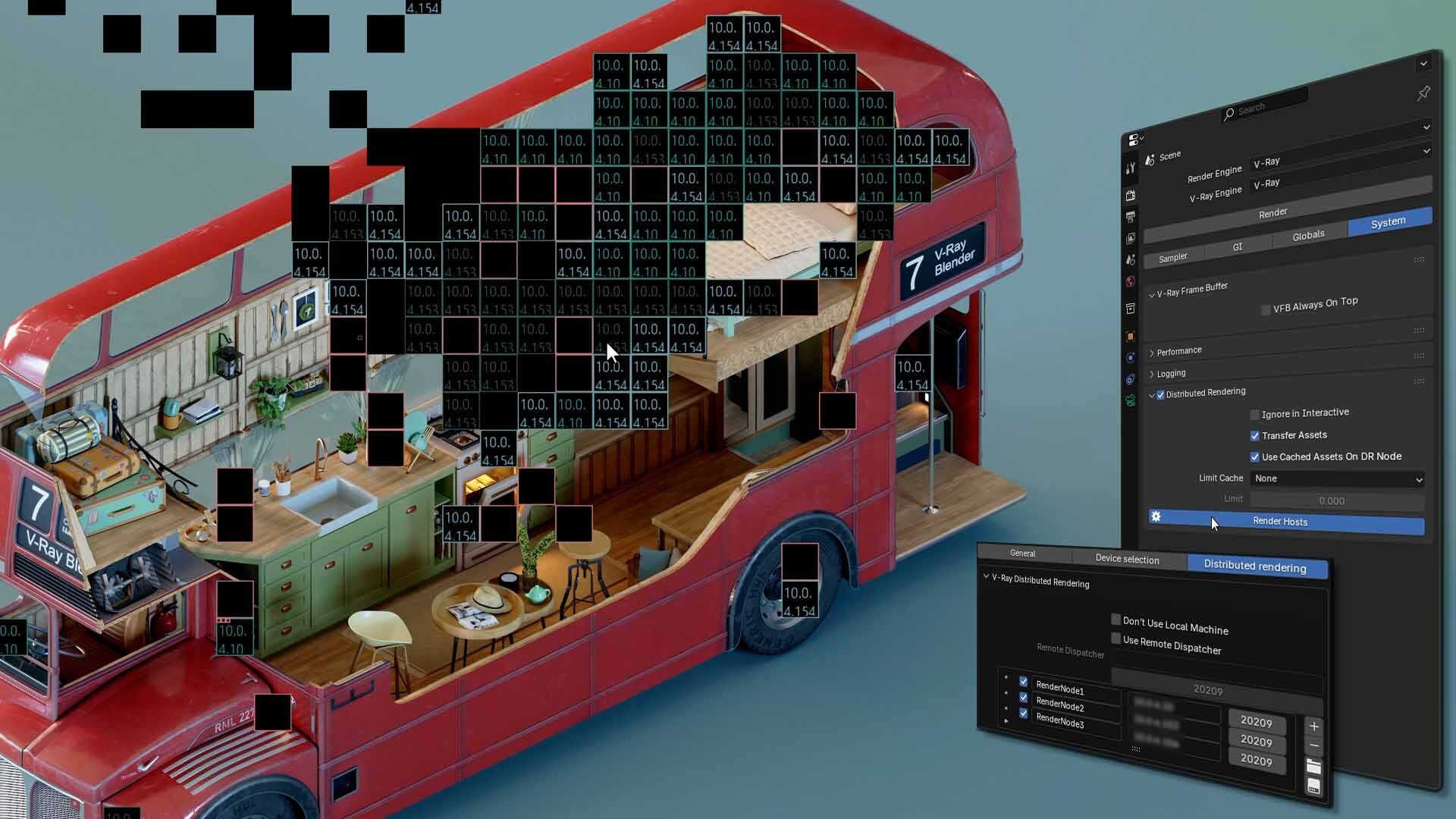
6. Distributed Rendering: Render across multiple machines and dramatically speed up production for complex environments, animation sequences, and high-resolution imagery.
7. Blender 5.0 Support: Stay fully compatible with the latest Blender advancements and render using V-Ray within its updated ecosystem.
8. Cycles’ Material Override Support: Apply a single material across all objects for clay renders, lighting studies, and wireframe previews is now supported in V-Ray for Blender.
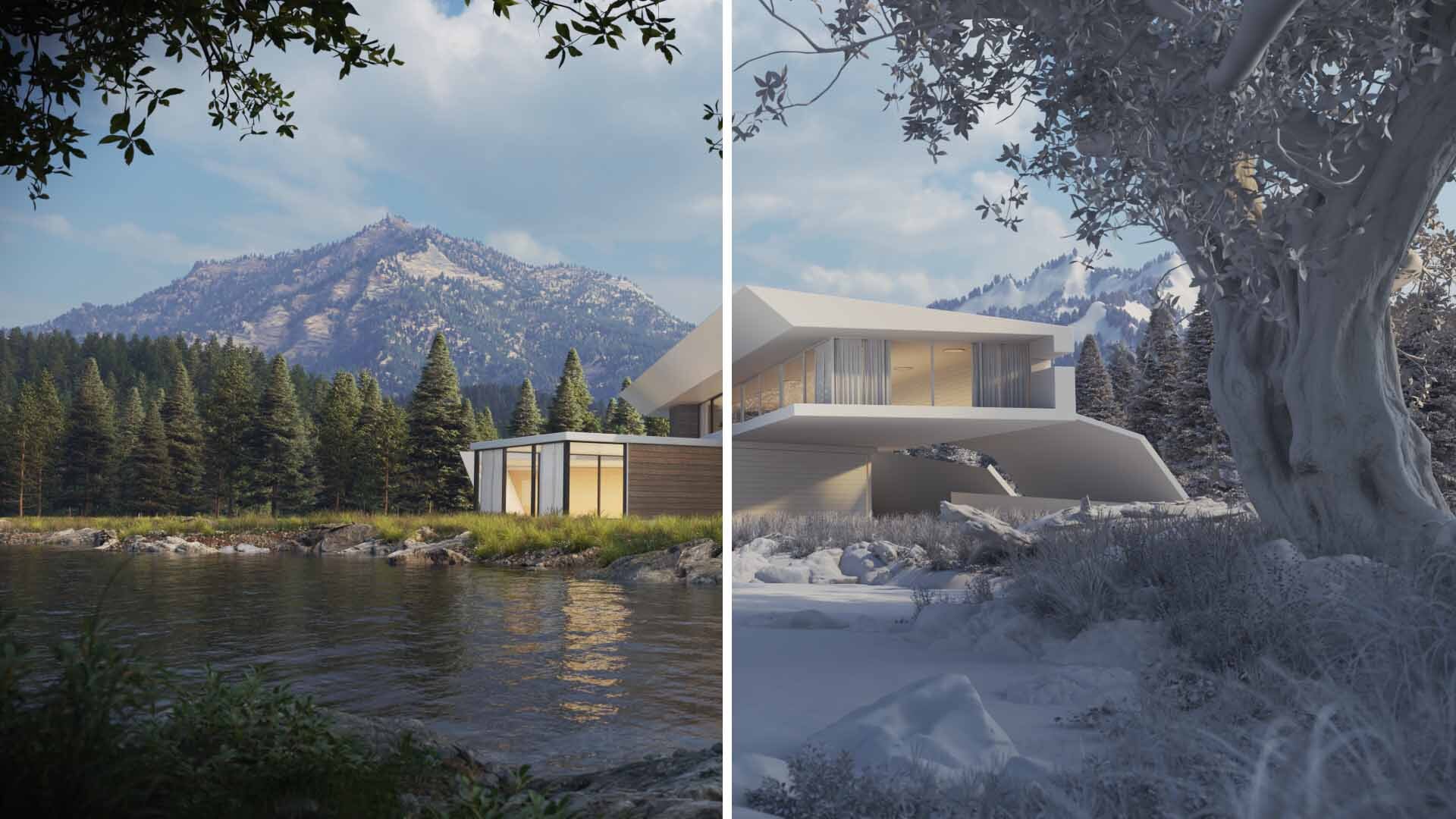
The new V-Ray Fur workflow gives artists a fast and intuitive system for generating fibers that look and feel real. This update makes grooming easier, rendering faster, and results significantly more believable.
You can now:
Whether you’re working on stylized characters or physically accurate surfaces, V-Ray Fur delivers production-ready results.

Handling large, complex scenes becomes significantly easier thanks to distributed rendering.
By using multiple machines, you can:
This feature is essential for artists and studios needing consistent, reliable rendering output across any project size.
Chaos AI continues to streamline time-consuming tasks so you can focus on creative decisions, not repetitive manual work.
AI Material Generator: Turn real-world references into production-ready PBR materials instantly.
AI Enhancer: Refine fine details like vegetation, clothing, or terrain to achieve cleaner textures and improved realism.
AI Upscaler: Render at a lower resolution for speed, then upscale to crisp, presentation-quality output without re-rendering.
These tools simplify asset development, improve workflow efficiency, and shorten the path from concept to final render.
V-Ray for Blender Update 2 keeps you aligned with the latest Blender technology. With Blender 5.0 compatibility and support for Cycles’ Material Override, your workflow stays flexible and future-ready.
These enhancements allow you to:
The result: a faster, more intuitive pipeline for every type of project.
Update 2 continues Chaos’ rapid development of V-Ray for Blender, giving artists access to cutting-edge rendering technology inside one of the world’s most popular 3D creation tools.
Whether you're building environments, designing products, or crafting cinematic visuals, this update provides the speed, intelligence, and flexibility needed to produce top-tier results with minimal friction.
Ready to render faster and create more? Explore V-Ray for Blender, access the new features, and upgrade your workflow today.
Start enhancing your Blender rendering pipeline. Explore V-Ray licensing options today.
Share: