
 Account

Optics 2026: Smarter AI Tools, Cinematic Effects & a Smoother Workflow Now Available
POSTED 1st OF Dec, 2025, Posted by Summer

POSTED 1st OF Dec, 2025, Posted by Summer

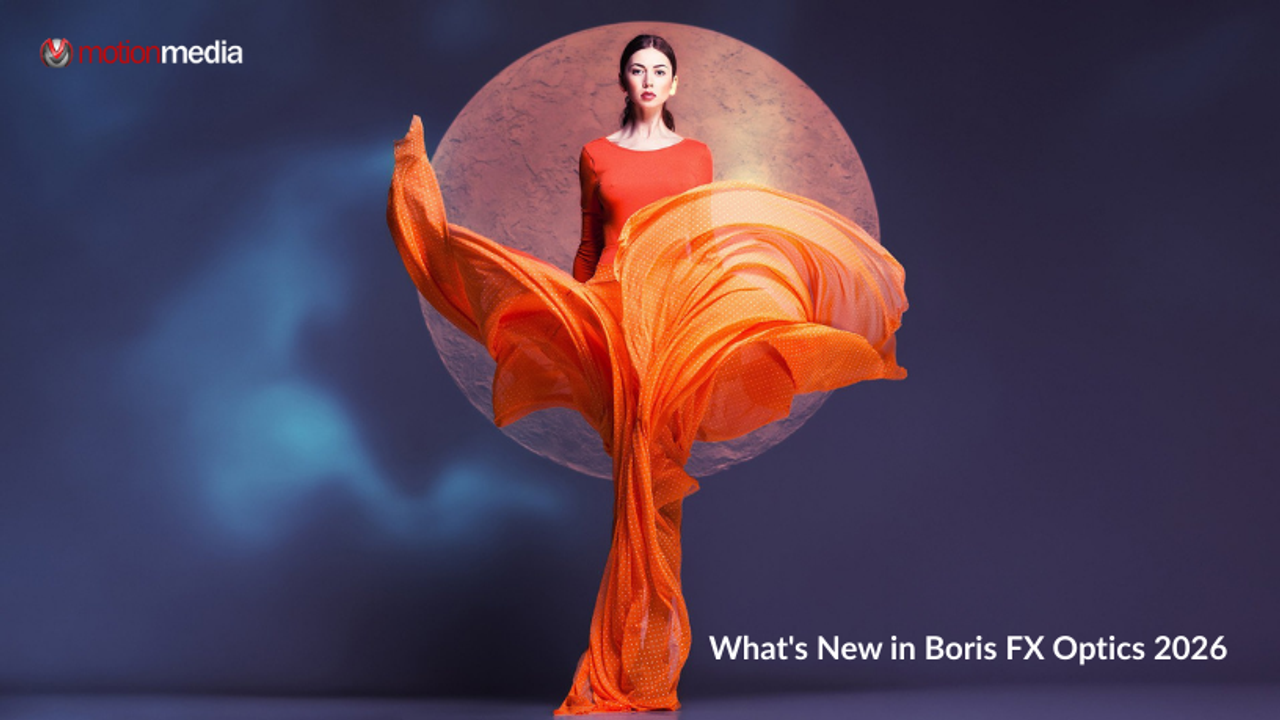
If you’ve been waiting for faster, smarter, and more intuitive photo editing tools powered by AI, Optics 2026 is here, and it’s a massive upgrade. Whether you edit images inside Adobe Photoshop or Lightroom, or you prefer a standalone photo editing workflow, this release packs new one-click automation tools, expanded visual effects, and a cleaner interface designed for creators who want more control with less effort.
And yes, you can get Optics 2026 for 25% OFF during our Black Friday Sale!
Already a customer? Good news:
If you’re on an active monthly/annual subscription or upgrade & support plan, Optics 2026 is a free update. It's also included in Boris FX Suite subscriptions. Just grab the latest installer through the Boris FX Hub.
Optics 2026 introduces several major improvements that answer long-standing user requests, especially around AI-assisted masking, depth extraction, noise removal, and Photoshop workflow speed. Here’s a closer look at everything new:
Forget hand-drawing masks or using time-consuming selections. Face ML automatically identifies eyes, lips, skin, brows, and more, giving you precise facial segmentation in one click.
Perfect for portrait retouching, beauty grading, color adjustments, and VFX composites.
This new AI-powered depth tool analyzes your image and creates an accurate foreground vs. background depth matte.
Use it to:
It’s an essential long-tail workflow feature for anyone searching “how to create a depth map in Photoshop” or “easy depth-based masking for photography.”
Optics 2026 now features machine-learning noise reduction that removes artifacts and grain while keeping textures intact.
Great for low-light shots, high ISO images, or older digital photos that need a quality boost.
Need to upscale images without the blurry, artificial look? UpRes ML uses AI to preserve edges, patterns, and structure, making it ideal for:
You can now browse, preview, and apply Optics filters directly within Photoshop via a new dockable Optics Essentials Panel.
This means fewer windows, fewer clicks, and a smoother, more integrated workflow.
Sapphire expansions now include:
These stylistic effects help your photos stand out without complicated manual adjustments.
From natural elements to high-energy sci-fi effects, these new presets give artists more motion-graphics-inspired options for still images.
The redesigned Collections/Filters window makes it easier to find the tools you use most. Enjoy cleaner organization, curated groups, and quicker access to your favorites.
If you're wondering, “Do I still need manual masking with Optics 2026?”… most of the time, you won’t.
Face ML was designed specifically to remove the biggest bottleneck in portrait editing: selecting facial features accurately.
With one click, you can:
This speeds up retouching dramatically, especially for batch projects or client deliverables.
Depth maps used to take forever to create manually. Now, Depth Map ML builds one automatically with surprising accuracy.
You can use depth data to:
If you’ve been searching for “how to automate depth maps,” this tool is made for you.
This update isn’t just new tools; it’s a big step forward in usability, speed, and AI-powered creativity. Whether you’re a photographer, retoucher, digital artist, or someone exploring cinematic look creation, Optics 2026 gives you faster workflows, better automation, and more cinematic effects in fewer clicks.
Get Optics 2026 for 25% OFF during the Black Friday Sale.
Use the new AI tools, expanded effects, and improved interface to create higher-quality work faster than ever.
(Create smarter. Edit faster. Look better.)
If you’re already a customer, simply download the updated installer through the Boris FX Hub.
Share: