
 Account

Mocha Pro 2026.5: AI Tracking, Rotoscoping & VFX Workflow Updates
POSTED 11th OF Jun, 2026, Posted by Summer Magdaraog

POSTED 11th OF Jun, 2026, Posted by Summer Magdaraog

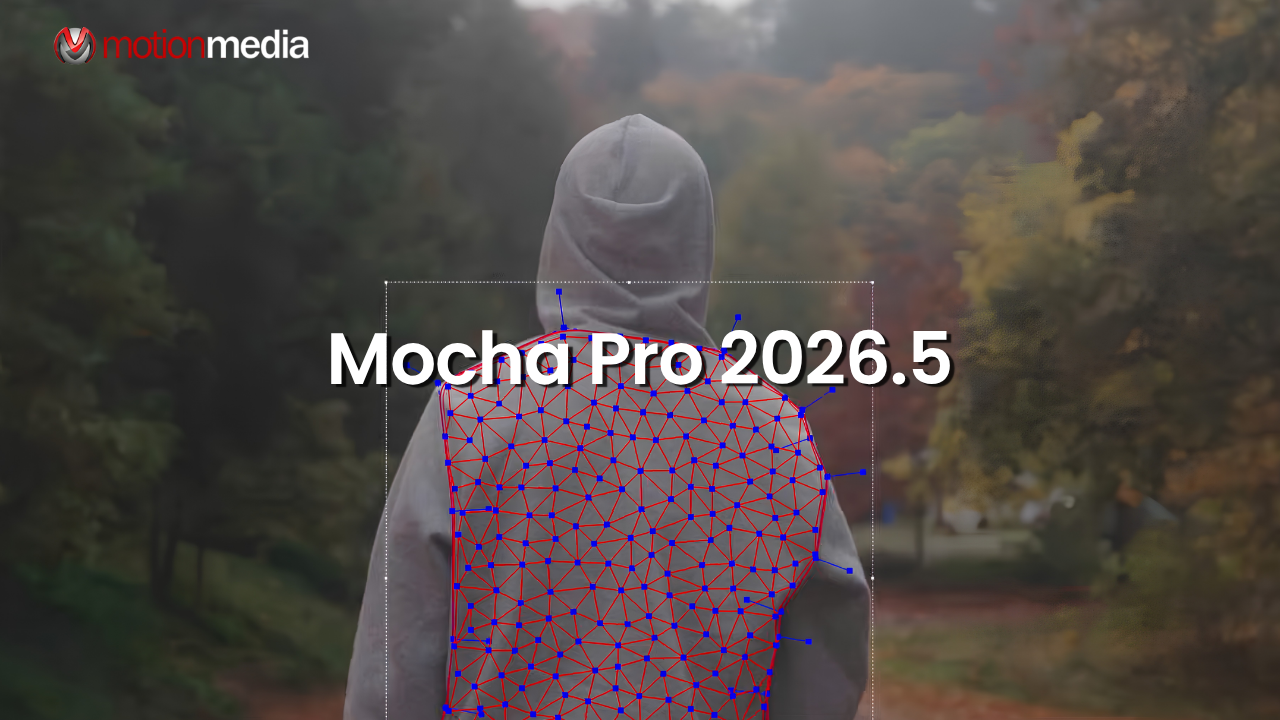
Boris FX has released Mocha Pro 2026.5, introducing new machine learning tools for tracking, rotoscoping, matte generation, and workflow automation. The update focuses on reducing manual corrections in challenging shots while giving artists more control over tracking and masking data.
For visual effects professionals working in Adobe After Effects, Blackmagic Fusion, Autodesk Flame, Nuke, and other post-production environments, Mocha Pro 2026.5 brings meaningful improvements to both creative and technical workflows.
Mocha Pro 2026.5 introduces several new features and enhancements, including:
Together, these updates help artists spend less time correcting tracks and refining mattes while maintaining greater accuracy throughout the post-production process.
One of the most significant additions in Mocha Pro 2026.5 is Point Track ML, a new machine learning-based tracking mode available within PowerMesh.
Traditional point and planar tracking methods can struggle when subjects become partially obscured, pass through shadows, experience changing lighting conditions, or rotate away from the camera. Point Track ML is designed to maintain tracking accuracy in these situations by analyzing motion and image features across an entire sequence.
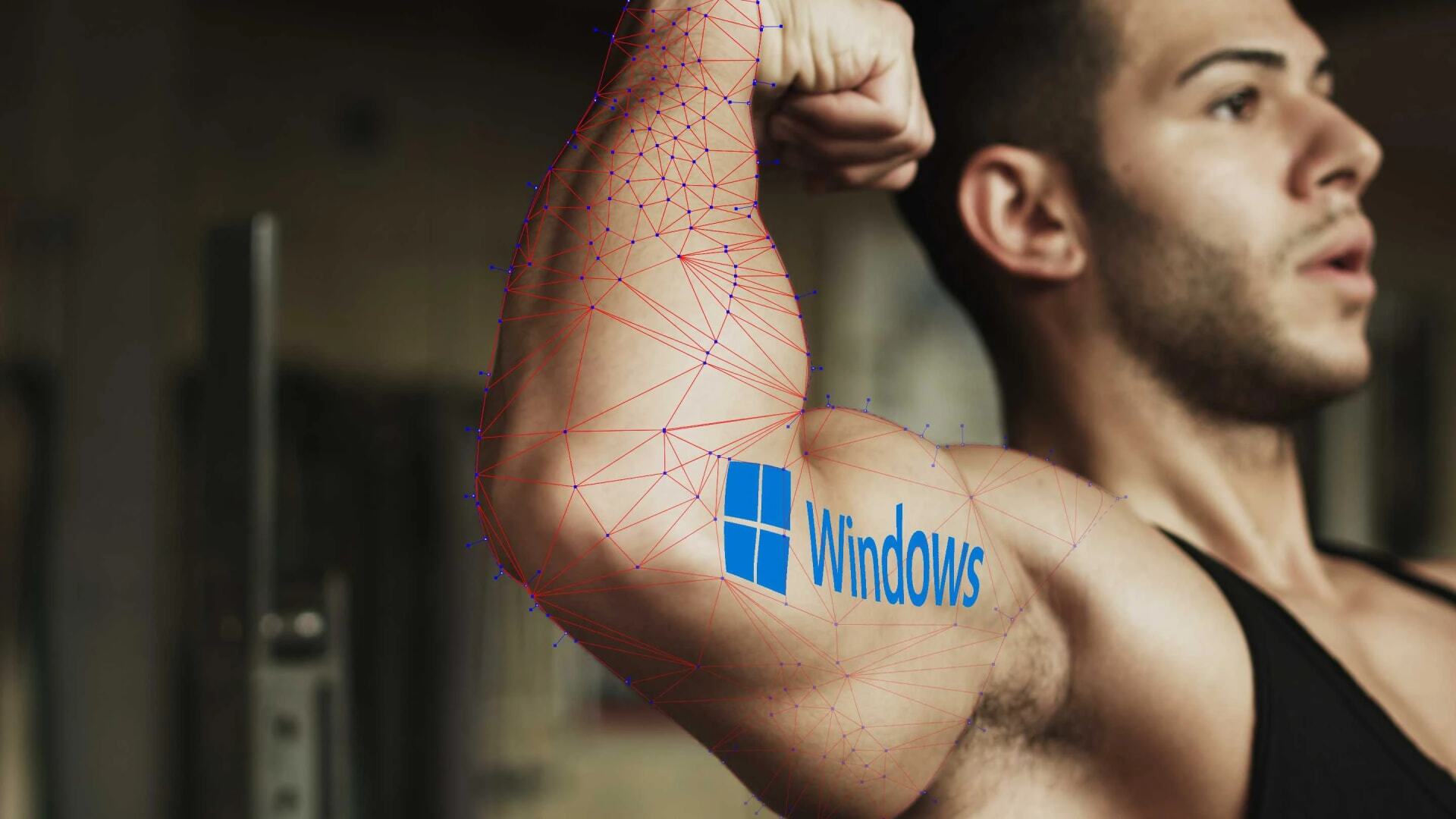
This makes PowerMesh particularly useful for tracking organic surfaces, skin, clothing, flexible materials, and other deforming objects that are difficult to track using traditional methods.
Mocha Pro's AdjustTrack module has also been updated with Point Track ML technology and a new feature called Auto Nudge.
Tracking drift can occur when footage contains motion blur, fast movement, changing perspectives, or reference areas that temporarily leave the frame. Correcting these issues often requires manually adjusting multiple points throughout a shot.
Auto Nudge helps streamline that process by identifying drifting points and applying intelligent corrections to keep surface tracks aligned.
The result is a faster and more efficient way to clean up difficult tracks without rebuilding them from scratch.
Mocha Pro 2026.5 expands its AI-assisted masking tools with updates designed to improve edge quality, contour accuracy, and matte cleanup.
The Object Brush, powered by Mask ML, now includes Auto ROI (Region of Interest) detection.
Rather than processing the entire frame, Auto ROI identifies the most relevant area around a subject, helping improve mask accuracy and processing efficiency.
Benefits include:
Artists can also create their own custom ROI areas when greater control is required.
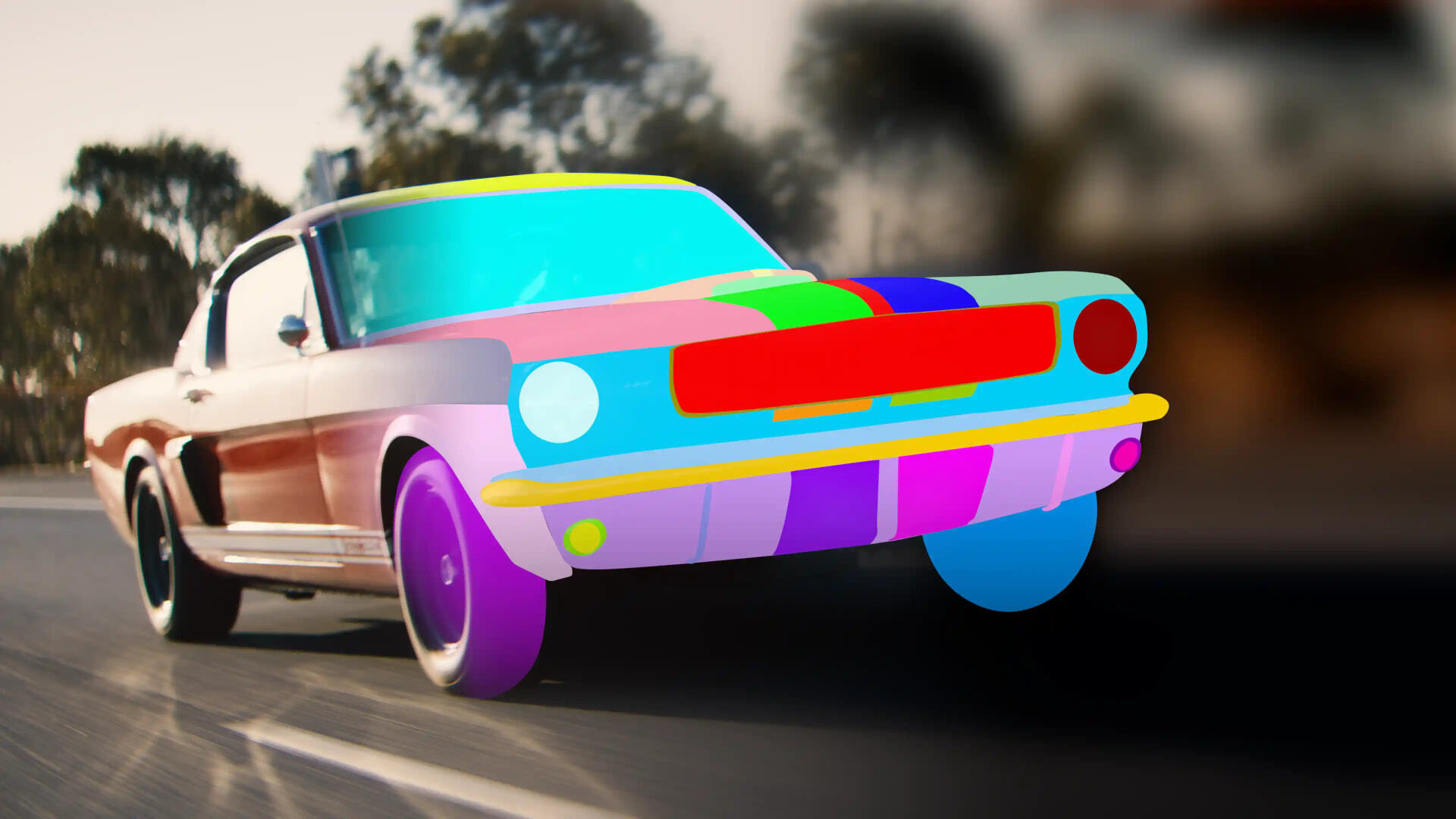
Matte Assist ML now includes a new Search Area feature that improves contour generation for small, detailed, or difficult subjects.
The update allows artists to focus processing on specific regions of a shot and includes keyframeable controls for adjustments over time.
This provides:
Refine Matte ML now uses Auto ROI technology to reduce unwanted artifacts and background contamination.
The enhancement helps create cleaner mattes by:
These improvements help artists deliver production-ready mattes more efficiently.
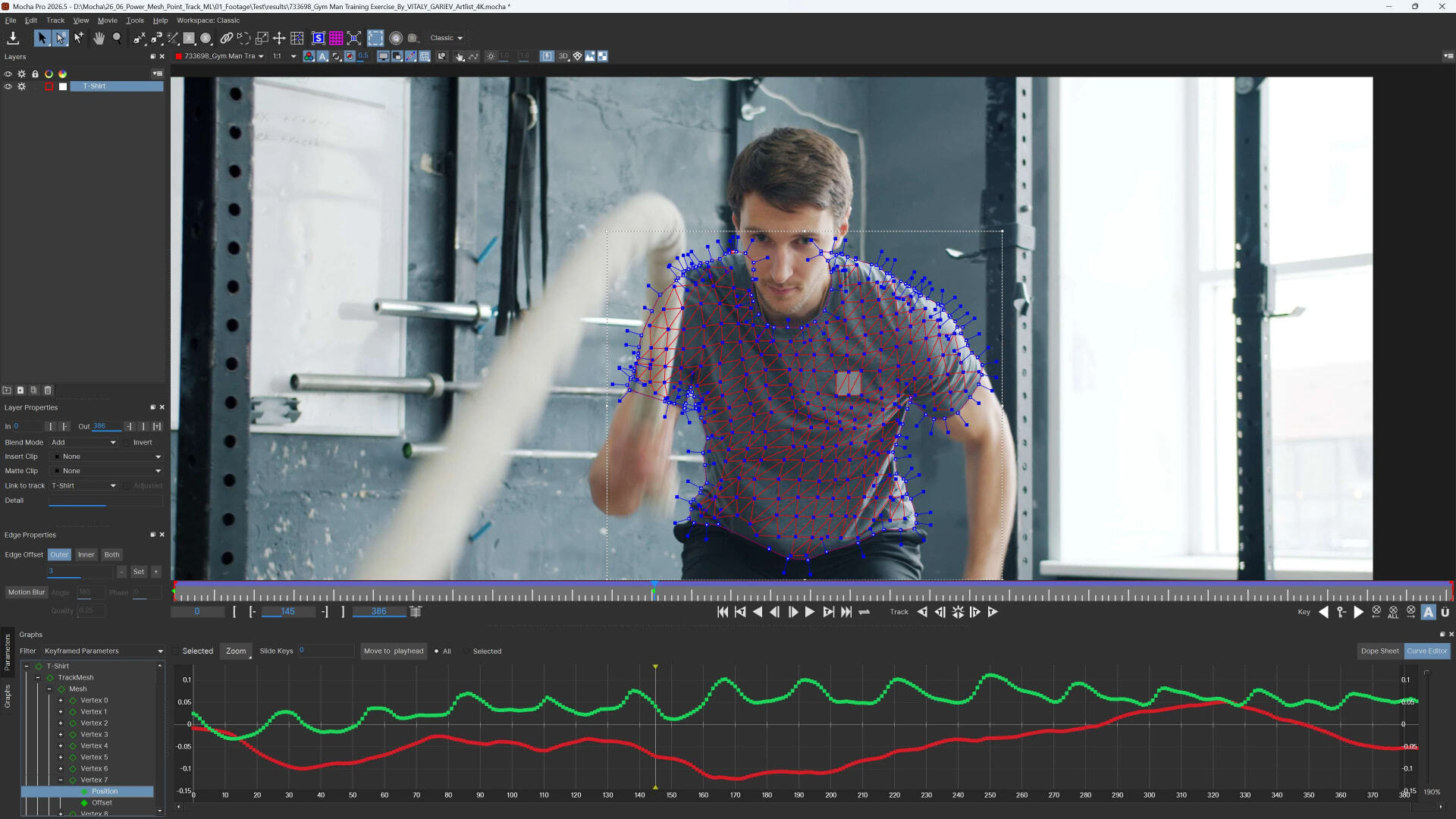
Mocha Pro 2026.5 introduces expanded visualization tools within the Curve Editor, making it easier to identify and correct tracking issues.
Artists can now view and edit PowerMesh vertex positions directly within the Curve Editor.
This provides:
For difficult tracks, the ability to inspect individual vertex data can significantly reduce the time required to diagnose and fix tracking problems.
Mocha Pro 2026.5 adds several export enhancements designed to support a wider range of studio and compositing workflows.
These options provide greater flexibility when moving matte and tracking data between departments and applications.
The updated matte export workflow supports applications including:
This makes it easier to integrate Mocha-generated assets into existing compositing and finishing pipelines.
In addition to creative tools, Mocha Pro 2026.5 includes updates aimed at improving compatibility and automation.
Mocha Pro 2026.5 now supports Windows ARM architecture in both the standalone application and Adobe plugin versions.
This expands compatibility with newer ARM-based Windows systems and provides greater deployment flexibility for artists and studios.
The updated Python API offers more detailed access to PowerMesh and Matte Assist ML features.
New API capabilities support:
These enhancements give technical artists and pipeline teams greater control over how Mocha Pro integrates into production environments.
For artists and studios that rely on tracking, rotoscoping, object removal, screen replacement, stabilization, beauty work, and compositing, Mocha Pro 2026.5 delivers practical improvements that address common production challenges.
The introduction of Point Track ML, Auto Nudge, Auto ROI, and enhanced AI masking tools helps reduce manual corrections while improving overall accuracy. Combined with new export options, Windows ARM support, and expanded API functionality, the release offers benefits for both individual artists and larger production teams.
Motion Media is an authorized reseller of Boris FX products, including Mocha Pro.
Whether you're looking to purchase a new license, renew a subscription, or upgrade from a previous version, our team can help you find the right licensing option for your workflow.
Contact Motion Media today to learn more about Mocha Pro 2026.5, pricing, upgrade paths, and licensing options.
Share: