
 Account

Krotos Studio 2.8 Introduces a Faster Browser with Semantic Search, Tags, and Favourites
POSTED 3rd OF Aug, 2026, Posted by Summer Magdaraog

POSTED 3rd OF Aug, 2026, Posted by Summer Magdaraog

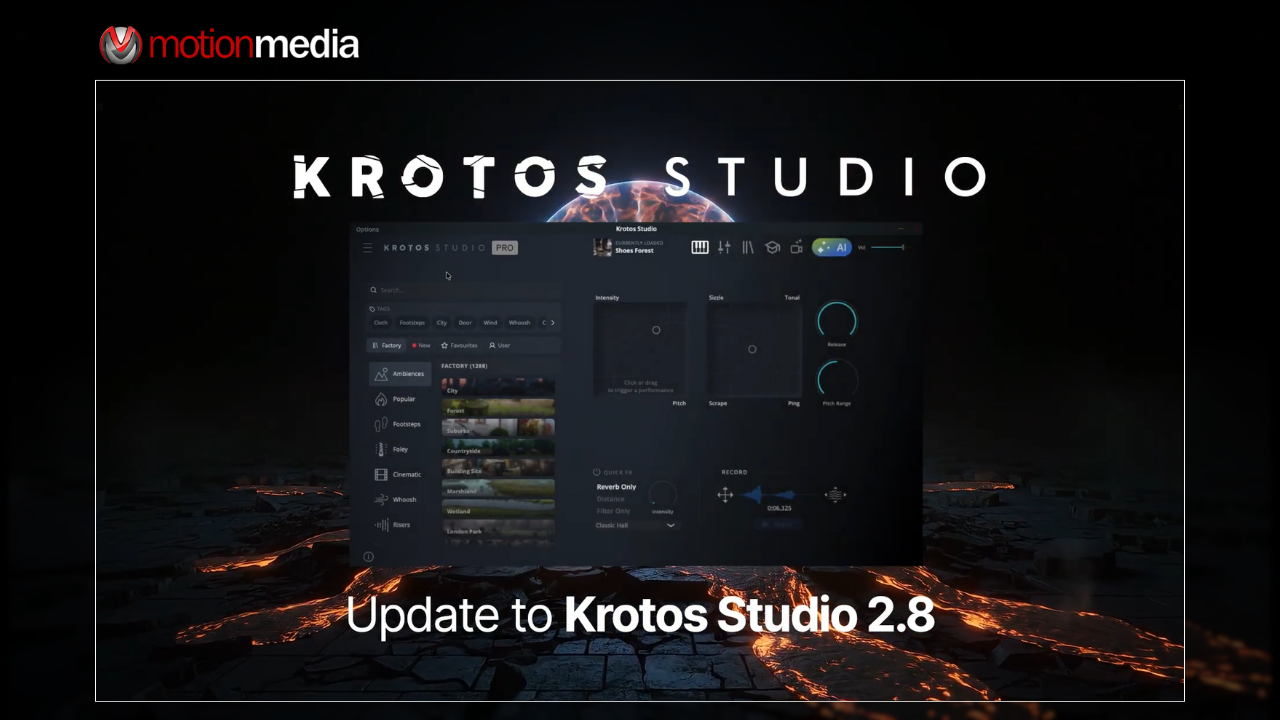
Krotos has released Krotos Studio 2.8, and this update focuses on something every sound designer deals with daily: finding the right sound quickly.
Rather than introducing a new instrument or sound engine, version 2.8 concentrates on improving the preset browser, making it easier to search, organize, and access both factory and custom presets. The update introduces semantic search, preset favourites, tags, and quick filters, all designed to streamline sound discovery and reduce time spent browsing large libraries.
The browser has been redesigned to make navigating growing preset libraries more efficient. The update includes:
Krotos has also confirmed that this update does not modify existing presets or require any migration steps, so users can update without affecting their current libraries or projects.
One of the most requested Krotos Studio features is now included in version 2.8. Users can favourite any preset directly from the browser by clicking the star icon on the preset thumbnail or by using the right-click menu.
This works for both:
The new Favourites filter provides a dedicated view of all starred presets. You can search within the list, browse by category, and apply tags to narrow down results further. Removing a preset is just as simple click the star again or use the context menu while viewing your favourites.
For users who regularly reuse certain impacts, transitions, ambiences, or other frequently used sounds, this is one of the most practical workflow improvements in the update.
Krotos has rebuilt the search system from the ground up with a focus on speed and relevance.
The biggest improvement is the addition of semantic search. Instead of relying only on exact preset names, Krotos Studio 2.8 can now return similar or related results based on the words you type.
For example, if you search for terms such as metal hit, dark whoosh, or cinematic rise, the browser can surface relevant presets even if you do not remember the exact preset name.
This makes searching large sound libraries feel much more natural, especially during fast-paced editing and sound design sessions where stopping to remember a preset name can interrupt the creative flow.
Version 2.8 also introduces a tag-based filtering system designed around common sound searches.
Tags appear directly in the browser, and selecting one instantly displays matching presets without needing to type anything into the search bar. The tag row is horizontally scrollable, allowing users to browse the full set of available tags using the arrow controls.
Tags also work within the Favourites section, making it easier to organize starred presets by sound type or category.
A new quick filter row has been added to the top of the browser, giving users direct access to specific sections of their library.
Available filters include:
This layout reduces the number of clicks needed to switch between factory content, personal presets, and newly installed sound packs, helping users move through large libraries more efficiently.
As Krotos Studio libraries continue to expand, it becomes easier to lose track of which preset is currently active while auditioning multiple sounds. Version 2.8 addresses this by displaying the currently loaded preset in the top bar, providing a constant visual reference while browsing and editing.
It is a small addition, but one that makes everyday use feel more streamlined and organized.
Krotos has confirmed that Krotos Studio 2.8 is primarily a browser and workflow update. Your existing factory presets, custom presets, saved content, and user libraries remain completely unchanged, and there is nothing to migrate after installing the update.
Users can update and immediately start using Favourites, tags, semantic search, and quick filters without disrupting their current projects or sound libraries.
Krotos Studio 2.8 may not be the flashiest update the software has received, but it improves one of the most important parts of the user experience: finding and organizing sounds efficiently.
The combination of semantic search, tags, quick filters, and favourites makes the browser feel significantly more organized and easier to navigate, particularly for users working with large and growing preset collections.
For sound designers, editors, and audio creators who spend a substantial amount of time auditioning and organizing presets, these changes should make everyday workflows noticeably smoother and more efficient.
Motion Media is an authorized reseller of Krotos products, including Krotos Studio and its expanding range of sound design tools and content libraries.
If you’re looking for a faster way to search, organize, and access your sound presets, Krotos Studio 2.8 delivers a meaningful workflow improvement without disrupting your existing library or projects.
Explore Krotos Studio and other Krotos products at Motion Media to see what’s new in version 2.8.
Share: