
 Account

Cargo 3 by KitBash3D: A Complete Guide to Faster 3D Asset Workflows
POSTED 10th OF Apr, 2026, Posted by Summer Magdaraog

POSTED 10th OF Apr, 2026, Posted by Summer Magdaraog

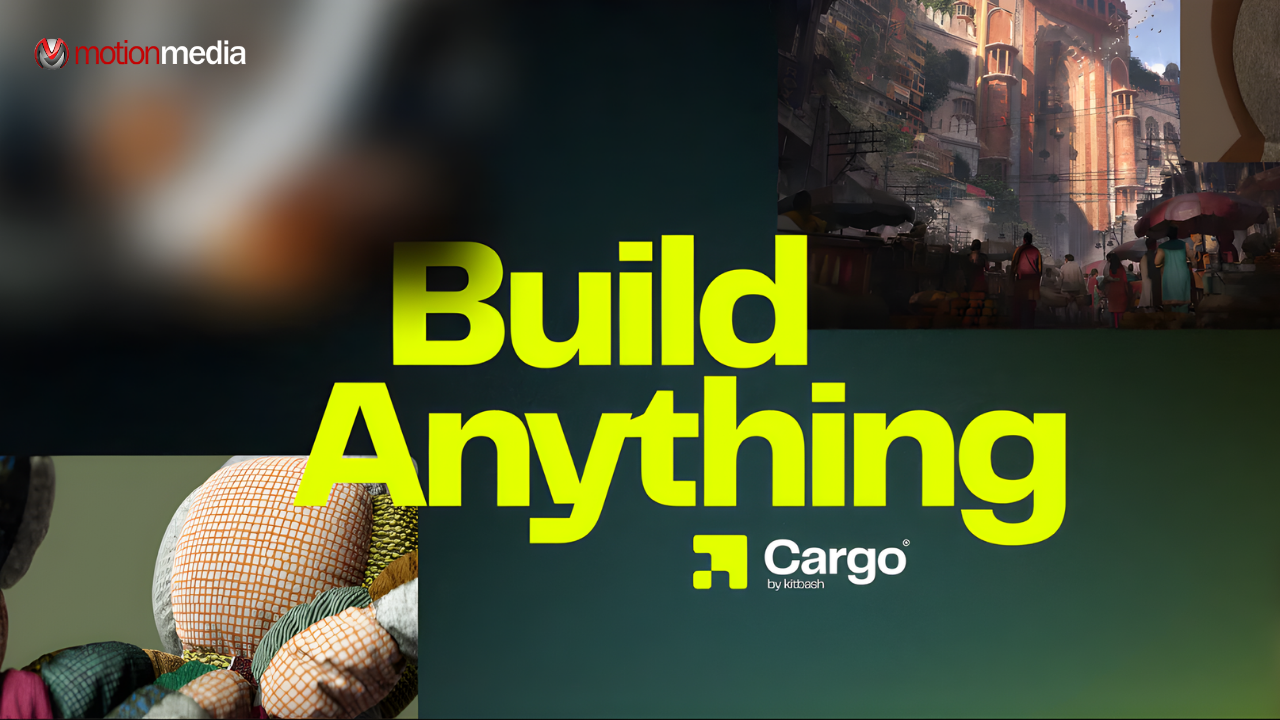
3D production has evolved but one challenge remains constant: workflow friction.
From searching for assets to importing and fixing them inside your scene, these small but repetitive steps slow down production. Over time, they compound into significant delays.
Cargo 3 by KitBash3D addresses this problem directly by rethinking how 3D assets are discovered, managed, and deployed.
This guide breaks down what Cargo 3 is, what’s new, how it works, and why it matters in modern 3D pipelines.
• A 3D asset management software developed by KitBash3D
• Designed to centralize access to thousands of 3D assets
• Enables fast search, filtering, and discovery
• Supports one-click import into major 3D applications
• Built to optimize real-time worldbuilding and production workflows
Cargo 3 is a dedicated 3D asset manager and delivery platform.
It acts as a bridge between asset libraries and 3D software, allowing users to:
• Browse large collections of environment assets
• Quickly locate specific models using advanced filters
• Import assets directly into their scenes without manual setup
Unlike traditional asset libraries that require downloading, organizing, and importing files manually, Cargo 3 simplifies the process into a single, streamlined workflow.
To understand its value, it helps to compare typical workflows.
1. Search for assets manually
2. Download files locally
3. Organize folders
4. Import into 3D software
5. Fix materials, scale, or compatibility issues
This process is time-consuming and introduces multiple points of friction.
1. Search assets within Cargo
2. Filter by category, type, or style
3. Click to import directly into your scene
4. Start building immediately
Cargo 3 reduces a multi-step process into a few actions, minimizing interruptions and keeping creators focused.
Cargo 3 is not just an incremental update it introduces foundational improvements across performance, usability, and scalability.
Cargo 3 is optimized for speed:
This is especially important for users working with extensive 3D asset libraries, where performance directly impacts productivity.
Cargo 3 enhances how users find assets:
This allows users to locate assets based on:
The result is less time searching and more time creating.
As asset libraries grow, discovery becomes critical.
Cargo 3 improves this with:
These improvements make it easier to evaluate and select assets quickly.
Cargo 3 strengthens its core feature: direct integration.
This ensures assets are production-ready upon import, reducing technical overhead.
The updated interface focuses on usability:
This makes Cargo 3 suitable not just for individuals, but also for teams managing complex projects.
The 3D industry is shifting toward:
In this context, traditional asset workflows are no longer efficient.
Cargo 3 aligns with modern production needs by:
It transforms asset management into a continuous, low-friction process.
Cargo 3 is designed to support multiple industries and workflows.
| Aspect | Traditional Workflow | Cargo 3 |
| Asset Search | Manual, fragmented | Centralized and fast |
| Import Process | Multi-step | One-click import |
| Setup Time | Requires adjustments | Production-ready assets |
| Workflow Speed | Slower | Significantly faster |
| Scalability | Limited | Designed for large libraries |
Cargo 3 replaces fragmented processes with a unified, efficient system.
Cargo 3 is used to manage, search, and import 3D assets efficiently into production workflows. It simplifies how assets are accessed and deployed in 3D scenes.
No. Cargo 3 is not a modeling tool. It is a 3D asset management and delivery platform that works alongside existing 3D software.
Traditional libraries require manual downloads and setup. Cargo 3 enables direct import and centralized asset management, reducing time and complexity.
Cargo 3 is ideal for:
Anyone working with large asset libraries can benefit from it.
Yes. Cargo 3 is designed to support workflows that require speed and iteration, including real-time rendering and virtual production.
Cargo 3 reflects a broader industry transition.
3D tools are no longer just about creating assets they are about how efficiently those assets are used.
With Cargo 3, KitBash3D is moving toward:
This positions Cargo as part of a larger ecosystem supporting modern digital creation.
As an authorized reseller of KitBash3D, Motion Media provides a more structured and supported way to access Cargo 3 and KitBash3D assets.
Working with Motion Media allows you to:
Instead of navigating asset tools independently, you gain a partner that helps you implement and scale your 3D workflow more effectively.
Cargo 3 is more than an update, it’s a shift toward faster, more efficient 3D production workflows.
By reducing friction in asset discovery, management, and integration, it enables creators to focus on what matters most: building immersive environments at speed and scale.
Share: