
 Account

How the Euphoria Season 3 Audio Team Uses FabFilter Plugins in Post-Production
POSTED 8th OF Jul, 2026, Posted by Summer Magdaraog

POSTED 8th OF Jul, 2026, Posted by Summer Magdaraog

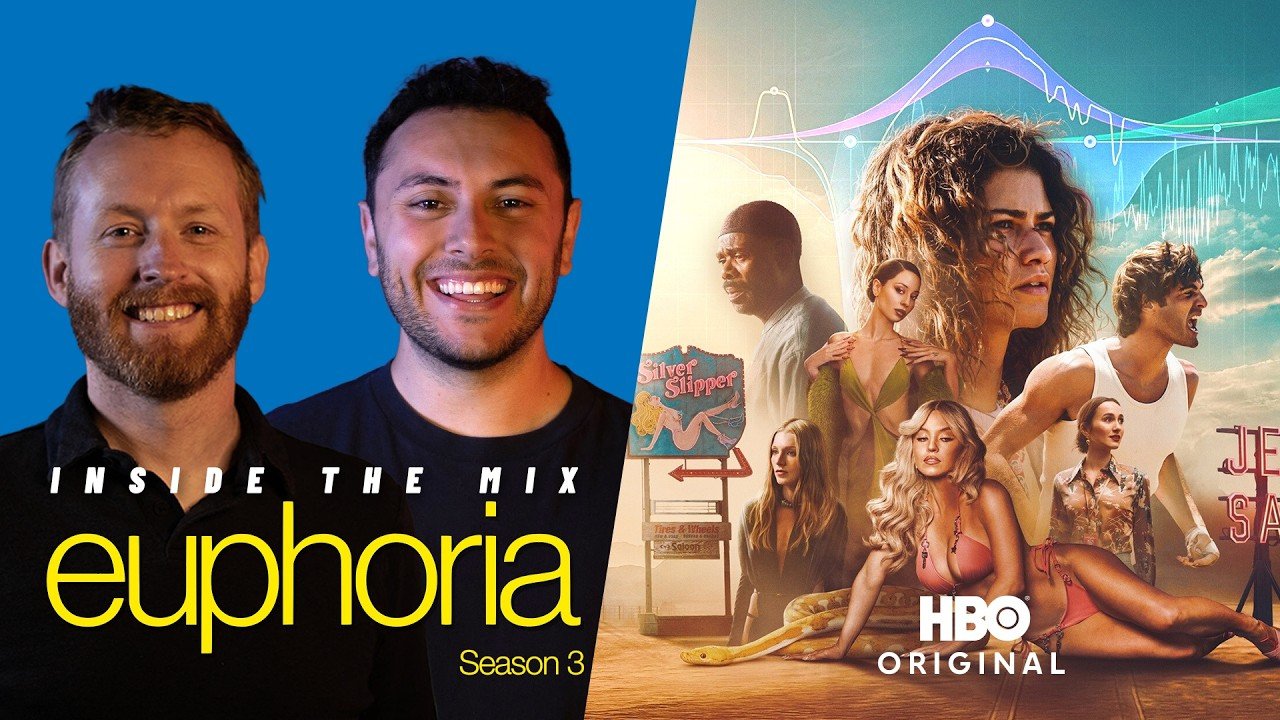
FabFilter has released a behind-the-scenes interview featuring the audio team behind Euphoria Season 3, offering a closer look at the plugins and workflows used during post-production.
Hosted by Milan Radonjic of Music Marketing, the conversation features Austin Roth, Re-recording Mixer and Supervising Dialogue Editor, and Trevor Cress, Re-recording Mixer, Supervising FX Editor, and Sound Designer. They discuss how FabFilter plugins support dialogue editing, sound design, and mixing throughout the series.
Below are the key workflow insights shared during the interview.
One of the biggest takeaways from the interview is how central FabFilter Pro-Q 4 is to the team's workflow.
According to Roth and Cress, Pro-Q 4 is inserted on nearly every track and bus in their mixing template, making it their primary equalizer throughout post-production.
Rather than using different EQ plugins for different tasks, the team relies on Pro-Q 4 for both corrective and creative equalization. They cited its responsive interface and clear visual feedback as reasons they can identify frequency issues and make adjustments quickly without interrupting their workflow.
Dialogue cleanup was one of the more demanding parts of the production.
The team explained that Euphoria Season 3 was filmed using 65 mm cameras, which introduced significant mechanical noise during recording. While the production sound crew minimized this as much as possible on set, dialogue still required extensive noise reduction during post-production.
After removing unwanted noise, some of the dialogue's natural frequency balance was lost.
To restore it, the team relied on FabFilter Pro-MB.
Using multiband compression, they rebuilt the dialogue's tonal balance before applying additional EQ and dynamic processing. This created a cleaner starting point while preserving the performances' natural character.
The interview also highlights how FabFilter Timeless 3 contributed to several of the show's more immersive sequences.
According to the team, supervising sound editor Elliot regularly used Timeless 3 for vocal processing and delay effects during subjective scenes, including hallucinations and other moments that place viewers inside a character's perspective.
The engineers also highlighted Timeless 3's visual interface, which makes it easier to adjust delay timing, feedback, stereo movement, and modulation while designing complex effects.
Another feature they referenced was the plugin's ability to create "barber pole" pitch effects, which helped produce evolving vocal textures for dramatic scenes.
Throughout the interview, both mixers emphasized that FabFilter's visual interface helps speed up editing without replacing critical listening.
They explained that they always identify issues by ear first before using the plugin's visual tools to locate and refine problem frequencies.
Features mentioned during the discussion include:
These tools help reduce the time spent searching for problem frequencies, allowing engineers to work more efficiently during television post-production.
When asked why they continue to rely on FabFilter, both engineers pointed to the same reasons: consistency, speed, and reliability.
Using the same plugin ecosystem across dialogue, effects, buses, and final mixes allows them to move quickly while maintaining a familiar workflow.
The team also highlighted features such as Dynamic EQ, responsive controls, and real-time visual feedback as essential for meeting the demands of large television productions with tight post-production schedules
The Euphoria Season 3 audio team discussed several FabFilter plugins used throughout their workflow:
The full interview provides additional insight into the post-production workflow behind Euphoria Season 3, including how the team approaches dialogue restoration, immersive sound design, and efficient mixing using FabFilter's plugin suite.
If you're interested in adding FabFilter plugins to your own workflow, Motion Media offers the complete FabFilter lineup as an authorized reseller.
Share: