
 Account

Enscape 4.20 Update: What’s New in the Latest Release
POSTED 27th OF Aug, 2026, Posted by Summer Magdaraog

POSTED 27th OF Aug, 2026, Posted by Summer Magdaraog

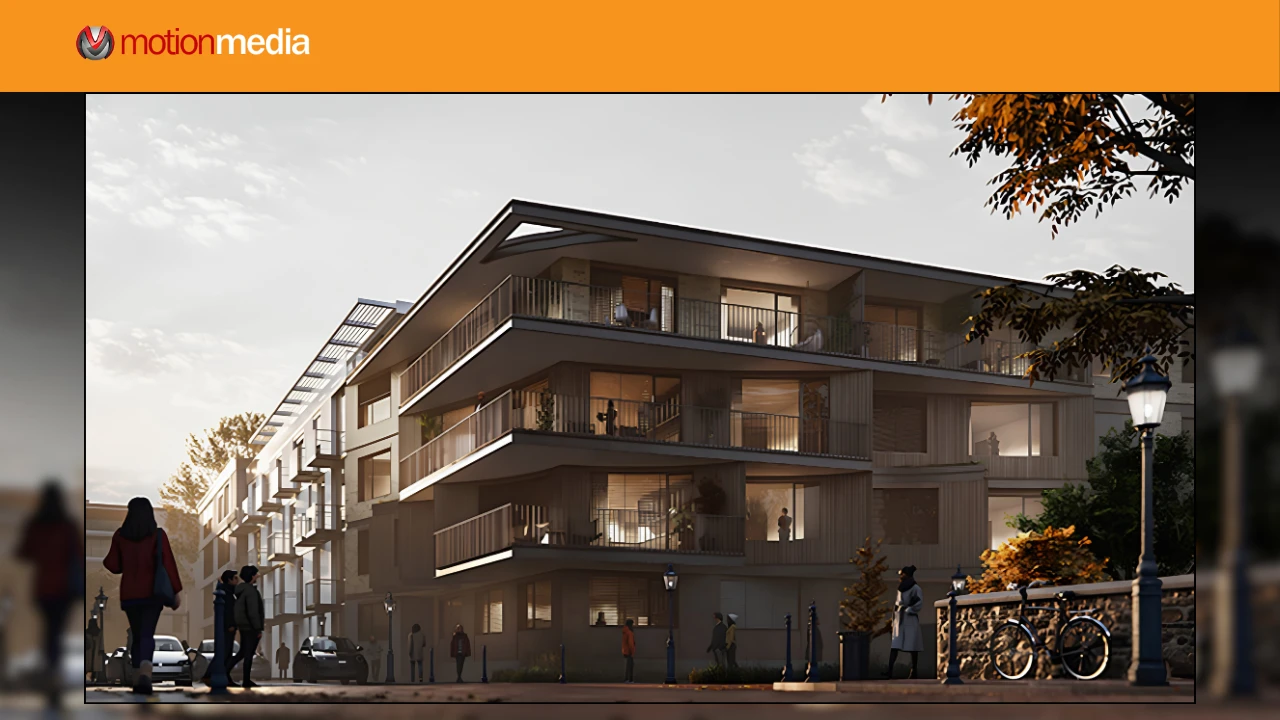
Chaos has released Enscape 4.20.0, the latest update to its real-time visualization software for architects, designers, and visualization professionals.
Released on August 26, 2026, Enscape 4.20 focuses on improving everyday workflows rather than introducing a major overhaul. The update brings faster live updates for larger Revit projects, easier viewport composition, more consistent color management, smoother navigation, and a range of bug fixes and stability improvements.
Here's what Enscape 4.20 brings to your design and visualization workflow.
Enscape 4.20 introduces several improvements designed to make modeling, rendering, navigation, and exporting more efficient.
Composition gridlines can now be enabled directly in the Enscape viewport, rather than only through the Video Editor.
The option remains accessible even when the renderer toolbar is collapsed, making it easier to check framing and composition while working on a scene.
A new Renderer Reset option is available in General Settings.
It clears the renderer's shader and pipeline caches and stored configuration, providing another way to troubleshoot certain graphics-driver issues without reinstalling Enscape.
Enscape 4.20 improves live-update performance for medium and large Revit projects.
Changes made in Revit can now appear in Enscape with a shorter pause, helping architects and BIM teams work more efficiently when switching between modeling and visualization.
Rendered images now include a standard sRGB color profile.
This helps maintain consistent colors when Enscape renders are moved into post-production software, reducing the need to manually configure the color profile.
When an exported file has the same name as an existing file in the destination folder, Enscape now lets you choose whether to replace it.
This makes repeated exports more convenient when updating existing images or project files.
Teleporting to a light in orthographic mode is now a smooth movement instead of an instant snap.
The behavior now matches the smoother light navigation already available in perspective mode.
When Enscape is waiting for the CAD application to respond, the message now identifies the application and suggests checking it for an open dialog.
This provides a clearer indication of where a workflow may be waiting or interrupted.
Enscape 4.20 also includes numerous fixes across rendering, materials, asset management, navigation, VR, and other areas of the software.
Some notable fixes include:
These fixes are aimed at making Enscape more reliable across different visualization and production workflows.
The changes included in Enscape 4.20 vary depending on the CAD or BIM software you use.
Revit users receive one of the most notable improvements in this release: faster live updates for medium and large projects.
The update also adds viewport composition gridlines along with general bug fixes and stability improvements.
The SketchUp update includes:
Rhino users receive:
Archicad improvements include:
On macOS, Archicad 29 menus now follow dark mode for a more consistent interface.
Vectorworks users receive:
Chaos is also tracking several known issues in the current release:
If you're deploying Enscape 4.20 across a production environment, review these known issues before updating.
Enscape 4.20 is primarily a workflow, performance, and stability update.
It is particularly worth considering if you:
The faster Revit live updates and improved color management can be especially useful for professionals who rely on Enscape throughout the design and presentation process.
As with any software update, check compatibility with your CAD or BIM application and review the known issues before updating production systems.
Ready to upgrade your real-time visualization workflow?
Motion Media is an authorized reseller of Chaos software, offering genuine Chaos Enscape licenses for architects, designers, visualization professionals, and creative teams.
Whether you're upgrading an existing Enscape license or purchasing Enscape for the first time, explore your licensing options through Motion Media.
Purchase Chaos Enscape from Motion Media
Get the latest Enscape release and bring real-time rendering and interactive visualization into your design workflow.
Share: