
 Account

DaVinci Resolve Studio Lifetime License: Complete Guide for Professional Editors
POSTED 4th OF Mar, 2026, Posted by Summer Magdaraog

POSTED 4th OF Mar, 2026, Posted by Summer Magdaraog

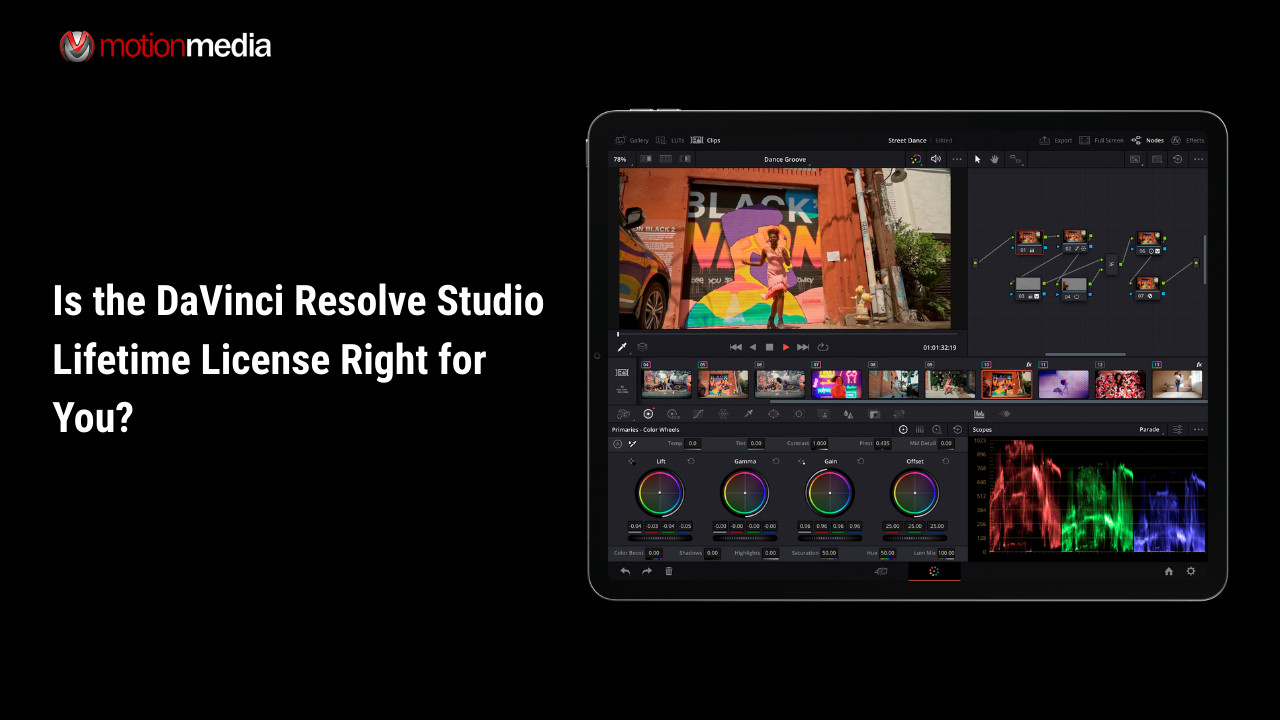
If you're searching for DaVinci Resolve Studio lifetime license, you're likely asking one of these questions:
This guide answers all of them, clearly and completely.
As an authorized reseller of Blackmagic Design, Motion Media provides official Studio licenses for professionals, production teams, and creative businesses who want long-term value without recurring subscription costs.
DaVinci Resolve Studio is the paid, full-featured version of DaVinci Resolve.
The lifetime license means:
Once activated, the license does not expire.
For production teams, agencies, and studios, this creates predictable software budgeting without vendor lock-in.
Studio expands on the already powerful free version with professional-grade tools across editing, color, VFX, audio, and collaboration.
Studio includes Blackmagic’s AI-driven DaVinci Neural Engine features such as:
These dramatically reduce manual work in high-end post-production workflows.
DaVinci Resolve is widely known for its color science.
Studio unlocks:
For commercial film, broadcast, or streaming projects, this level of control is essential.
Studio supports:
This is critical for:
Instead of switching applications, Studio includes:
This keeps post-production inside one unified software ecosystem.
Studio includes the full Fairlight engine:
For teams delivering broadcast-ready content, audio quality is just as important as visuals.
| Feature | Free Version | Studio Version |
| Max Resolution | Limited | Up to 32K |
| Multi-GPU Support | No | Yes |
| AI Neural Engine Tools | Limited | Full Access |
| Advanced HDR | No | Yes |
| Noise Reduction | No | Yes |
| Collaboration Tools | Limited | Full |
| Advanced Resolve FX | Limited | Full Library |
If you work with:
Studio is the practical upgrade.
Compared to subscription-based editing platforms:
Subscription Model
DaVinci Resolve Studio Lifetime License
For professionals planning to edit for years, the financial logic is clear.
• Professional Editors: Advanced grading + AI efficiency tools.
• Production Companies: Multi-GPU + collaboration tools reduce turnaround time.
• YouTube & Online Creators: High-end tools without ongoing software costs.
• Post-Production Studios: Unified edit, grade, VFX, and audio in one ecosystem.
• Educational Institutions: Teach industry-grade tools without subscription management.
DaVinci Resolve Studio is available in:
Both provide identical software features.
Activation keys are popular for teams that prefer digital license management, while dongles may suit facilities managing shared edit bays.
When purchasing from Motion Media, you receive an official, legitimate license backed by authorized reseller distribution.
A single activation key allows:
This flexibility benefits freelancers working across desktop and laptop environments.
For best results, Studio benefits from:
Studio is built to scale with professional hardware.
Purchasing your DaVinci Resolve Studio lifetime license through Motion Media ensures:
Explore the official product page here.
Buying from an authorized reseller protects your investment and ensures license legitimacy.
Is DaVinci Resolve Studio a one-time purchase?
Yes. It is a perpetual license with no recurring subscription fees.
Does the lifetime license include future updates?
Historically, Blackmagic Design includes major version updates under the same license.
Can I upgrade from free to Studio?
Yes. Installing Studio and activating with a valid key unlocks the full feature set.
Is Studio better than the free version?
For professional workflows, yes especially for AI tools, HDR grading, GPU acceleration, and collaboration.
Is it good for beginners?
Yes. Beginners can start simple and grow into advanced tools over time.
If you want:
The DaVinci Resolve Studio lifetime license is one of the most cost-effective professional editing solutions available today.
And when you're ready to purchase, secure your official license from Motion Media an authorized reseller of Blackmagic Design products and future-proof your editing workflow with a true perpetual solution.
Share: