
 Account

DaVinci Resolve 21.1 Adds AI Assistants, MCP Support, New Fusion Tools and More
POSTED 8th OF Sep, 2026, Posted by Summer Magdaraog

POSTED 8th OF Sep, 2026, Posted by Summer Magdaraog

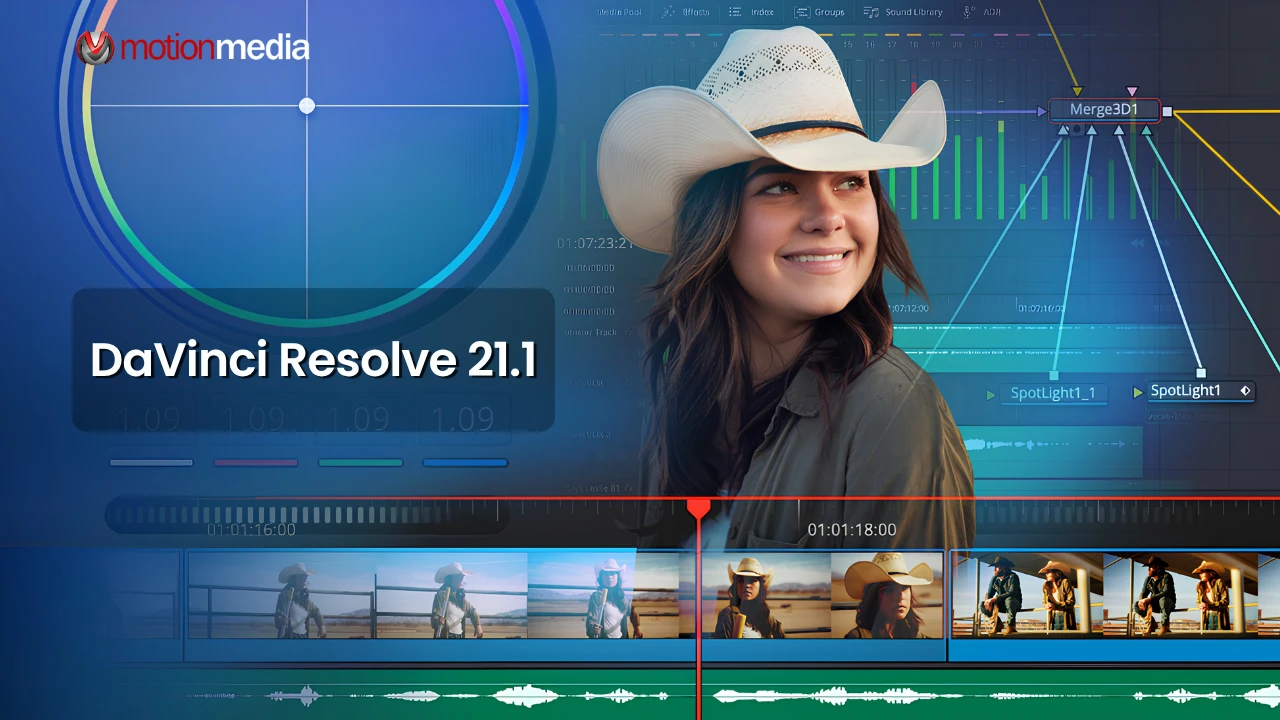
Blackmagic Design has released DaVinci Resolve 21.1, a major update that brings AI-assisted workflows, expanded Photo Page support, multicam editing improvements, more flexible HDR grading, new Fusion tools, better media management and additional automation features.
The headline addition is MCP support for AI assistants, allowing compatible tools such as Claude, Claude Code and ChatGPT Codex to interact with DaVinci Resolve using natural-language instructions. The update also introduces more than 25 new Krokodove tools in Fusion, expanded camera support on the Photo Page, and more than 100 new tools and controls across the application.
Release: DaVinci Resolve 21.1
Developer: Blackmagic Design
Availability: Free software update
Major additions: AI assistant integration, Photo Page updates, multicam improvements, HDR workflow enhancements, Fusion tools, media management and scripting
One of the biggest changes in DaVinci Resolve Studio 21.1 is support for the Model Context Protocol (MCP), which allows supported AI assistants to communicate with Resolve and carry out certain tasks.
Users can give conversational instructions to help with tasks such as analyzing projects, organizing media, changing settings and batch rendering. Blackmagic Design also highlights AI-assisted workflows for creating highlight edits from long-form footage and removing unwanted clips.
The practical benefit is straightforward: repetitive project and media-management work can be automated, leaving editors more time for creative decisions.
The Photo Page continues to expand in Resolve 21.1 with support for additional camera formats, including Fujifilm GFX and X series cameras, Leica SL, and Sony Alpha 7R VI.
Image settings can now be adjusted in the Inspector using DaVinci Resolve color panels, including the DaVinci Resolve Micro Color Panel. ResolveFX support has also been expanded with Sky Replacement for still images.
For photographers and hybrid creators, these changes make it easier to bring supported still-camera workflows directly into Resolve without converting files first.
Resolve 21.1 adds several improvements for multicamera productions.
A new timeline viewer multicam mode makes it easier to switch between timeline editing and camera-angle viewing. Multicam clips can also be split at timecode gaps, while new keyboard shortcuts support switching between up to 25 camera angles. Track-selection shortcuts now support up to 32 tracks.
The Edit Page also gains an updated trim editor, clip-duration displays and Inspector presets for saving and reusing video, audio, transition and transform settings.
For colorists handling multiple HDR deliverables, Resolve 21.1 adds more independent control over HDR trims.
MultiMaster trim workflows now support separate trim passes for Dolby Vision, HDR10+ and HDR Vivid. Output sizing can also be overridden for individual trims, while separate caching helps reduce unnecessary re-caching when switching between deliverables.
Resolve 21.1 also expands color-management support with additional camera color spaces, including GoPro Log, Leica L-Log, DJI D-Gamut2 and D-Log2, and Vivo Wide Gamut and Log, along with additional camera transform LUTs and ACES options.
Fusion receives a substantial toolkit expansion with more than 25 new Krokodove tools for 3D and shape-based workflows.
New capabilities include tools for creating 3D connections, generating height-field distortions, building path-based tubes, isolating effects within defined 3D regions and creating procedural shapes. The Fusion Macro Editor has also been improved with better DRFX template handling, thumbnail management and easier macro updates.
Additional Fusion updates include OpenPBR support, expanded Camera Tracker controls and improvements to deep-image workflows and 3D deep rendering.
Several updates focus on the everyday task of organizing projects.
In the Media Page, editable metadata fields can now be changed directly in List View, while the Source Viewer preserves the source media's original aspect ratio regardless of the timeline orientation.
Project archiving also gets more control. Users can choose whether to include used media, originals or proxies, render cache, LUTs and gallery stills when creating archives. Project consolidation can also include a .drp file with rendered project media.
DaVinci Resolve 21.1 expands its scripting capabilities with 20 new scripting APIs and built-in console support.
The additions provide more control over areas such as render presets, media-pool data, multicam creation, timeline properties, audio normalization and project settings. The release also marks the end of Python 2 support, so users with existing Resolve scripts should review their automation workflows before upgrading.
Blackmagic Cloud Presentations now supports subtitles, shared annotations and comment replies, making project review and client feedback easier to manage.
Resolve 21.1 also adds GPU-accelerated HTJ2K decoding, hardware-accelerated HEIC decoding on Apple Silicon and support for NVIDIA RTX Spark systems on Windows, along with additional performance and workflow improvements.
DaVinci Resolve 21.1 is a substantial workflow update rather than a minor maintenance release. The biggest additions are aimed at users who want more automation, work with multicamera or HDR productions, use the Photo Page, build Fusion graphics or rely on scripting.
The new AI assistant and MCP integration is the standout change, while the expanded multicam controls, independent HDR trims, Photo Page camera support and Fusion tools add practical improvements across different stages of post-production.
Before updating an active production system, back up your project libraries and important projects. Users who rely on custom scripts should also review the scripting changes, particularly the removal of Python 2 support.
Motion Media is an authorized reseller of Blackmagic Design products. Explore DaVinci Resolve Studio licensing options for professional editing, color grading, Fusion and post-production workflows.
Share: