
 Account

Best Motion Graphics Software in 2026: Tools Creators Actually Use
POSTED 21st OF Apr, 2026, Posted by Summer Magdaraog

POSTED 21st OF Apr, 2026, Posted by Summer Magdaraog

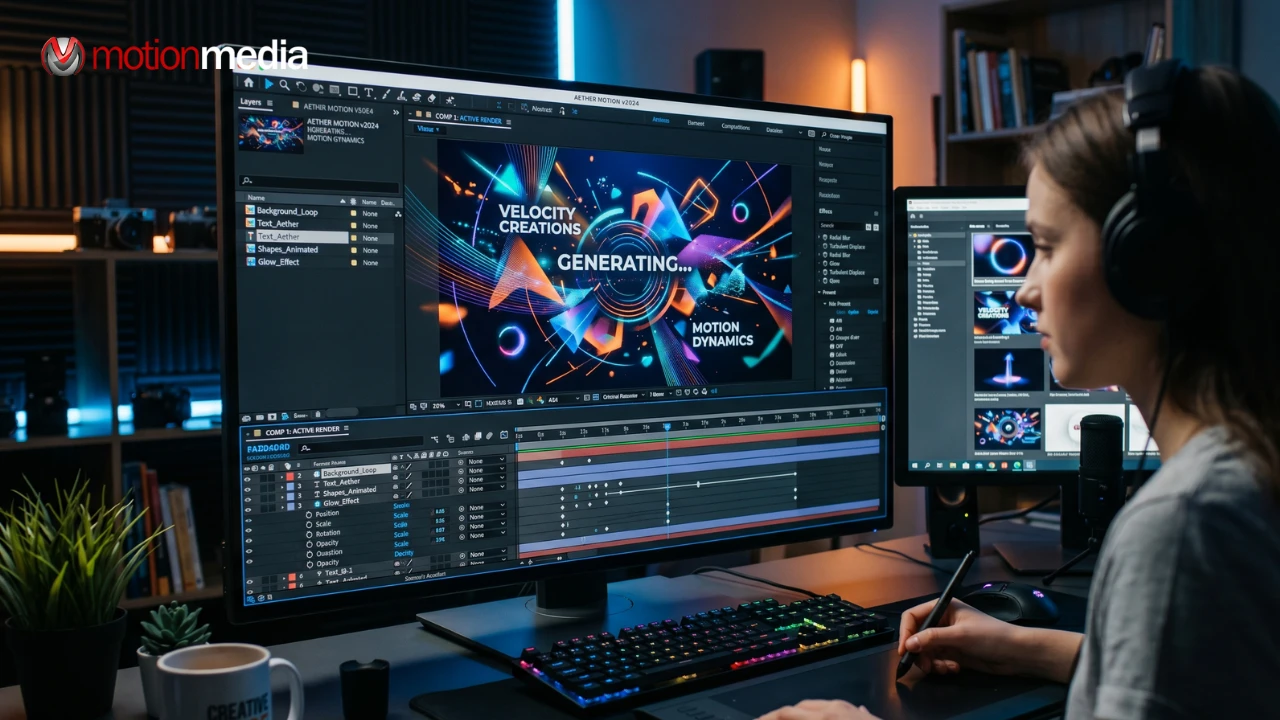
Choosing the right motion graphics software isn’t just a technical decision; it shapes how fast you work, how good your output looks, and how far you can push your creativity.
In 2026, creators have access to everything from industry-standard tools used in major studios to free software and AI-powered platforms that speed up production.
The real challenge isn’t finding options, it's knowing which tools actually fit your workflow.
Motion graphics are no longer limited to studios or high-end production houses. They’re everywhere social media, ads, product videos, UI animations, and even brand storytelling.
The right software helps you:
At the end of the day, your tools don’t just support your creativity, they directly shape what you’re able to create.
These are the tools most professionals still rely on today. They form the backbone of real production pipelines.
After Effects is still the go-to software for motion graphics and compositing in the industry. From YouTube animations to Hollywood VFX pipelines, it’s everywhere.
Why people use it:
Trade-off: It takes time to learn, and it runs on a subscription model. If you’re serious about motion design, this is still the most widely adopted starting point.
Cinema 4D is one of the most popular tools for 3D motion graphics, especially in advertising and broadcast design.
Why people use it:
Trade-off: It comes at a premium price, but delivers studio-level output.
Houdini is built for complexity. If you’ve seen advanced simulations of fire, smoke, particles, and destruction there’s a good chance Houdini was behind it.
Why people use it:
Trade-off: It has a steep learning curve and is overkill for simple motion graphics.
Unreal Engine has become a major player in real-time motion graphics and virtual production.
Why people use it:
Trade-off: It requires strong hardware and a different way of thinking compared to traditional animation tools.
Not every great animation starts with a paid subscription. Some of the most powerful tools today are completely free.
Blender is one of the strongest free 3D software packages available today.
Why people use it:
Trade-off: The interface can feel overwhelming at first. Still, it’s one of the best entry points into professional 3D motion graphics.
DaVinci Resolve combines editing, color grading, and motion graphics in one system. Its Fusion module handles compositing and animation.
Why people use it:
Trade-off: Node-based workflow can feel unfamiliar at first.
Synfig is a free 2D animation tool focused on vector-based motion graphics.
Why people use it:
Trade-off: Interface feels outdated compared to modern tools.
These tools are built for speed, simplicity, and collaboration.
Jitter is a browser-based motion design tool built for quick animations and social content.
Why people use it:
Trade-off: Not designed for deep, complex animation work.
These tools are not full motion design platforms, but they’re useful for lightweight animation and marketing content.
Best for:
AI is changing how motion graphics are made but it’s not replacing traditional tools yet.
Runway helps creators generate and edit video using AI-powered tools.
Why people use it:
These tools are mainly used for visual generation and concept development.
Best for:
AI is best seen as an accelerator not a replacement. It works best when combined with traditional motion design software.
Instead of asking “what’s the best software,” the better question is: what do you actually need it for?
The most important thing isn’t having the most powerful tool, it's choosing the one that fits your actual workflow.
Adobe After Effects is still the most widely used professional tool, with Blender and Cinema 4D also considered top-tier depending on the type of work you do.
Not necessarily. Most motion graphics rely on keyframes, assets, and design systems rather than hand-drawing.
It can be both. Many modern projects combine 2D and 3D elements within the same workflow.
Motion graphics in 2026 is no longer about choosing a single “perfect” tool. It’s about building a flexible workflow that fits how you work, what you create, and how far you want to grow.
Some tools are built for speed, others for precision, and others for pure creative freedom. The best results usually come from combining them, not limiting yourself to just one.
Choosing the right motion graphics software can feel overwhelming, especially with so many tools, updates, and workflows evolving every year.
That’s where we come in.
At Motion Media, we help creative teams, freelancers, and studios find the right tools, build efficient pipelines, and get the most out of modern motion graphics software without wasting time or budget on tools that don’t fit their needs.
Whether you’re:
We can help you cut through the noise and make the right call faster.
Get in touch with Motion Media for expert guidance, software recommendations, and workflow support tailored to your creative goals.
Share: