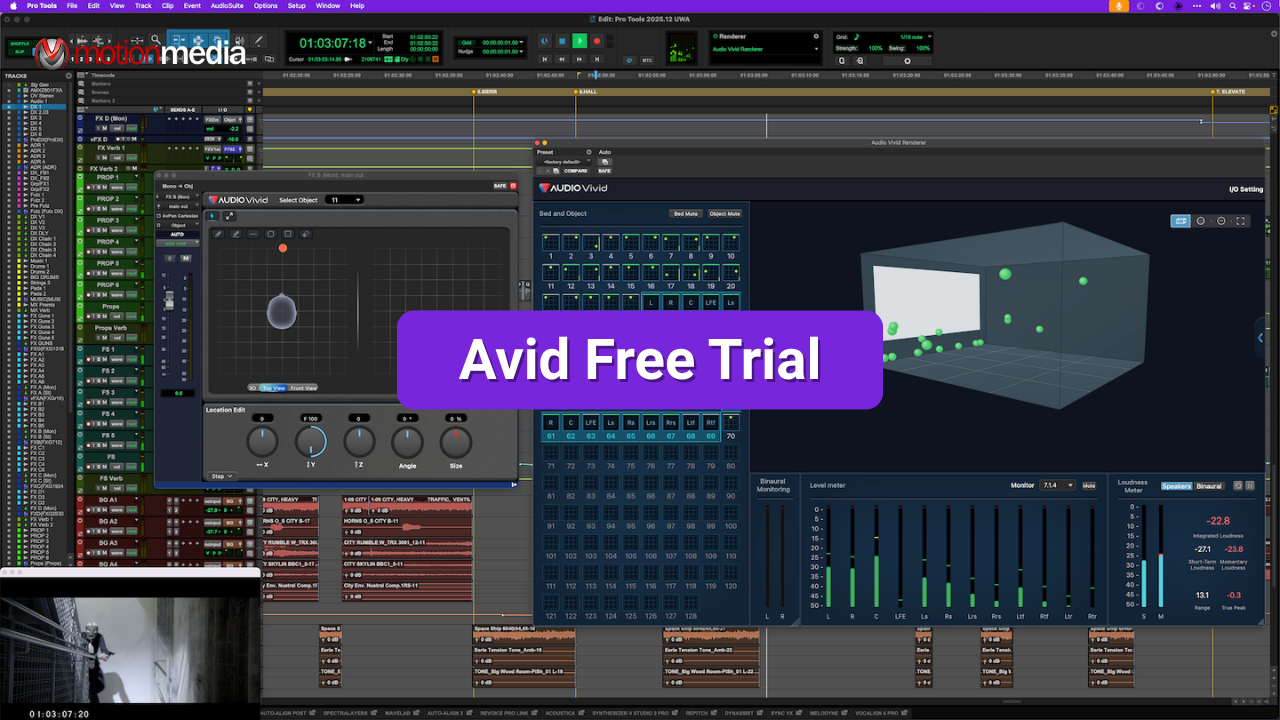
How to Get an Avid Free Trial (Pro Tools & Media Composer Guide)

POSTED 24th OF Mar, 2026, Posted by Summer Magdaraog

How to Get an Avid Free Trial (Pro Tools & Media Composer Guide) How to Get an Avid Free Trial (Pro Tools & Media Composer Guide)

If you want hands-on access to professional creative tools, Avid Technology offers free trials for its industry-standard software.

This guide walks you through the exact steps to start a free trial for both:

  • Pro Tools (audio production)
  • Media Composer (video editing)

What You Need Before You Start

Before activating your trial, prepare the following:

  • An Avid account
  • An iLok account (for licensing)
  • Internet connection for download and activation

Avid uses a licensing system that connects your account to your software access.


Step 1: Create an iLok Account

Avid requires iLok for license activation.

  1. Go to iLok.com and create a free account
  2. Verify your email
  3. Download and install: iLok License Manager

This application is used to activate and manage your trial license.


Step 2: Create or Sign In to Your Avid Account

  1. Go to the Avid account portal.
  2. Sign in or create an account
  3. Add your iLok User ID to your account

This links your license to your Avid profile.


Step 3: Choose Your Free Trial

Avid provides separate entry points depending on the software you want to try.

Pro Tools Free Trial

Start here.

Media Composer Free Trial

Start here.

For either option:

  1. Sign in if prompted
  2. Complete the required form
  3. Submit your request

Avid will grant access and provide download instructions.


Step 4: Download Avid Link

Install: Avid Link

This is where you will:

  • Access available products
  • Download installers
  • Manage updates

Step 5: Install Your Selected Software

Inside Avid Link:

  1. Open the application
  2. Go to Products
  3. Locate your selected trial:
    • Pro Tools
    • Media Composer
  4. Click Install

The download and installation will begin automatically.


Step 6: Activate Your Trial License

After installation:

  1. Open iLok License Manager
  2. Sign in
  3. Locate your trial license
  4. Activate it using:
    • iLok Cloud, or
    • iLok USB

This step is required for both Pro Tools and Media Composer.


Step 7: Launch and Start Using the Software

Once activated:

  1. Open your installed software
  2. The system will detect your license
  3. You can now use the full version during the trial period

Trial Duration

Both trials typically include:

  • Full feature access
  • Professional tools enabled
  • A 30-day trial period

Start Your Avid Free Trial

With your accounts set up and software installed, you’re ready to explore Avid’s professional tools.

Access the latest Avid software and start your free trial through our category page.

Share: