
 Account

FL Studio 2026 Released with FL Cloud Backups and Performance Improvements
POSTED 15th OF Jul, 2026, Posted by Summer Magdaraog

POSTED 15th OF Jul, 2026, Posted by Summer Magdaraog

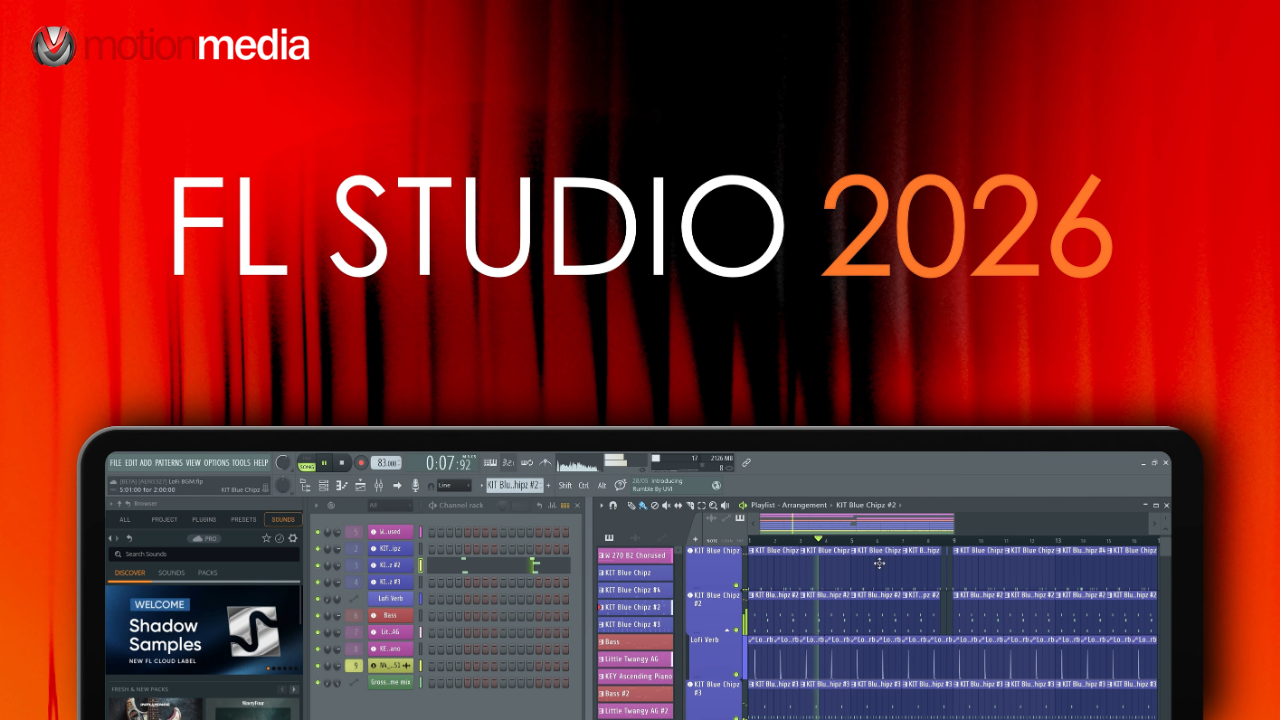
mage-Line has released FL Studio 2026, introducing workflow improvements across recording, editing, plugin performance, and cloud integration. Instead of redesigning the DAW, this release focuses on making everyday production more efficient with automatic project backups, improved MIDI accuracy, new composition tools, and performance optimizations for Windows and macOS.
Here's what's new in FL Studio 2026.
FL Studio projects can now be backed up directly to FL Cloud.
Users can save projects manually or enable automatic backups every time a project is saved. Backups are stored in the FL Studio Browser, where they can be downloaded or deleted as needed.
Available storage depends on the FL Cloud subscription:
This gives producers a built-in way to protect projects without relying on third-party cloud storage.
FL Studio 2026 improves MIDI recording by reducing timing jitter, resulting in more accurate performance capture. Recording also stays consistent when tempo changes occur during playback.
The update also introduces a new Audio Logger under the Tools menu. FL Studio now continuously records audio from the Master Mixer track, making it easier to recover ideas that weren't intentionally recorded.
Several new features streamline songwriting and arrangement.
The new Chord Progression Tool helps build and edit chord sequences with drag-and-drop editing and keyboard previews. The Chord Stamp Tool now includes top-down and bottom-up voice-leading modes, making it easier to generate harmonies from either a melody or a selected note.
A new Chord Detection panel can identify chords from MIDI input, Piano Roll selections, and the typing keyboard.
For remix workflows, FL Studio now includes a Remix a Song option on the Welcome screen. It imports a track, separates its stems, and loads them into the Playlist, reducing setup time before editing begins.
FLEX has been rebuilt with a new synthesis engine.
According to Image-Line, second-generation FLEX packs can use up to 50% less CPU than previous versions. The update also includes a redesigned interface, simplified controls, and improved browsing for packs and presets.
For larger projects, this allows more FLEX instances to run before CPU usage becomes a limitation.
FL Studio 2026 introduces Transmitter, a new plugin available in the All Plugins Edition that separates transient and sustained audio for independent processing.
Desktop users also gain access to additional FL Studio Mobile plugins, including:
Several built-in plugins have also been updated:
Many of the changes in FL Studio 2026 focus on everyday production tasks.
Playlist updates include new options for normalizing audio clips, pan controls in Audio Clip Properties, improved clip resizing indicators, better grouped track controls, and refined multi-selection behavior.
The Channel Rack now supports sorting channels by type and faster channel replacement, while the Mixer simplifies plugin selection and input/output management.
The Browser has also been updated with waveform previews, a wider default layout, and project backup filenames that include save dates.
Behind the scenes, FL Studio 2026 includes several platform-specific optimizations.
On Windows, Image-Line has adjusted how FL Studio requests the system performance plan to help reduce CPU throttling.
On Apple Silicon Macs, the application now uses Apple's Audio Workgroups API to better synchronize audio processing threads, helping reduce audio dropouts during demanding sessions.
The Plugin Manager has also been improved with faster loading for large plugin libraries, better handling of full plugin rescans, and additional control over Waves plugin verification.
Image-Line has expanded the capabilities of Gopher, its experimental assistant built into FL Studio.
The latest update allows Gopher to perform selected actions within FL Studio and generate Piano Roll or VFX scripts from natural language requests, making repetitive tasks easier to automate.
FL Studio 2026 focuses on improving the production experience rather than introducing a completely new workflow.
The addition of automatic FL Cloud backups, more accurate MIDI recording, lower CPU usage in FLEX, new chord creation tools, expanded remix capabilities, and performance improvements across Windows and macOS make this a practical update for both existing users and those upgrading to the latest version.
If you already use FL Studio, version 2026 delivers meaningful improvements to recording, composition, editing, and project management without changing the core workflow.
Share: