
 Account

Enscape 4.21.0 Update Adds AI 3D Assets, GPU Memory Optimization, and 2027 Support
POSTED 5th OF Oct, 2026, Posted by Summer Magdaraog

POSTED 5th OF Oct, 2026, Posted by Summer Magdaraog

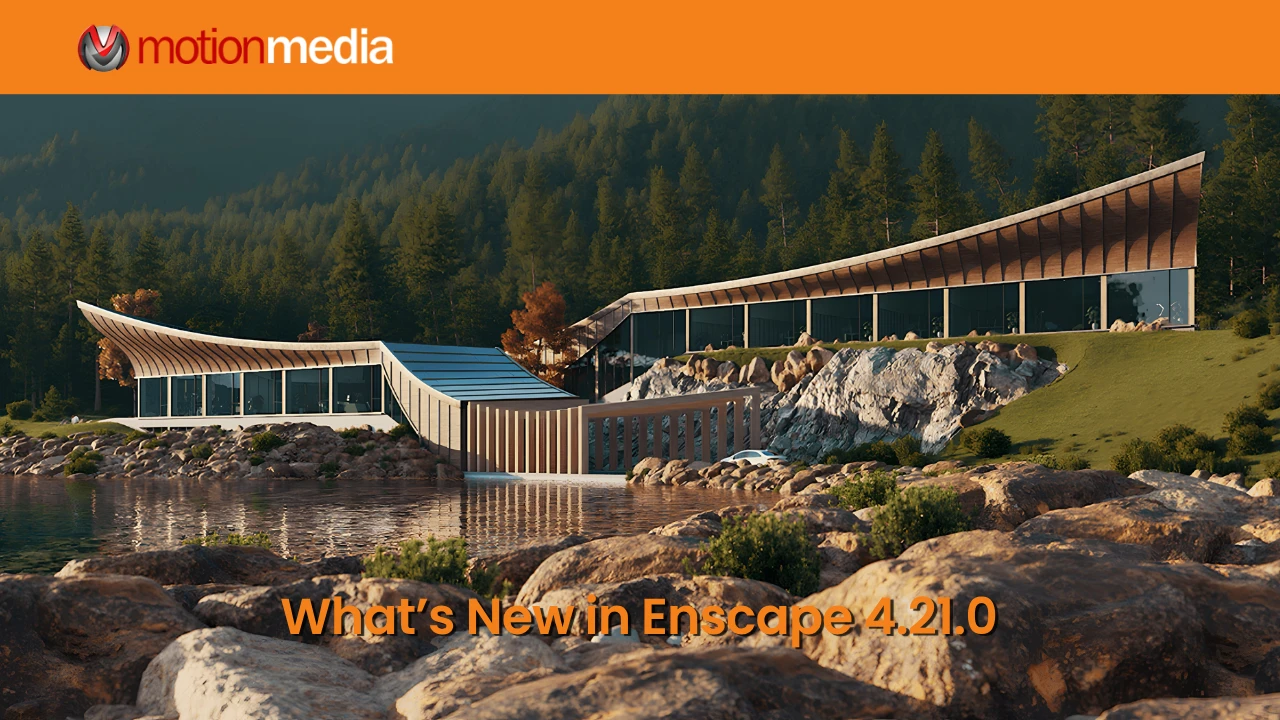
Chaos Enscape 4.21.0 for Windows is now available with a beta AI-powered asset generator, improved GPU memory efficiency, better Cosmos asset handling, new CAD compatibility, and fixes across rendering, materials, capturing, lighting, and asset placement.
Released on October 1, 2026, the update focuses on memory efficiency, asset management, and compatibility with newer design software.
Enscape 4.21.0 introduces the Cosmos AI Assets Generator (Beta). Users can upload a reference photo and generate a textured 3D model that can be placed and edited in the scene like other Cosmos assets.
Generated models can be accessed later under:
Downloaded > 3D Models > AI-Generated
The feature is still in beta. Chaos lists three current limitations: generated AI assets have a fixed height of 100 cm, they use a bounding box rather than a proxy, and they are saved locally on the computer of the user who created them.
Enscape 4.21.0 improves GPU memory use in several areas.
Ray-traced sun shadows and artificial lights now share acceleration data instead of duplicating it. This reduces GPU memory use and can improve navigation and exports in complex scenes.
For rasterized scene geometry, Enscape now allocates only the vertex data required by each model. Chaos reports a reduction in GPU memory usage for scene geometry of up to approximately 40%.
High-resolution image captures also use render targets more efficiently to reduce peak memory usage during rendering.
More Reliable Cosmos Asset Handling
Cosmos receives several workflow improvements in this release.
The Cosmos Browser can now start automatically in the background when needed. Enscape can also detect missing or partially downloaded Cosmos assets and automatically download them again.
When assets are being downloaded, the Renderer Host now provides clearer progress information, including how many assets have been downloaded out of the total.
Enscape 4.21.0 adds support for Vectorworks 2027, including compatibility with its new OpenPBR material system.
The update also adds preliminary support for SketchUp 2027 Beta. Because this is beta support, users should distinguish it from compatibility with fully released and supported SketchUp versions.
Additional changes include clearer directory guidance and warnings in the Custom Asset Editor, cleaner light-icon behavior when section boxes hide artificial lights, procedural gridlines that prevent distortion in non-16:9 aspect ratios, and the renaming of Mood Match to Sky Match in Chaos Assistant.
Enscape also warns users when a connected CAD application is running a beta or preview release, or a released version that is not yet fully supported.
The release includes fixes across capturing, asset management, materials, lighting, Site Context, Enscape Impact, and CAD integrations.
Capturing and exports: Enscape now reports failed .exe Standalone exports, fixes incorrect Current Camera settings during image export, and restores Batch Rendering order to match View Management. Standalone files that failed to open because of an unsupported window icon are also addressed.
Materials: Fixes include incorrect material selection after importing an AI-generated material, incorrect handling of 100% glass opacity, and temporary unresponsiveness after replacing a material.
Cosmos and assets: The release fixes Cosmos Asset Page resets, loading issues caused by incomplete asset packages, errors when opening projects with too many assets, and several asset-placement and editing problems.
Lighting: Fixes address GPU memory not being released after ray-traced lighting is disabled because of full memory, brightness problems with very small sphere lights, emissive-material lighting issues, and inconsistent lighting after image export.
Site Context and Enscape Impact: Several issues involving element hiding and selection, surroundings placement, site rotation, room selection, room highlighting, and Thermal Comfort room recommendations have been corrected.
CAD workflows: Revit receives fixes for Render Image logging and missing geometry in certain .vrscene exports. Archicad light-name changes are reflected correctly again. SketchUp receives fixes for linked-model slowdowns and a page-related exception. Vectorworks receives a fix for roughness and bump textures being assigned to incorrect material channels.
Enscape 4.21.0 is particularly relevant for users working with complex scenes, large numbers of assets, or newer CAD releases.
The update adds the Cosmos AI Assets Generator, improves GPU memory efficiency, makes Cosmos asset handling more reliable, adds Vectorworks 2027 support, and introduces preliminary support for SketchUp 2027 Beta.
Users interested in the AI Assets Generator should also consider its current beta limitations before using it in a production workflow.
Motion Media offers Chaos Enscape Collection licensing, including named-user and floating options.
Share: