
 Account

DaVinci Resolve Studio 20.3 Update: New Features, Performance Boosts, and Key Compatibility Notes
POSTED 4th OF Dec, 2025, Posted by Summer

POSTED 4th OF Dec, 2025, Posted by Summer

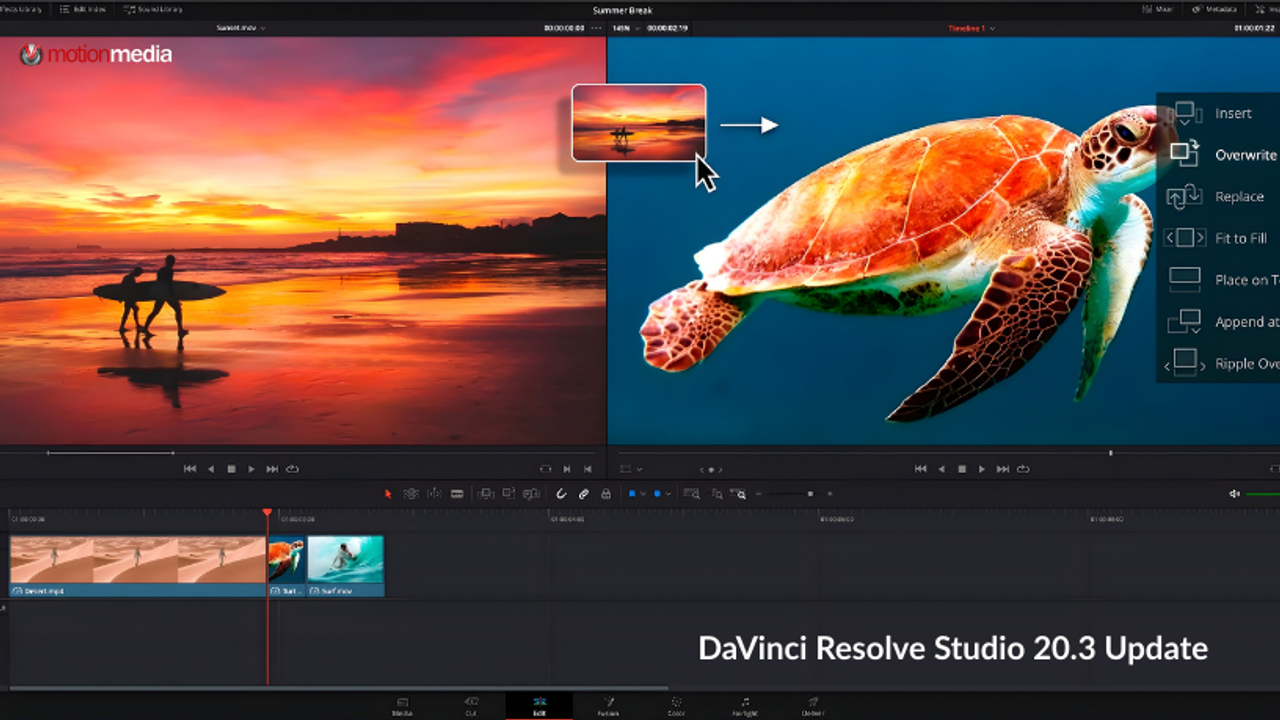
DaVinci Resolve Studio 20.3 is now live, and it brings a substantial set of enhancements across editing, color grading, VFX, audio, metadata workflows, and overall system performance. This release continues Blackmagic Design’s push to optimize reliability and expand high-end creative tools for professional editors, colorists, and finishing artists.
Whether you're working on feature films, 32K workflows, advanced metadata pipelines, or AI-powered editing tools, DaVinci Resolve 20.3 delivers practical, creator-focused improvements that support modern production environments.
Below is a breakdown of everything new in this release, including the updated feature list, performance upgrades, and compatibility considerations that editors should note before upgrading.
DaVinci Resolve Studio 20.3 keeps project library compatibility with DaVinci Resolve 19.1.3, but with a big caution:
This is a key detail for collaborative teams, multi-suite studios, and anyone managing long-form projects.
This update focuses on performance optimization, metadata flexibility, timeline management, and expanded broadcast and HDR workflows.
Below are the major new features and enhancements.
Creators working on large-format cinema projects now get extreme high-resolution capability, optimized for Apple’s M5 architecture.
Resolve FX Noise Reduction sees a performance uplift, allowing cleaner footage, smoother playback, and faster rendering, especially valuable for documentary, low-light, and run-and-gun workflows.
You can now create custom-named timeline versions, making version tracking easier during client revisions or internal review cycles. This is especially useful in multi-editor workflows.
Resolve 20.3 introduces several metadata improvements:
These upgrades strengthen Resolve’s role in enterprise workflows, DIT pipelines, and archival projects.
Each project now remembers its media pool view and state, giving creators a more consistent and organized working environment.
New editing workflow enhancements include:
These updates support faster editorial decision-making and smoother timeline operations.
Support for 2.39 and 2.40 broadcast-safe aspect ratios benefits teams working on cinematic or OTT-compliant projects.
Resolve Studio 20.3 continues pushing advanced delivery formats:
These updates help colorists and finishing teams working on premium HDR deliveries.
This release also addresses multiple issues related to:
Plus, general performance and stability improvements across the application.
OpenCL processing mode is no longer supported on macOS starting with DaVinci Resolve 20.3.
Users must switch to Metal for GPU processing.
DaVinci Resolve Studio 20.3 is positioned to support emerging creative standards from 32K workflows to advanced HDR delivery, metadata-driven media management, and faster AI-powered tools.
This update strengthens Resolve as a full-pipeline post-production environment for editors, VFX artists, colorists, and finishing specialists working at any scale.
If you already own a DaVinci Resolve Studio license, you can download the DaVinci Resolve Studio 20.3 update now and explore the latest features and performance enhancements.
Upgrade today and experience smoother editing, smarter metadata workflows, and next-generation performance enhancements built for modern content creation.
Share: