
 Account

Avid Media Composer 2025.12 Update
POSTED 9th OF Jan, 2026, Posted by Summer

POSTED 9th OF Jan, 2026, Posted by Summer

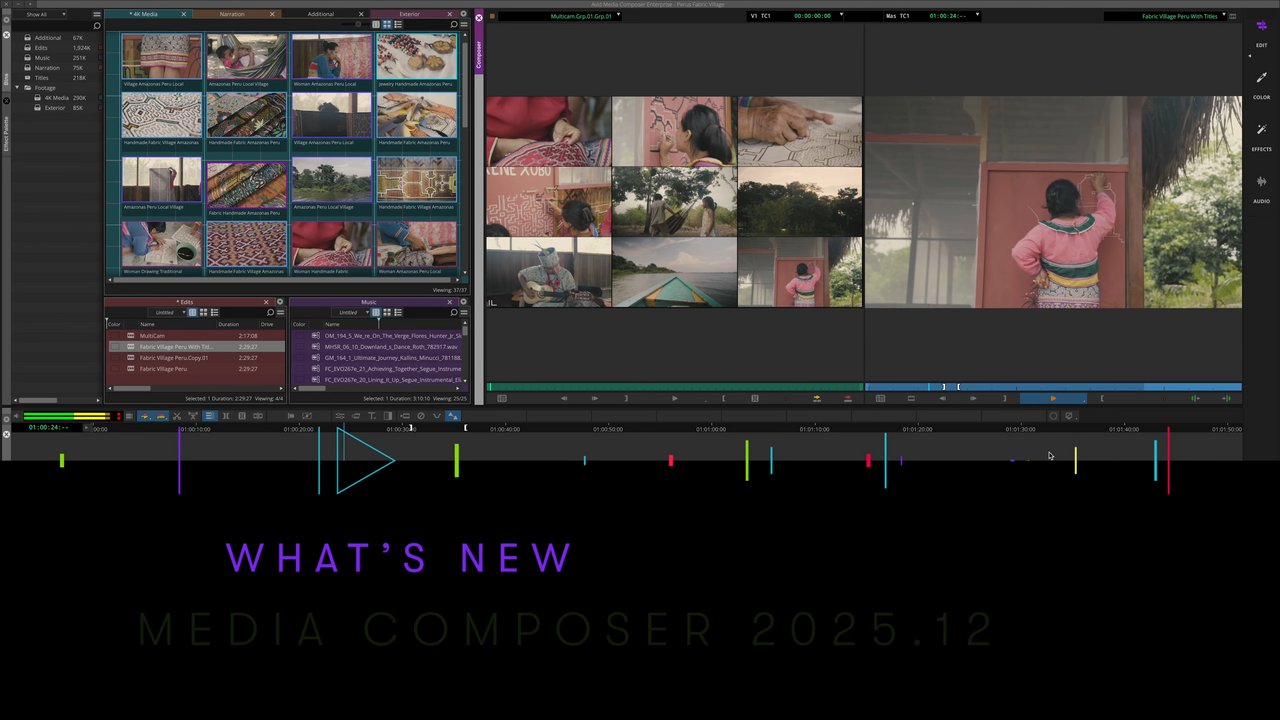
Avid has released Media Composer 2025.12, and this update is less about flashy changes and more about meaningful improvements that directly impact real-world editorial workflows. From faster transcript editing and better collaboration to higher-quality multicam output and foundational codec upgrades, this release is designed to help editors work smarter, not harder.
Whether you’re cutting long-form content, managing collaborative post-production environments, or preparing for next-generation delivery formats, Media Composer 2025.12 introduces practical enhancements that improve efficiency today while setting the stage for what’s coming next.
Below is a clear, editor-focused breakdown of what’s new and why it matters.
Media Composer’s Transcript Tool, powered by PhraseFind AI, continues to evolve in 2025.12 with improvements that reduce friction and eliminate unnecessary back-and-forth between tools.
You can now edit transcription text directly inside Media Composer while preserving precise word-level timing and synchronization with your media. This means:
Most importantly, corrections no longer compromise timing accuracy, a critical requirement for professional editorial environments.
For collaborative workflows, peer-to-peer transcript sharing allows editors and assistants working on shared projects to access a common transcript database across the network.
This reduces duplicated transcription work, ensures everyone is referencing the same text, and keeps teams aligned when multiple users are working on the same footage.
Note: Peer-to-peer transcript sharing is available on Avid NEXIS file systems.
Audio-driven editing just became more intuitive. The new Waveform Map in the Source Monitor lets you view and scrub audio waveforms alongside video playback.
This gives editors immediate visual cues for:
By removing the need to switch context or open separate views, this update speeds up decision-making and makes rough cuts and selects significantly faster.
Multicam editors will appreciate the upgrade to full-resolution multicam playback and output. Media Composer 2025.12 now delivers higher-quality video to monitoring paths such as NDI and SRT.
The result:
If your workflow involves live feeds, remote collaboration, or high-end finishing, this enhancement directly improves what you see and what others review.
Creating consistent titles across projects is easier with the updated Titler+ template workflow.
Editors can now:
This is especially valuable for branded content, episodic workflows, and teams handling high volumes of recurring graphics.
Markers play a critical role in editorial communication. With Media Composer 2025.12, you can now import markers directly into source clips.
This ensures that:
It’s a small change with a big impact on collaboration and project continuity.
Third-party panels have been reintroduced as Media Composer Extensions, supported by a new Extensions Dropdown menu.
This update provides:
This is an important step toward more powerful integrations and customization options planned throughout the year.
Codec selection is now more straightforward. DNxHD and DNxHR have been grouped under a simplified, unified naming system, reducing confusion while maintaining full compatibility with existing DNx media.
More importantly, Media Composer 2025.12 introduces the first milestone in DNx 4.0 support.
DNx 4.0 is designed to:
These changes lay the groundwork for next-generation editorial, finishing, and delivery pipelines.
For a deeper technical overview, Avid has published a DNx 4.0 whitepaper outlining what’s coming next
This release focuses on practical gains: faster transcription editing, clearer collaboration, better monitoring quality, and smarter media handling while quietly preparing Media Composer for future advancements in codecs, integrations, and AI-assisted workflows.
If you rely on Media Composer for professional post-production, 2025.12 delivers improvements you’ll notice immediately and infrastructure that will matter even more over time.
Media Composer 2025.12 is available now via the Avid download center. If you want help upgrading, licensing, or choosing the right Media Composer configuration for your workflow, Motion Media’s team can assist you every step of the way.
Explore Avid Media Composer solutions with Motion Media today and make sure your editorial workflow is ready for what’s next.
Share: