
 Account

Meet Gopher: Your AI Assistant Inside FL Studio
POSTED 22nd OF Sep, 2025, Posted by Summer

POSTED 22nd OF Sep, 2025, Posted by Summer

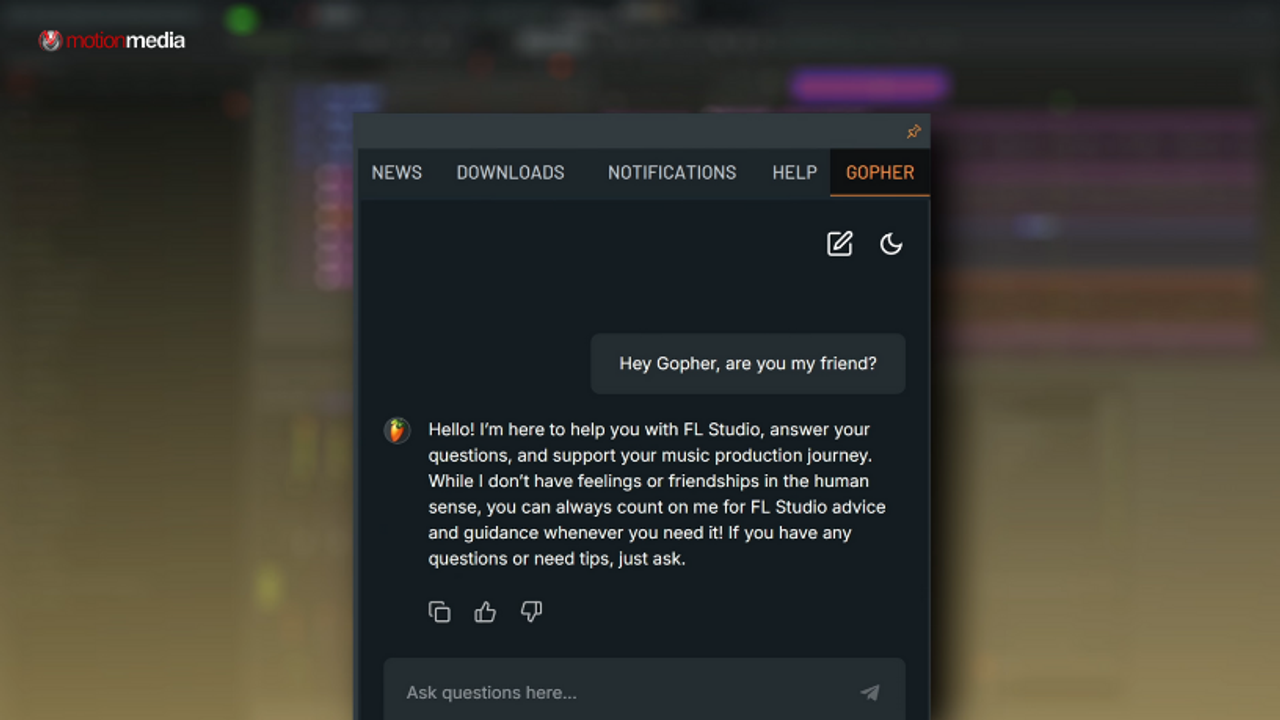
Music production can be both exciting and frustrating. Sometimes, you just want answers fast, whether it’s fixing a technical issue, learning a mixing technique, or even writing a chord progression. That’s exactly why Gopher, FL Studio’s built-in expert chatbot, exists.
Unlike generic AI tools, Gopher is trained on the official FL Studio manual and knowledge base. That means the help you get is grounded in trusted, human-written documentation. Think of it as an interactive manual that’s always ready to guide you through your creative workflow.
Gopher is an AI-powered chatbot accessible directly from the Communications Panel in FL Studio. Its primary purpose is to provide accurate, contextual answers about:
Because Gopher references the official FL Studio documentation, you’ll always know where its information comes from. Sources are shown at the bottom of each response, reinforcing trust and accuracy.
Here are some everyday scenarios where Gopher becomes your personal studio assistant:
“Why does my keyboard keep making sounds when I type?”
Gopher immediately recognizes that “Typing Keyboard to Piano” is enabled and tells you how to switch it off.
“How do I set up sidechain compression?”
Gopher walks you step-by-step through routing and compressor settings.
“How do I make a super saw?”
It explains the process: start with sawtooth waves, enable unison, detune, and add effects like chorus.
“Give me a jazzy four-chord progression with accidentals.”
It generates progressions you can paste directly into FL Studio’s Piano Roll.
“Make me a Python script for rhythmic gating.”
Gopher outputs ready-to-use code for square wave LFOs in different note divisions.
Gopher is powerful, but it’s not a substitute for your creativity. Here’s what you need to know:
For beginners, Gopher is a teacher that explains without judgment. For advanced users, it’s a time-saver that keeps production flowing. Instead of searching forums, watching long tutorials, or flipping through manuals, you get instant, accurate, and sourced answers right inside FL Studio.
That means more time making music and less time getting stuck.
Gopher is available directly in FL Studio’s communications panel. Open it during your next session and see how it transforms your workflow.
Download FL Studio or update to the latest version to access Gopher today.
And don’t forget: the official FL Studio knowledge base, manual, and demo projects are there to help you explore even further.
With Gopher, you focus on what matters most: making music.
Share: